
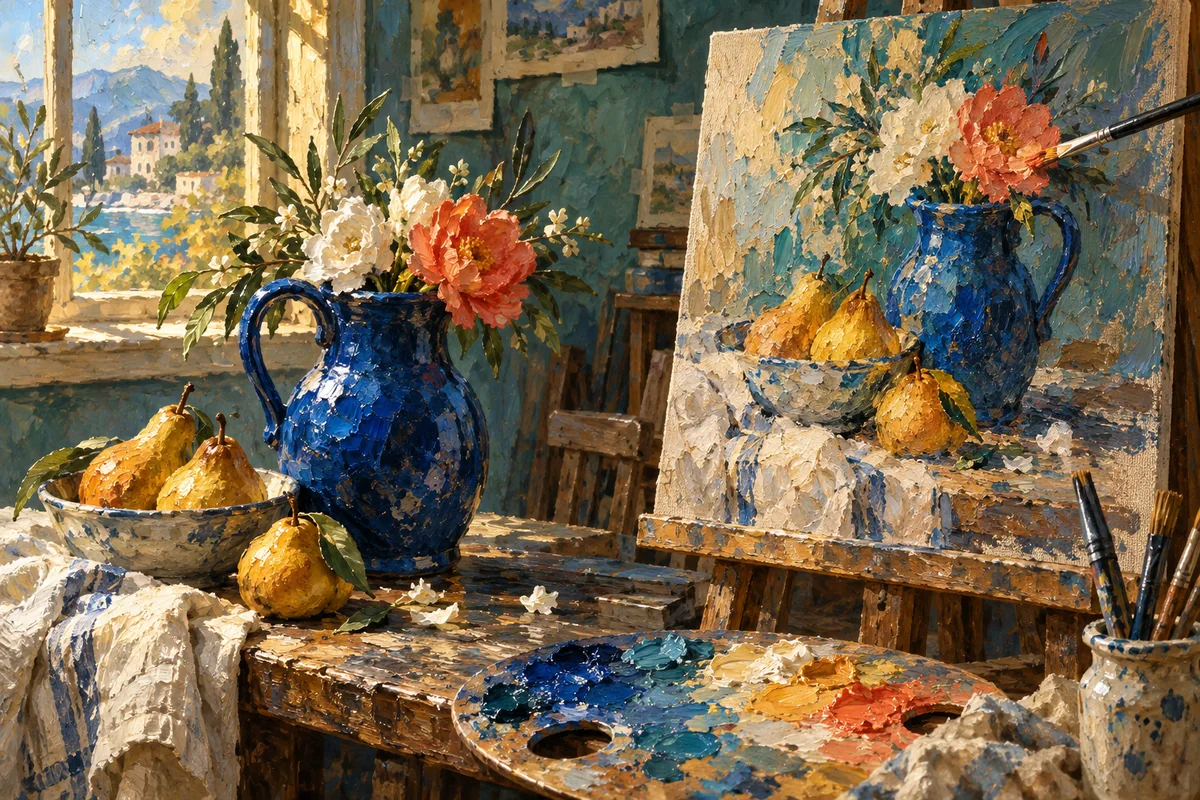
Text → Image2 steps
Generate and refine
Generate an image, then edit it with a second prompt. Compare both results.
Create, manage and run your workflows.
Sign in to create and manage your workflows.
Preview a template, customize your copy, and save it when you are ready.
Sign in to preview templates and check model availability for your account.
Generate an image, then edit it with a second prompt. Compare both results.
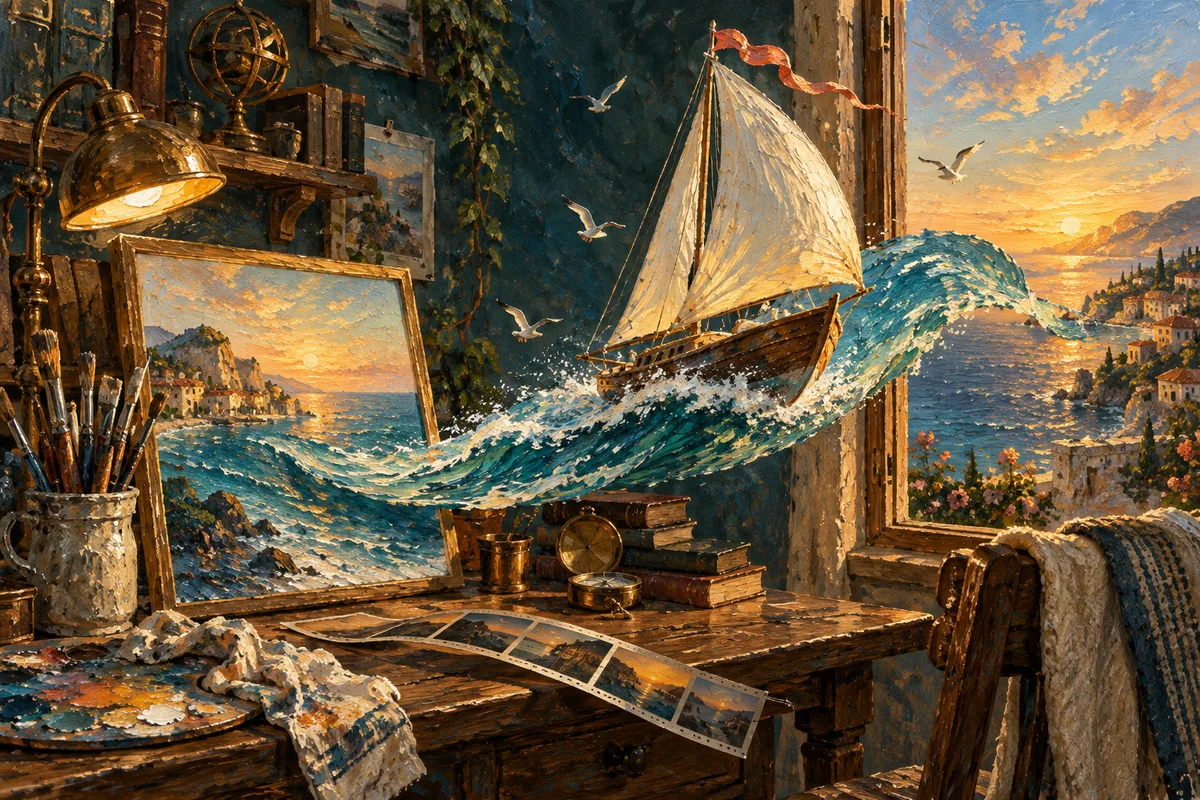
Create a still from text, then animate it with a separate motion prompt. Outputs a 5-second video.
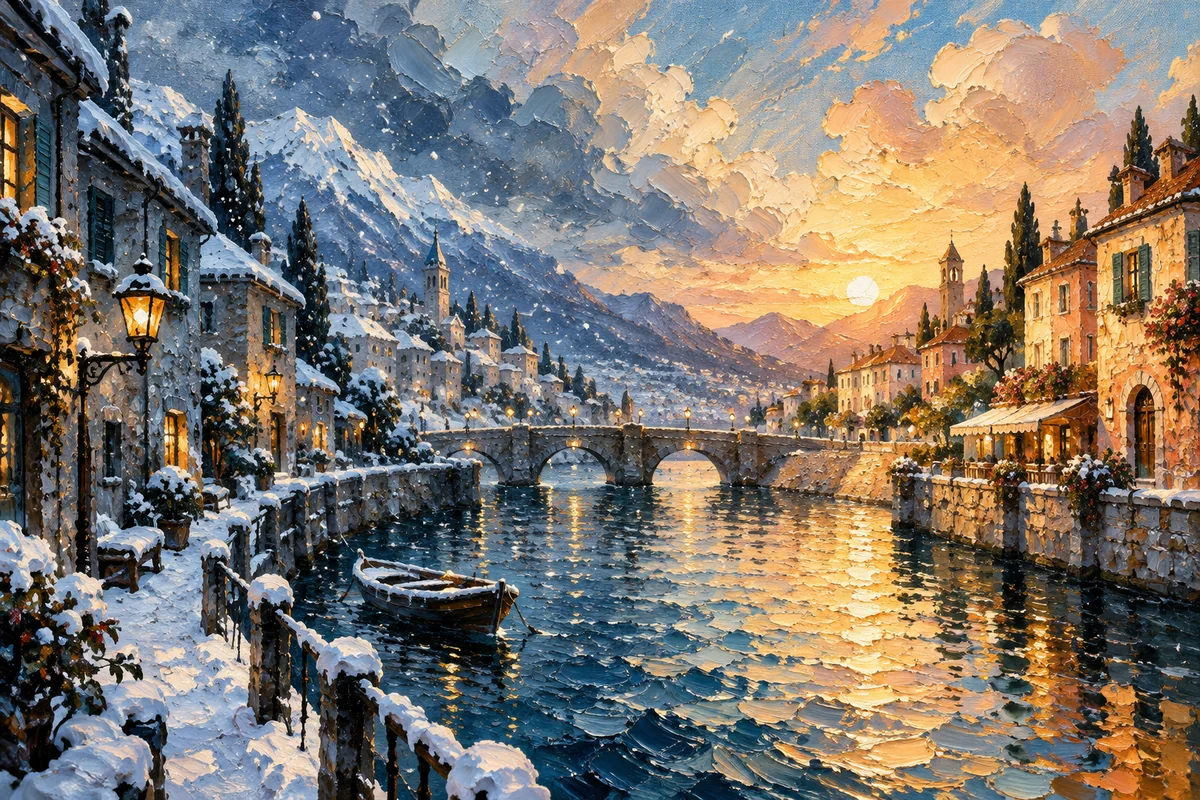
Change the weather in a location photo, then animate it. Returns the edited image and a 5-second video.
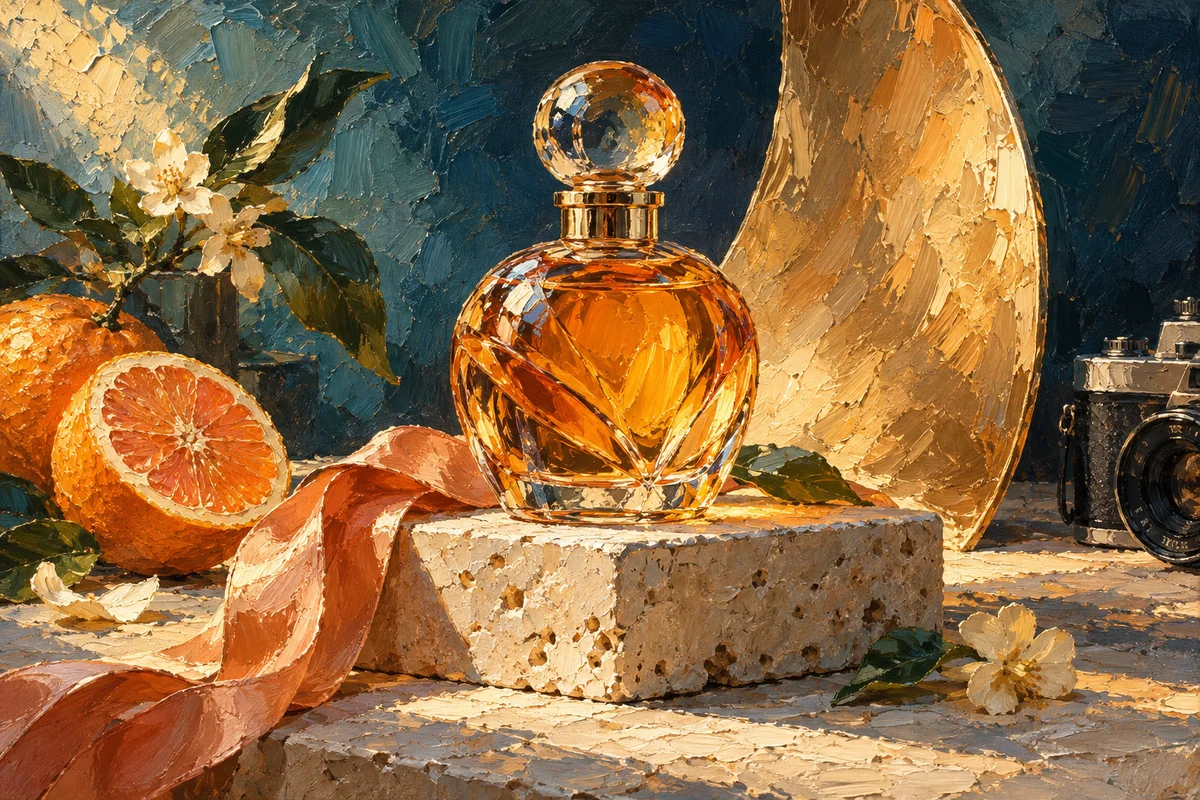
Turn a product photo into a studio shot and a 5-second showcase video.
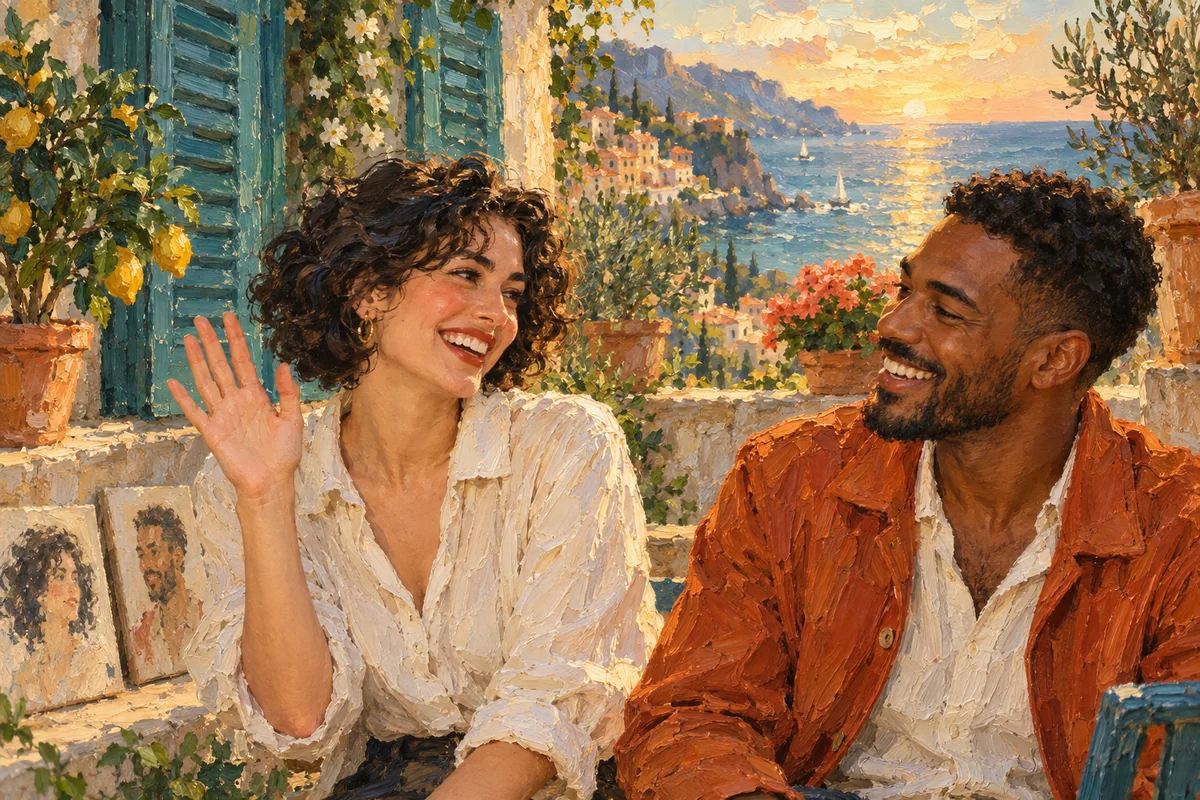
Combine two portraits into one scene, then animate a friendly greeting. Returns image and video.
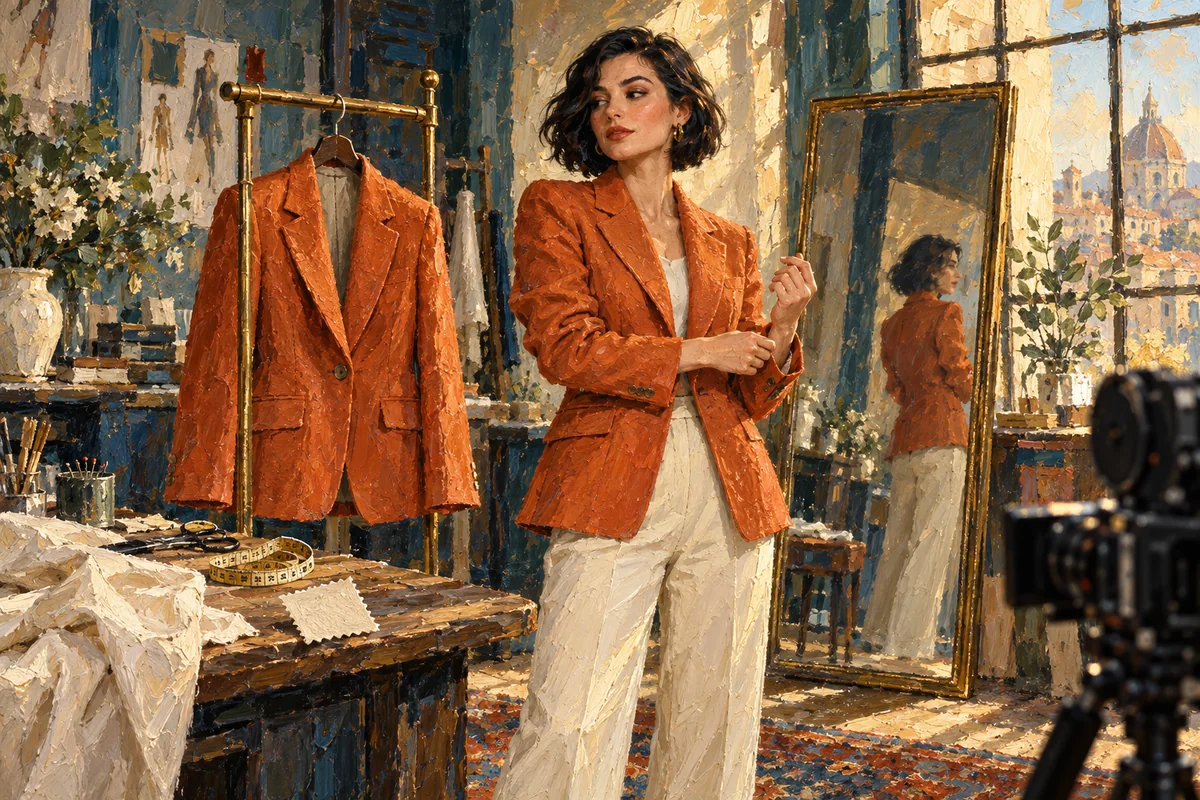
Upload a person photo and a garment photo. Create a virtual try-on image and a 5-second fashion video.
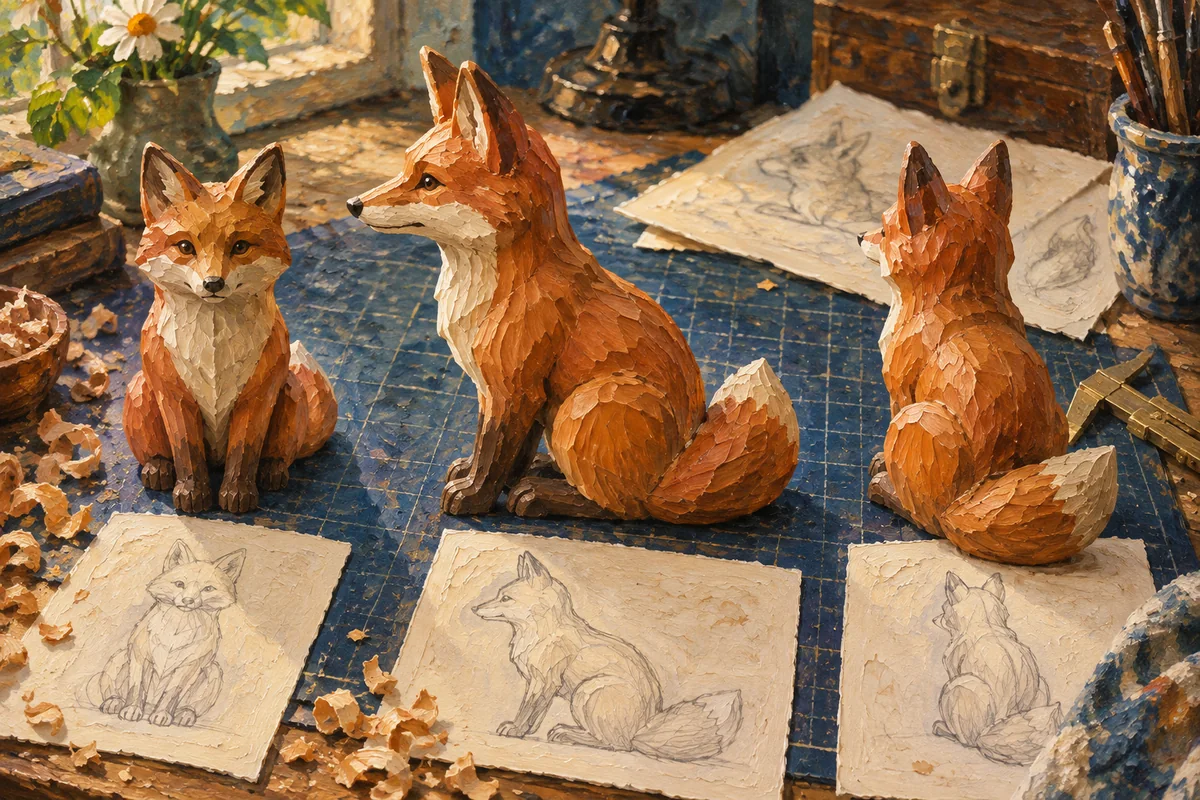
Create front, side and rear views of an object. Outputs three reference images, not a 3D file.
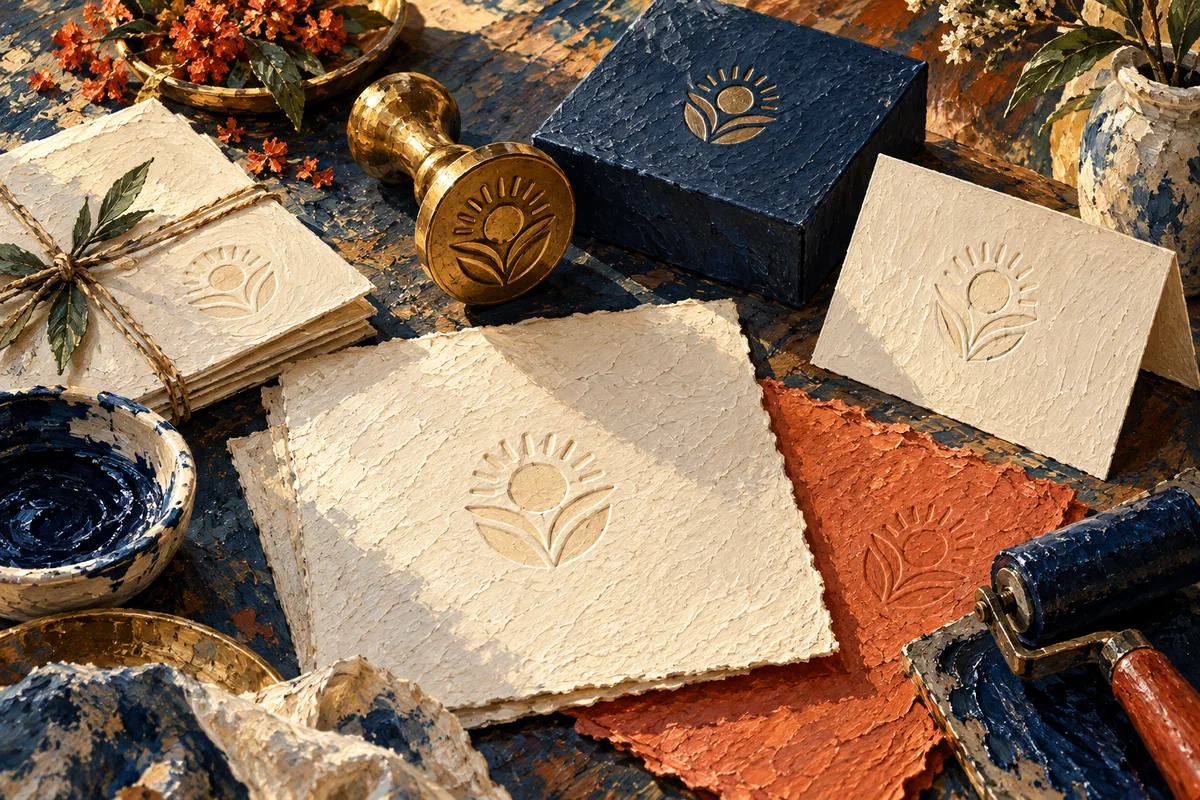
Design a logo and apply it to stationery. Outputs two raster images.
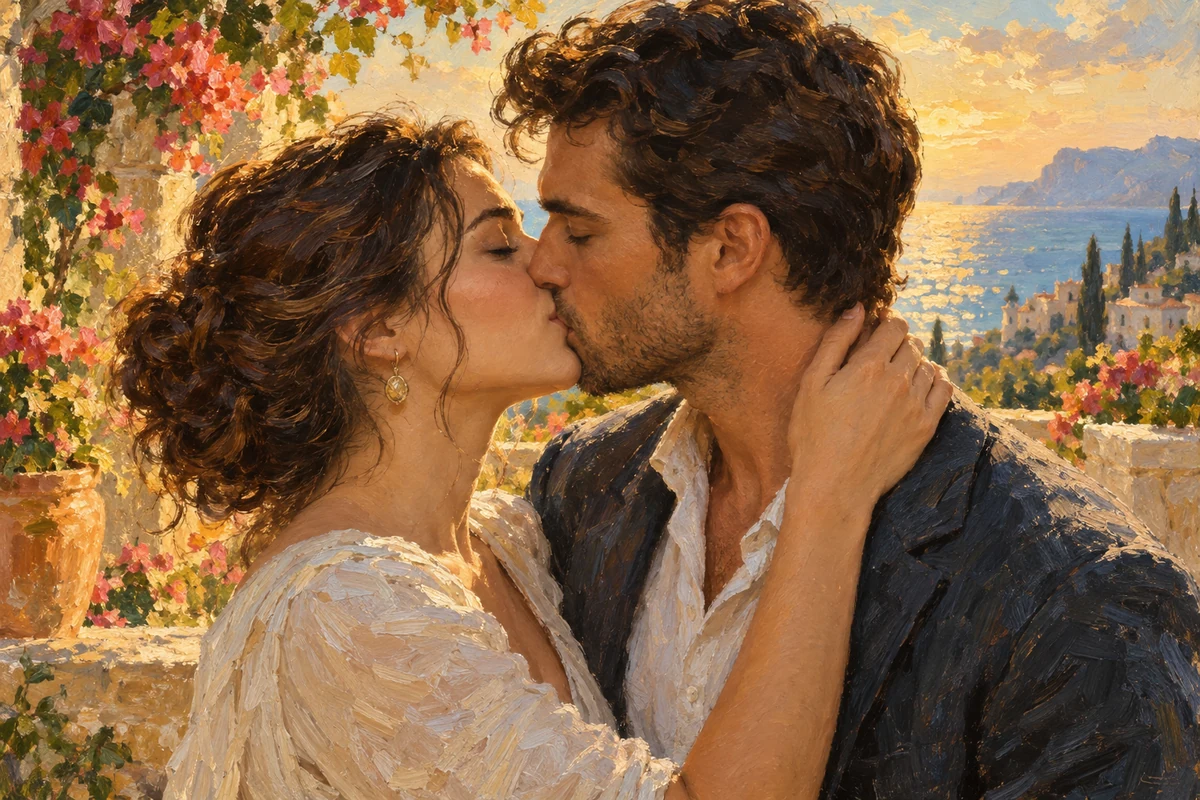
Upload two portraits, combine them into one scene, and create a 5-second kissing video at 720p. Returns both the combined image and video.
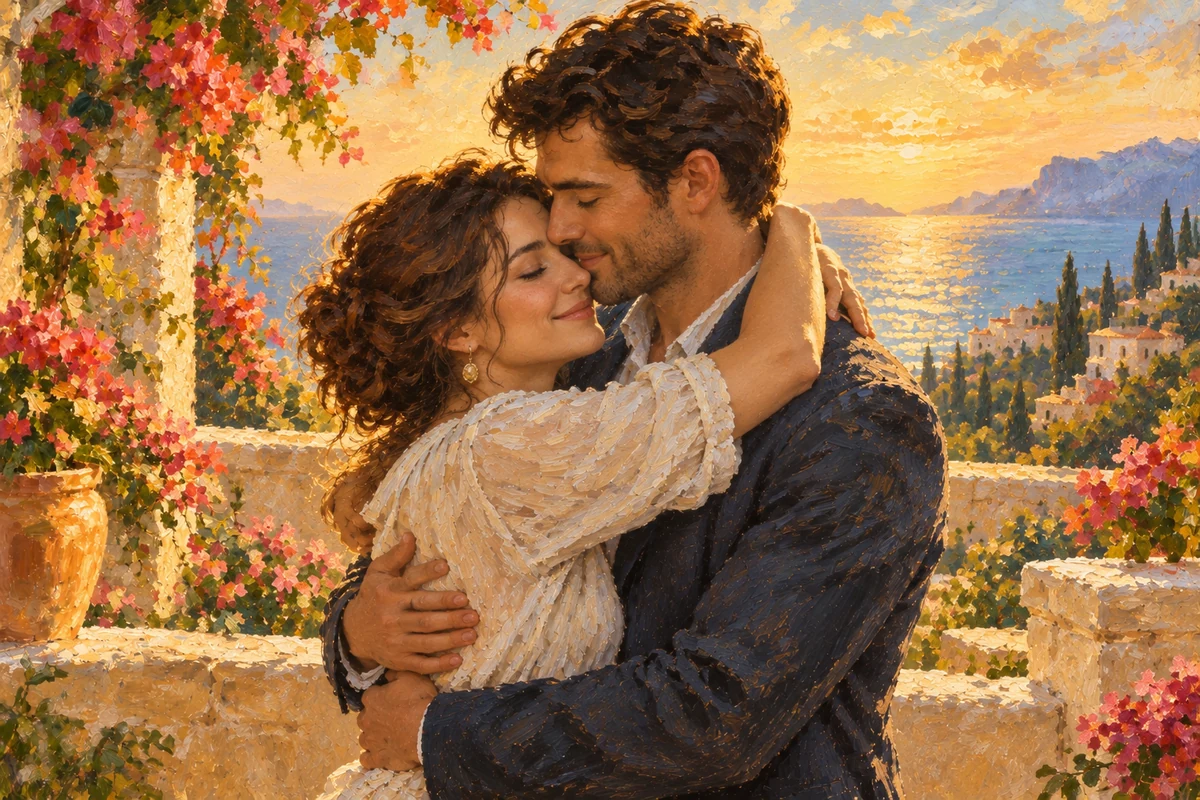
Upload two portraits, combine them into one scene, and create a 5-second hugging video at 720p. Returns both the combined image and video.