
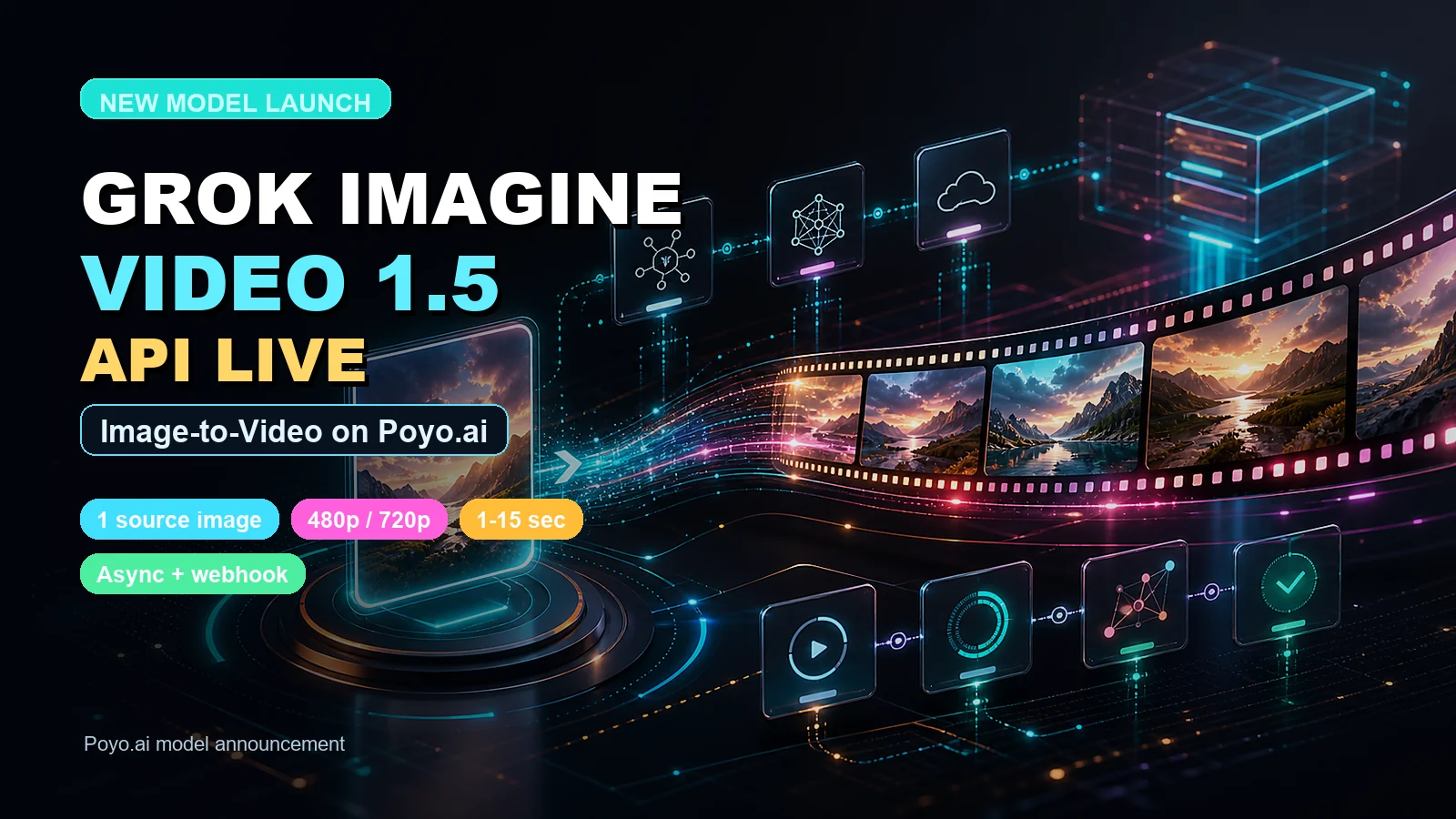
Grok Imagine Video 1.5 is now available on Poyo.ai. Developers can use it through the same async generation API used across Poyo.ai video models: submit a task, receive a task_id, then poll the status endpoint or receive the result through a webhook.
This launch is focused on a clear image-to-video workflow. Provide one source image, write a prompt that describes motion and camera direction, choose resolution and duration, then retrieve the generated video when the task finishes.
Quick Answer
Grok Imagine Video 1.5 on Poyo.ai is an image-to-video API for turning one source image into a short generated video. It is best for product motion previews, social clips, ad concept tests, storyboard motion, and creator assets where the first frame already defines the look.
Use it when you need:
- One-image image-to-video generation.
- A fast API path for short motion clips.
- 480p drafts or 720p publish-ready tests.
- 1 to 15 second video duration.
- Standard async task polling or webhook delivery.
What We Verified
xAI's official documentation lists grok-imagine-video-1.5-preview as a preview model with image and video modalities. The docs also make an important limitation clear: the model currently does not support text-to-video.
Poyo.ai's current public integration follows that shape. The Grok Imagine Video 1.5 API docs describe grok-imagine-video-1.5 as an image-to-video model that creates a video from one input image and a text prompt.
Arena's Image-to-Video leaderboard dated May 29, 2026 also gives the model a strong discovery hook: grok-imagine-video-1.5-preview-720p appears at rank 1 at the time checked, with the label marked preliminary. Treat that as a reason to test the model, not a guarantee that it wins every prompt category.
Key Features on Poyo.ai
Grok Imagine Video 1.5 supports:
- One source image in
image_urls. - A required text prompt for motion, style, camera direction, and scene changes.
- 480p or 720p output.
- Duration from 1 to 15 seconds.
- Default duration of 6 seconds.
- Async task submission with
task_id. - Status polling through the unified task status API.
- Optional
callback_urlwebhook delivery.
The current integration is intentionally focused. Submit exactly one image for now. If you need pure text-to-video, choose another Poyo.ai video model such as Seedance 2, Veo 3.1, or Sora 2 Official.
Pricing
xAI's public docs show official pricing for the preview model as resolution-based video pricing: 480p and 720p tiers, plus image input pricing.
On Poyo.ai, the current pricing shown on the model page is:
| Item | Poyo.ai Price | Credits |
|---|---|---|
| 480p video generation | $0.0725/sec | 14.5 credits/sec |
| 720p video generation | $0.125/sec | 25 credits/sec |
| Input image | $0.01/image | 2 credits/image |
Actual fees are based on the final output and current pricing may change as upstream provider pricing changes, so check the Grok Imagine Video 1.5 model page before production use.
Example API Request
{
  "model": "grok-imagine-video-1.5",
  "callback_url": "https://your-domain.com/callback",
  "input": {
    "prompt": "A cinematic product shot with a slow camera push-in, soft studio lighting, subtle reflections, and smooth motion.",
    "image_urls": [
      "https://example.com/source-image.png"
    ],
    "resolution": "720p",
    "duration": 6
  }
}
A successful submit request returns a task_id. The 200 response means the task was created, not that the video is finished. Poll the task status endpoint or use callback_url to receive completion events.
Best Use Cases
Grok Imagine Video 1.5 is best when you already have a strong image and want to turn it into a short motion asset.
Use it for:
- Product motion previews.
- Catalog and e-commerce clips.
- Social video loops.
- Storyboard motion tests.
- Visual concept exploration.
- Ad hook experiments from a hero image.
- Camera-movement tests from a single frame.
The model is especially practical when the source image carries the important visual identity: a product photo, character frame, concept image, landscape, room design, poster, or campaign visual.
Prompt Ideas to Try
Use prompts that describe camera movement, subject motion, atmosphere, and output intent. Keep the source image as the visual anchor.
| Use Case | Example Prompt |
|---|---|
| Product ad | Slow cinematic push-in on the product, subtle rotation, glossy reflections, premium studio lighting, clean commercial style. |
| Social hook | Fast energetic camera move, punchy motion, dramatic lighting shift, short viral product reveal, smooth motion, no text overlay. |
| Character frame | The character turns slightly toward camera, hair and clothing move naturally, soft environmental ambience, cinematic close-up. |
| Landscape shot | Slow drone-like camera glide forward, mist drifting across the scene, water and trees moving gently, cinematic establishing shot. |
| App or website hero | Turn the still image into a polished hero video loop, subtle depth motion, clean parallax, premium technology launch mood. |
For better results, avoid vague prompts like make this move. Describe the camera path, the part of the image that should move, and the mood of the clip.
How It Compares to Grok Imagine
Poyo.ai also supports Grok Imagine, the earlier xAI visual workflow. Grok Imagine Video 1.5 is the newer image-to-video path and is the better first test when your goal is short video motion from one image.
Use Grok Imagine Video 1.5 when:
- You want the newest xAI image-to-video model available through Poyo.ai.
- You have exactly one source image.
- You want duration control up to 15 seconds.
- You need 480p or 720p output.
Use Grok Imagine when your workflow specifically depends on the older Grok Imagine model path already integrated in your app.
Grok Imagine Video 1.5 vs Seedance 2 vs Veo 3.1
| Model | Best When | Input Style on Poyo.ai |
|---|---|---|
| Grok Imagine Video 1.5 | You have one strong source image and want a short video quickly. | Prompt plus exactly one image. |
| Seedance 2 | You need a broader production workflow with text, image, video, and audio references. | Text, image, video, and audio reference workflows. |
| Veo 3.1 | You want Google's mature video model with realism, audio, and cinematic controls. | Text-to-video and image-guided workflows depending on tier. |
In practice, Grok Imagine Video 1.5 is the simplest xAI image-to-video test. Seedance 2 is the better default for multi-mode production systems. Veo 3.1 is the stronger pick when you specifically want Google's cinematic video and audio stack.
Production Notes
Before using Grok Imagine Video 1.5 in production:
- Use public HTTPS image URLs or upload through the Poyo.ai playground before submitting.
- Keep the image input count to exactly one.
- Treat text-to-video as unsupported for this model.
- Use webhooks for backend workflows where polling would be inefficient.
- Store generated media on your side after completion if you need long-term access.
- Review xAI and Poyo.ai terms before commercial deployment.
FAQ
Does Grok Imagine Video 1.5 support text-to-video?
No. xAI's official docs say the preview model currently does not support text-to-video. On Poyo.ai, submit one source image plus a prompt.
How many images can I use?
The current public Poyo.ai integration expects exactly one image URL in image_urls. The API keeps the field as an array, but this model path should be treated as single-image image-to-video for now.
What resolution should I choose?
Use 480p for cheaper drafts and 720p when the clip is closer to a publish-ready social or product test. If you need higher-resolution final video, compare the output against Seedance 2 or Veo 3.1.
How long can the generated video be?
Poyo.ai exposes duration control from 1 to 15 seconds, with a default of 6 seconds. Shorter clips are usually better for fast ad hooks, product loops, and prompt iteration.
What is the best first test prompt?
Start with a source image that already looks close to the final frame, then prompt for a specific camera move. For example: Slow cinematic push-in, subtle subject motion, soft atmospheric lighting, smooth video loop, no text overlay.
Try Grok Imagine Video 1.5
You can test the model in the Grok Imagine Video 1.5 playground, then integrate it through the Poyo.ai API documentation.