GPT Image 2.5 API is live. Create and edit images →
PoYoPoYo
Market
Pricing
Enterprise
Ctrl+K
poyo.ai

One API. Every model.

Built for developers

All systems operational

Resources

  • Alternative Hub
  • Comparison Hub
  • Blog
  • Providers
  • Affiliate Program
  • Features
  • Sitemap

© 2025 PoYo API. All rights reserved.

Popular Modelshot

  • Seedance 2.5
  • MiniMax H3 / Hailuo 03
  • FLUX 3
  • Nano Banana Pro
  • Seedance 2
  • GPT Image 2

New Releasesnew

  • GPT-6.1 Sol
  • Claude Sonnet 5.5
  • MiniMax H3 Max
  • MiniMax H3 Max Turbo
  • Qwen Image 2.1
  • GPT-6 Luna

Coming Soonsoon

  • Wan Animate 2

All Providers

Google

  • Nano Banana Pro
  • Gemini Omni 1.1 Flash
  • Gemini 3.7 Flash
  • Gemini 3.8 Flash
  • Gemini 3.1 Flash TTS
  • Nano Banana
  • Veo 3.1
  • Veo 3.1 Official
  • Omni Flash
  • Nano Banana 2
  • Gemini 3.5 Flash
  • Nano Banana 2 Lite
  • Gemini 3 Series

Kling

  • Kling 3.0 Motion Control
  • Kling 3.0
  • Kling O3
  • Kling 1.6
  • Kling 2.1
  • Kling 2.6
  • Kling Avatar 2.0
  • Kling 2.5 Turbo Pro
  • Kling 3.0 Turbo
  • Kling 2.6 Motion Control
  • Kling O3 Image
  • Kling O1 Image

Anthropic

  • Claude Sonnet 5
  • Claude Fable 5.1
  • Claude Opus 5
  • Claude Opus 5.5
  • Claude Sonnet 5.5
  • Claude Opus 4.8
  • Claude Opus 4.7
  • Claude 4.6 API
  • Claude 4.5 Series

MiniMax

  • MiniMax H3 / Hailuo 03
  • MiniMax H3 Max
  • MiniMax H3 Max Turbo
  • MiniMax Music 2.6
  • Hailuo 02
  • Hailuo 2.3

Tripo3D

  • Tripo3D H3.1
  • Tripo3D P1

Moonshot AI

  • Kimi K3

OpenAI

  • GPT Image 2
  • Sora 2 Official
  • GPT-6 Astra
  • GPT-6 Sol
  • GPT Image 2.5
  • GPT-5.6
  • GPT-6 Luna
  • GPT-6.1 Sol
  • GPT Image 1.5
  • GPT-4o Image
  • GPT-5.5
  • GPT-5.4
  • GPT-5.2

Seedream

  • Seedream 5.0 Pro
  • Seedream 4
  • Seedream 4.5
  • Seedream 5.0 Lite

Seedance

  • Seedance 2.5
  • Seedance 2
  • Seedance 2.0 Mini
  • Seedance 1.0 Pro
  • Seedance 1.5 Pro

DeepSeek

  • DeepSeek V4 Flash
  • DeepSeek V4 Pro
  • DeepSeek V4.1 Flash

Hunyuan

  • Hunyuan 3D v3.1

ElevenLabs

  • ElevenLabs Music
  • ElevenLabs TTS Turbo v2.5
  • ElevenLabs V3 TTS

Black Forest Labs

  • FLUX 3
  • FLUX.2
  • Flux Kontext
  • Flux Dev
  • Flux Schnell

Alibaba

  • Qwen Image 3.0
  • Happy Horse 1.1
  • Wan 2.7 Video
  • Wan 3.0
  • Wan 3.0 Video Prime
  • Qwen Image 2.1
  • Wan Animate 2
  • Wan 2.2 Fast
  • Z-Image
  • Wan 2.5
  • Wan 2.6
  • Wan 2.7 Image
  • Wan Animate
  • Happy Horse

xAI

  • Grok 4.6
  • Grok 4.7
  • Grok Imagine Image 2.0
  • xAI TTS 1
  • Grok Imagine
  • Grok Imagine Video 1.5
  • Grok Imagine Image Quality

Meshy

  • Meshy 6 3D

Runway

  • Runway Gen-4.5

PoYo

  • AI Video Background Removal
  • AI Video Upscaler
  • Image Translator
  • Video Translator
  • Suno Music
GitHubXInstagramYouTubeDiscordTelegramEmail
Customer SupportDocumentation
ImageVideo3DAudioAvatarTools
Loading playground...
3D Generator Guide

Complete guide to using A Complete 3D Generator for Model Creation

A Complete 3D Generator for Model Creation

PoYo 3D Generator brings leading 3D model workflows into one focused workspace. Instead of opening separate provider tools, you can choose Meshy, Tripo3D, Hunyuan 3D, and other executable 3D models directly inside the Input panel.

Each model keeps its native controls, so text-to-3D, image-to-3D, multiview reconstruction, texture, PBR, geometry quality, face count, preview, JSON response, and download workflows appear only when the selected model supports them.

Start Creating

Key Features of PoYo 3D Generator

Create 3D assets from prompts and references, then inspect, texture, export, and hand them off to production tools.

01

Text, image, and multiview to 3D

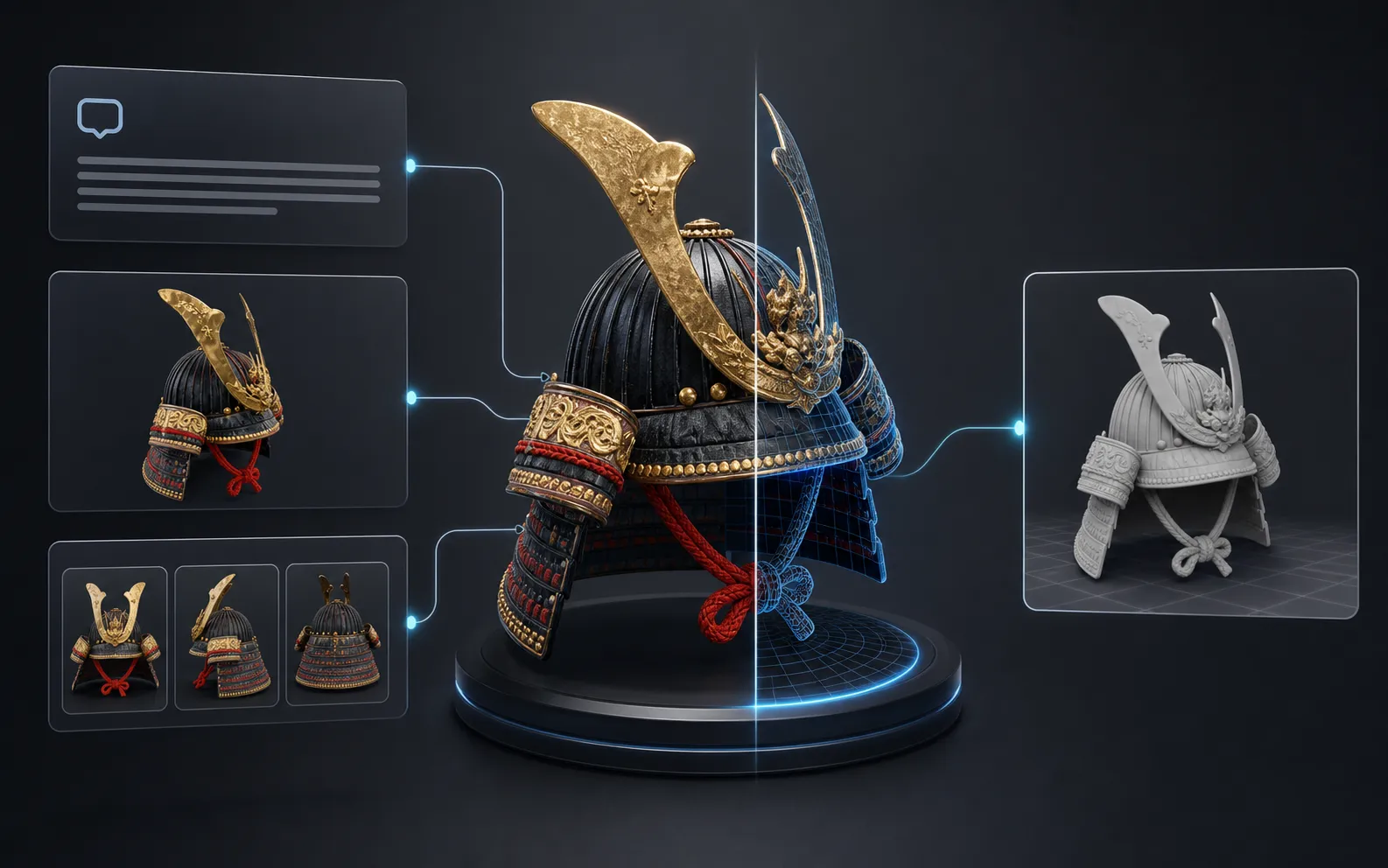
Start from a written prompt, a single reference image, or multiple views when the selected model supports them. PoYo keeps Meshy, Tripo3D, Hunyuan 3D, and other executable 3D models available from one canonical generator page.

  • Generate concept props and objects from natural language
  • Use image-to-3D for faster reconstruction from a visual reference
  • Use multiview inputs when shape consistency matters
Text-to-3D generated treasure chest preview

02

Watertight mesh and geometry controls

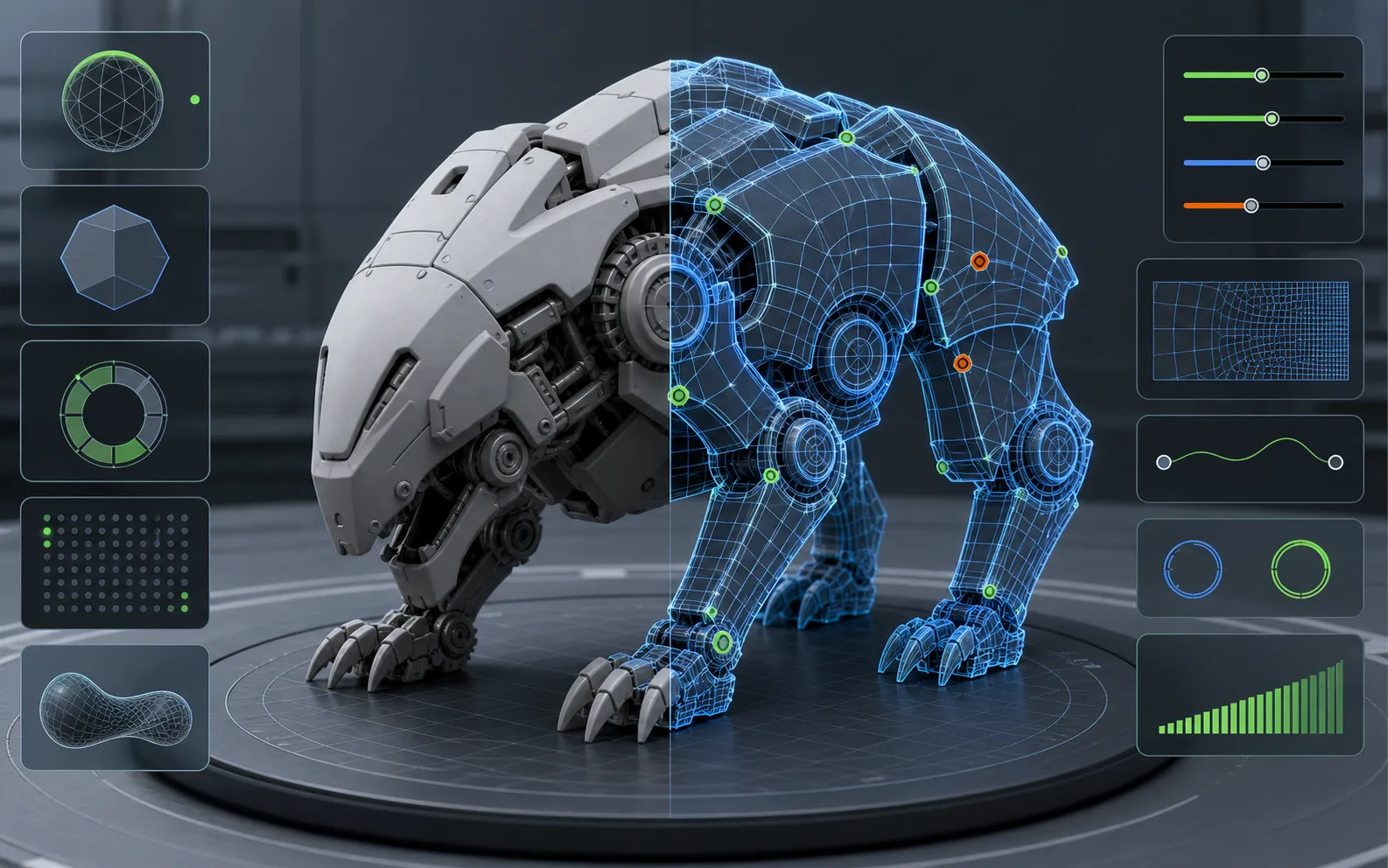
Choose models and parameters that help you produce cleaner geometry for inspection, iteration, and downstream work. Supported workflows expose face count, topology, remesh, repair-friendly, and geometry quality controls only when they apply.

  • Adjust polygon budgets and geometry quality where supported
  • Use remesh or topology options for cleaner handoff
  • Inspect generated shape before printing or production cleanup
Multiview-to-3D generated model preview

03

Texture, PBR, UV, and material workflow

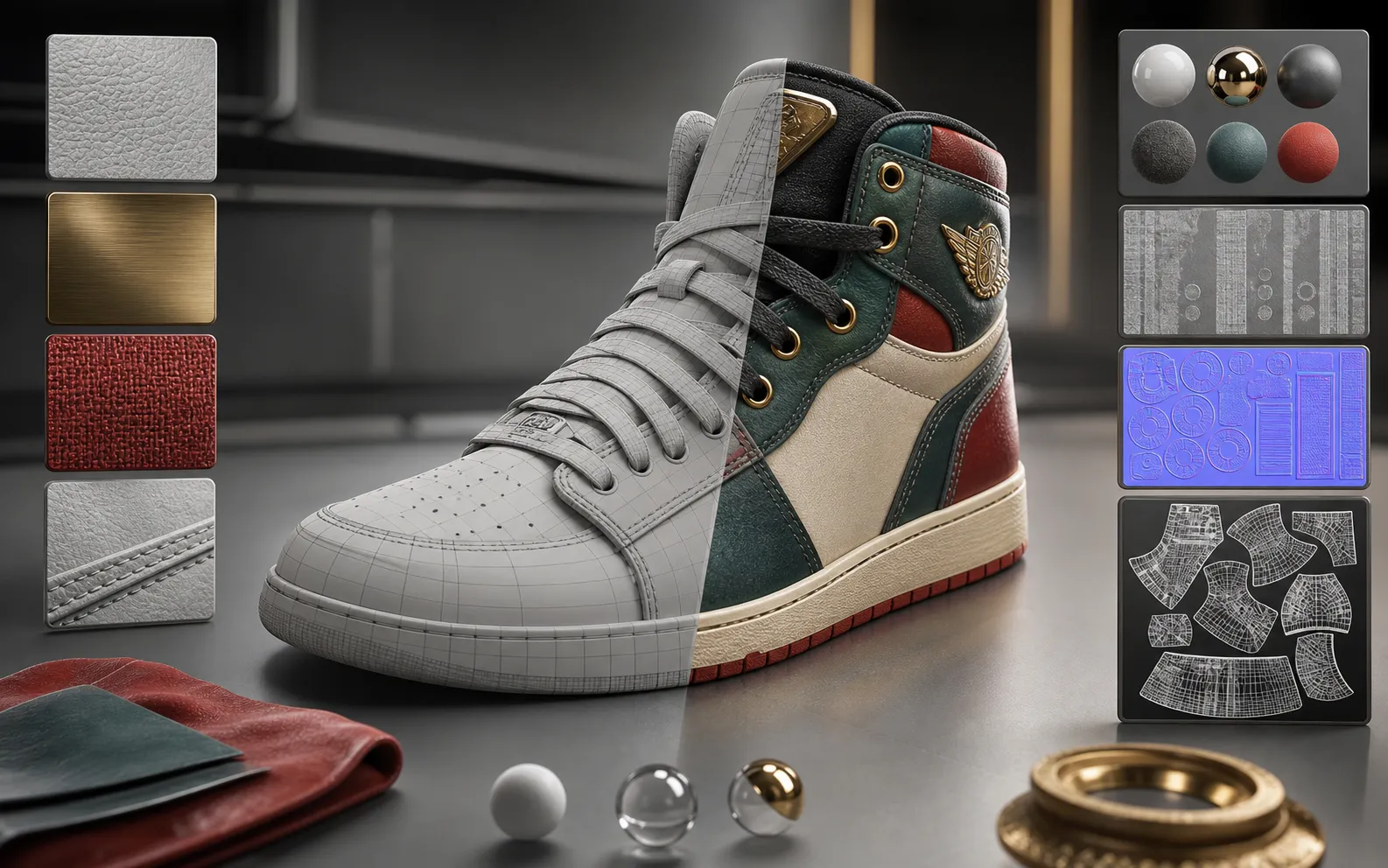
Move beyond raw shape generation with texture and material controls. Supported models can generate textured assets, PBR-ready surfaces, UV-friendly outputs, stylized materials, and texture quality settings for asset review.

  • Enable textures and PBR materials where available
  • Use texture quality and material controls for more usable assets
  • Prepare outputs for review in Blender, Unity, Unreal, or ecommerce viewers
Textured 3D model preview

04

Preview, export, and pipeline handoff

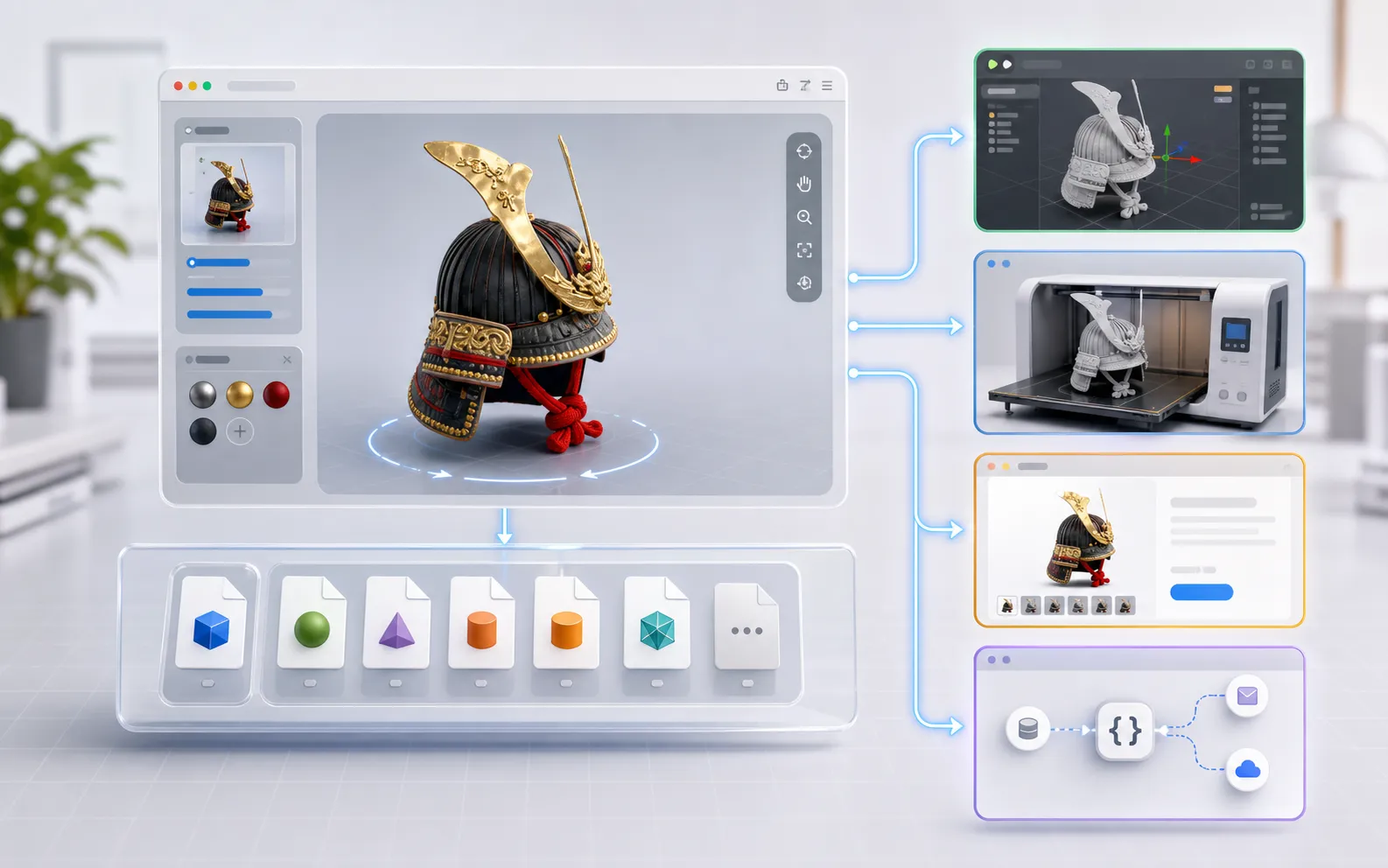
Preview GLB and GLTF outputs directly in the browser, inspect the JSON response when needed, and download model files for 3D printing, DCC tools, game engines, web viewers, or API-backed products.

  • Rotate GLB previews before downloading
  • Download GLB, OBJ, STL, textures, or supporting files when returned
  • Validate prompts and parameters before moving into API workflows
Low-poly 3D model preview

What Can You Create with PoYo 3D Generator?

01

Game props and environment assets

Create props, environment objects, character accessories, and asset direction for Unity, Unreal, or early game art review.

02

3D printing and collectibles

Generate printable-style objects, collectibles, decor pieces, and relief concepts before checking watertightness, scale, supports, and slicer settings.

03

Product design and ecommerce previews

Turn product sketches, packaging ideas, hardware concepts, or listing visuals into 3D previews for faster review.

04

Creative studios and digital art

Explore stylized objects, characters, props, and visual directions before committing to manual modeling or detailed sculpting.

05

AR, web, and interactive viewers

Create GLB-ready assets for browser previews, interactive product viewers, AR prototypes, and web-based 3D experiences.

06

Developer, API, and agent workflows

Validate model choices, inputs, parameters, previews, and JSON responses before integrating 3D generation into an API product.

How to Use 3D Generator on PoYo

1. Choose a 3D model in the Input panel. Open the Model selector and pick the provider and executable model that matches your workflow.

2. Add a prompt or reference images. Describe the object, shape, style, materials, and intended use. For image or multiview models, upload the required reference images.

3. Adjust model-specific parameters. Set only the options shown by the selected model, such as texture, PBR, geometry quality, face count, topology, or reconstruction mode.

4. Run, preview, and download. Submit the generation, inspect the interactive 3D preview, review JSON if needed, and download the generated model files.

Frequently Asked Questions about 3D Generator

What inputs can I use?

You can use text prompts, single images, or multiview references depending on the selected model. The Input panel only shows the fields supported by the active 3D model, so unsupported upload or prompt options stay out of the form.

Which 3D model should I choose first?

Start with Meshy 6 3D for broad text, image, and multi-image workflows. Use Tripo3D H3.1 when you want detailed geometry controls, Tripo3D P1 for cleaner low-poly style, and Hunyuan 3D v3.1 for Pro or Rapid text and image workflows.

Are the models watertight or ready for 3D printing?

Some workflows are designed for watertight-style or repair-friendly meshes, which helps with 3D printing preparation. Always inspect the result, repair geometry if needed, confirm scale and wall thickness, and validate the file in your slicer before printing.

What file formats can I preview or download?

The main gallery previews GLB and GLTF files in the browser. Depending on the provider response, model output can also include GLB, OBJ, STL, texture maps, thumbnails, or supporting files in the detailed output workflow.

Can I use the output in Blender, Unity, or Unreal?

Yes. Download the generated model files and review them in Blender, Unity, Unreal, ecommerce viewers, or other 3D pipelines. Production assets may still need cleanup, scale checks, UV/material review, retopology, or optimization for the target engine.

How do I improve 3D quality?

Use clear, well-lit reference images, add multiple views when available, write prompts with shape, material, style, and intended use, and tune face count, texture, PBR, topology, or geometry quality settings when the selected model exposes them.

How long does generation take and how is pricing calculated?

Generation time and cost vary by model, input type, texture settings, multiview workflows, and high-detail options. Check the active model cost in the Input footer before running, especially for textured, multiview, or higher-quality generations.

Can I use generated 3D models commercially?

Commercial use depends on the selected model, provider terms, and the rights attached to your prompts and uploaded references. Review the relevant terms and avoid generating or uploading assets you do not have permission to use.

Why Use PoYo for 3D Generation?

01

One workspace for 3D model families

Compare leading 3D models without opening separate provider tools or rebuilding inputs from scratch.

02

Native 3D parameters

Each model keeps its own fields, validation, uploads, texture options, and result workflow.

03

Interactive GLB previews

Inspect generated model files directly in the browser before downloading or moving into production tools.

04

Playground and API workflow

Test prompts, references, and parameters in the playground, then move stable 3D workflows into API-powered products.