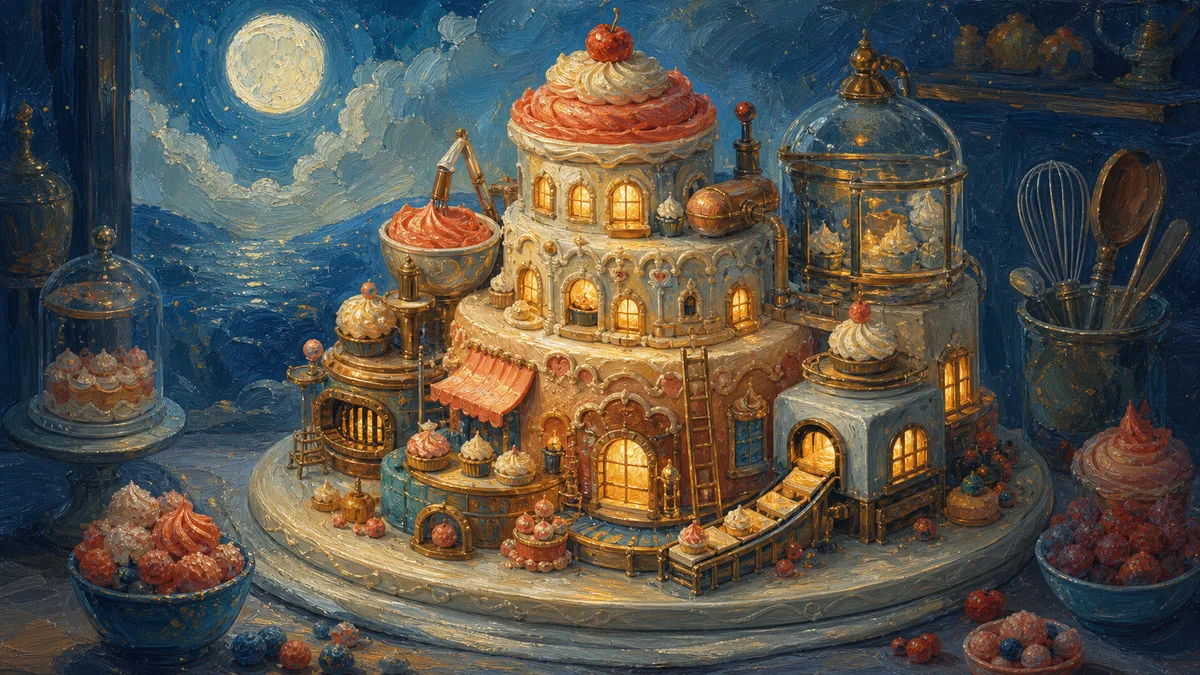
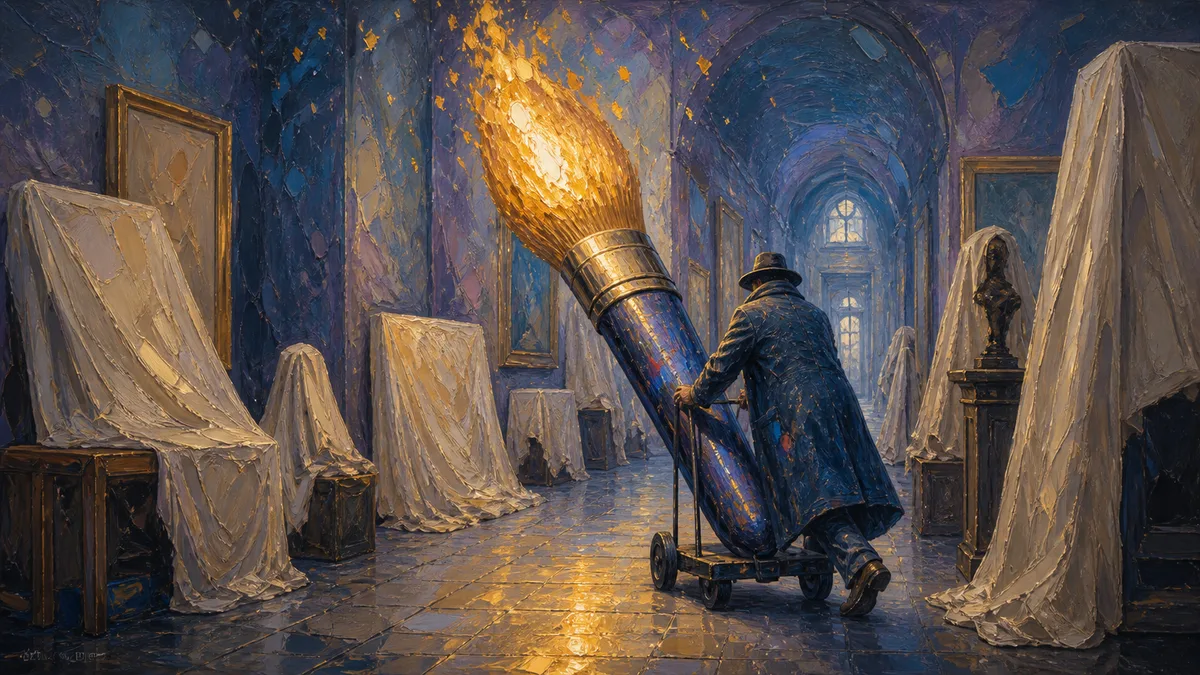
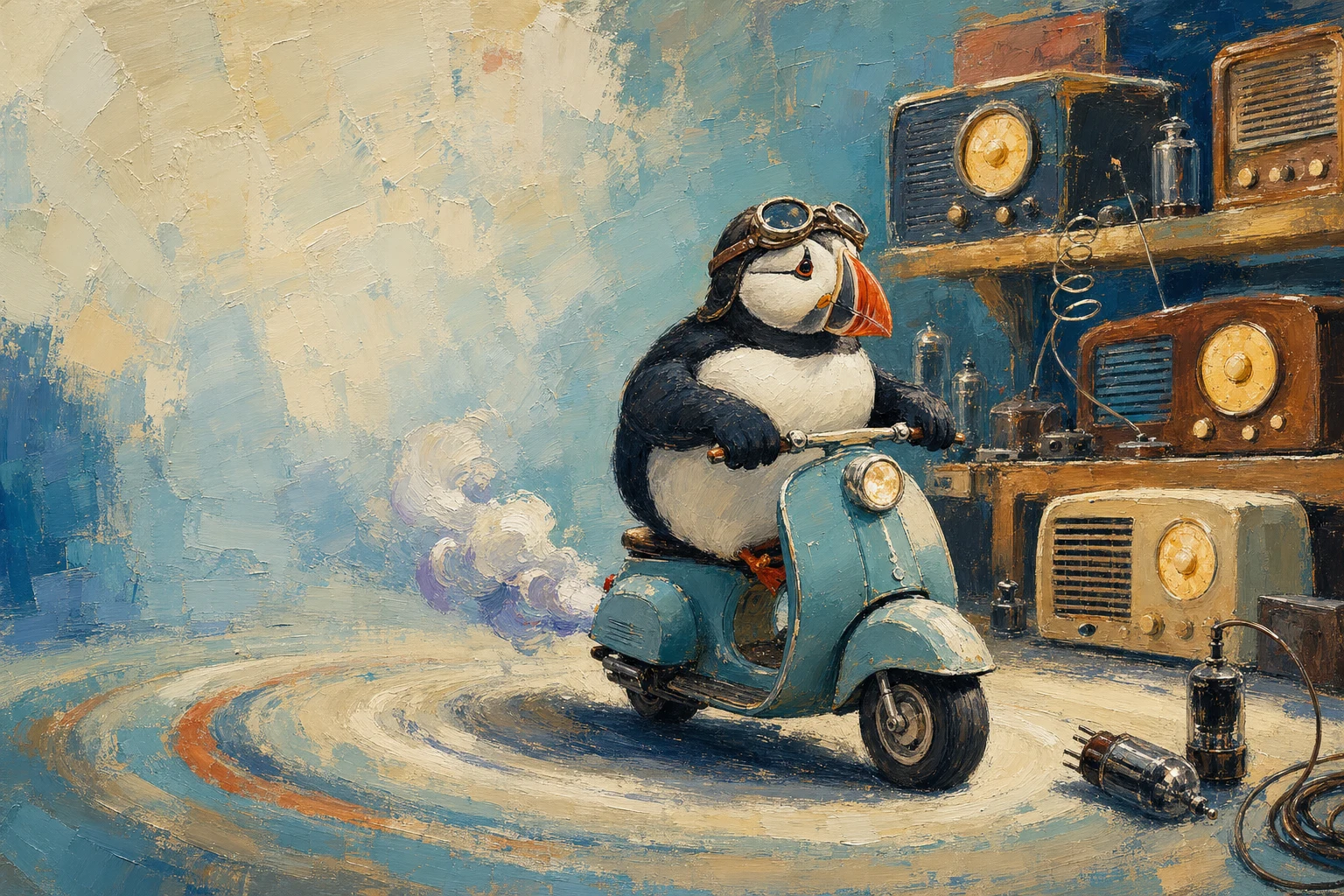
Model icon
gpt-image-2.6-fixed
Text to Image
Image to Image
View more OpenAI models
Model:
Use the GPT Image 2.6 API on PoYo to generate and edit images with OpenAI's latest image model. Send a prompt and up to 16 reference images, choose 1K, 2K, or 4K, and pay from 1.7 credits ($0.0085) per image.
Input
550/32000
Added 0/16

Drop files here, paste files, or add a URL. JPEG, PNG or WebP, up to 10 MB per image and 16 images.

Output

Example Output

This is sample data. Generate a new result to see real output.

Task ID:T151DKY0IDYM0PZDCreated:2026-11-05T08:06:06
Status:finishedProgress:100%
Generated image 1
Examples
Pricing details

Pay as you go. No subscription, no hidden fees.

1 credit = $0.005
TierPoYo price
Fixed
1K
$0.0085/image
1.7 credits/image
10 images: $0.085
2K
$0.030/image
6 credits/image
10 images: $0.300
4K
$0.040/image
8 credits/image
10 images: $0.400
How it's billed: Billed per output image. Reference images are free.

Charges are based on the final output.

GPT IMAGE 2.6 API

OpenAI's latest image model for generation and editing

GPT Image 2.6 API: OpenAI's Latest Image Generation and Editing Model

The GPT Image 2.6 API on PoYo gives you OpenAI's newest image model through one REST endpoint. Send a prompt and up to 16 reference images, pick 1K, 2K, or 4K and an aspect ratio, and receive the finished image through task polling or a webhook.

Every request uses model ID gpt-image-2.6-fixed and is billed per image: 1.7 credits at 1K, 6 at 2K, and 8 at 4K, with reference images included. There are no tokens to estimate, so you know the cost of each call before you send it.

Key Features of GPT Image 2.6 API

One endpoint, five request fields, 1K to 4K output, and a fixed price per image.

01

Photorealistic Images From a Single API Call

Describe the subject, framing, light, and texture, and GPT Image 2.6 returns a photograph-style image with natural skin, worn materials, and everyday detail. The request needs only a prompt; resolution and size are optional. That keeps the integration small for apps that generate portraits, lifestyle shots, and stock-style imagery on demand.

  • Only prompt is required in the request
  • Natural skin, texture, and lighting detail
  • Portraits, lifestyle, and stock-style imagery
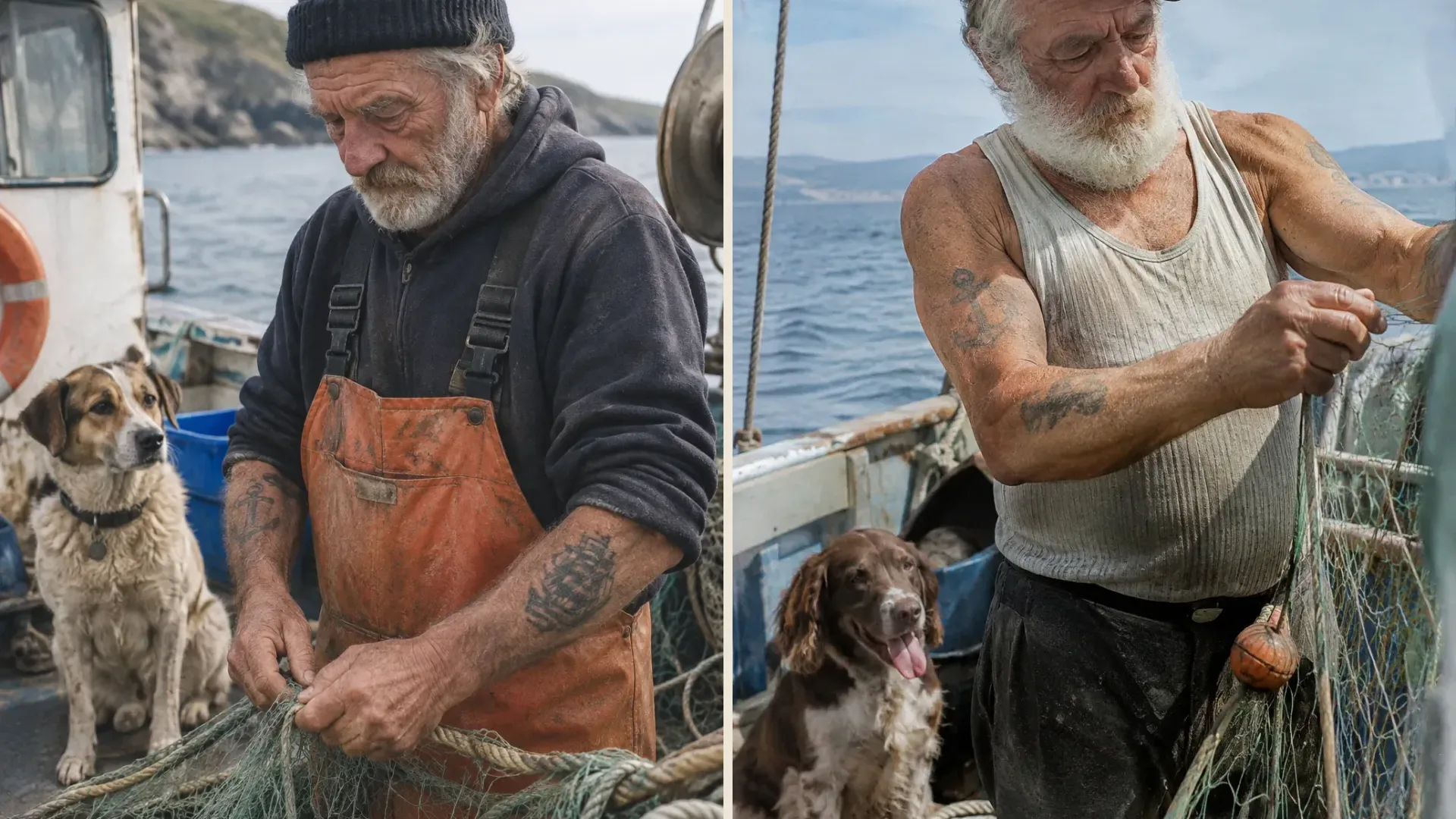
Two photorealistic GPT Image 2.6 images of an elderly sailor mending a fishing net beside his dog on a small boat

02

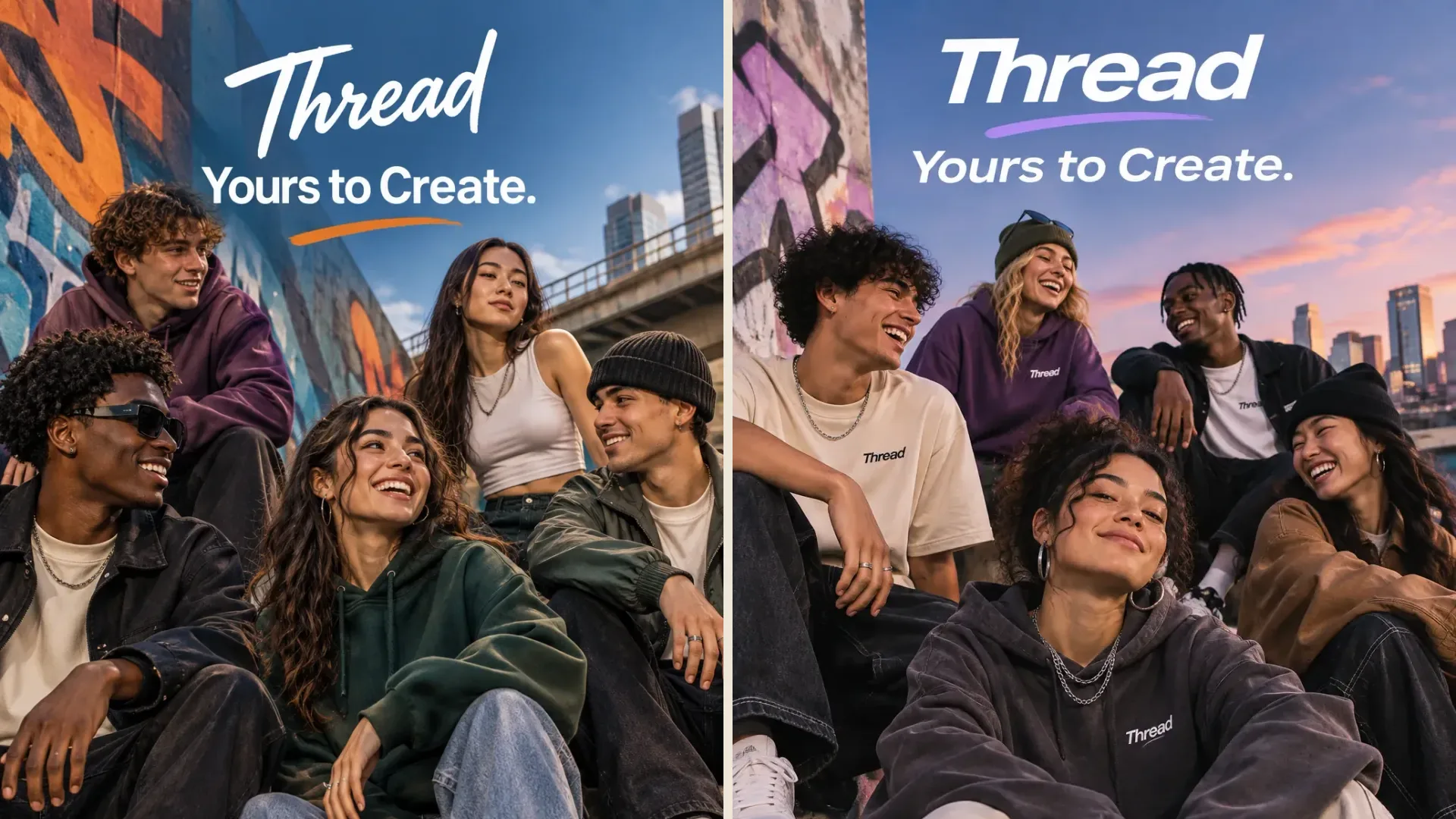
Exact Taglines and Headlines for Ad Creatives

Put the required copy in quotes and say where it should appear. GPT Image 2.6 renders short headlines, taglines, and brand names inside polished campaign layouts, so an API call can return an ad concept with the words already in place. Check spelling and legibility before publishing, especially for dense or very small text.

  • Quote exact copy in the prompt for in-image text
  • Generate ad, poster, and social layouts in one call
  • Review spelling before the asset goes live
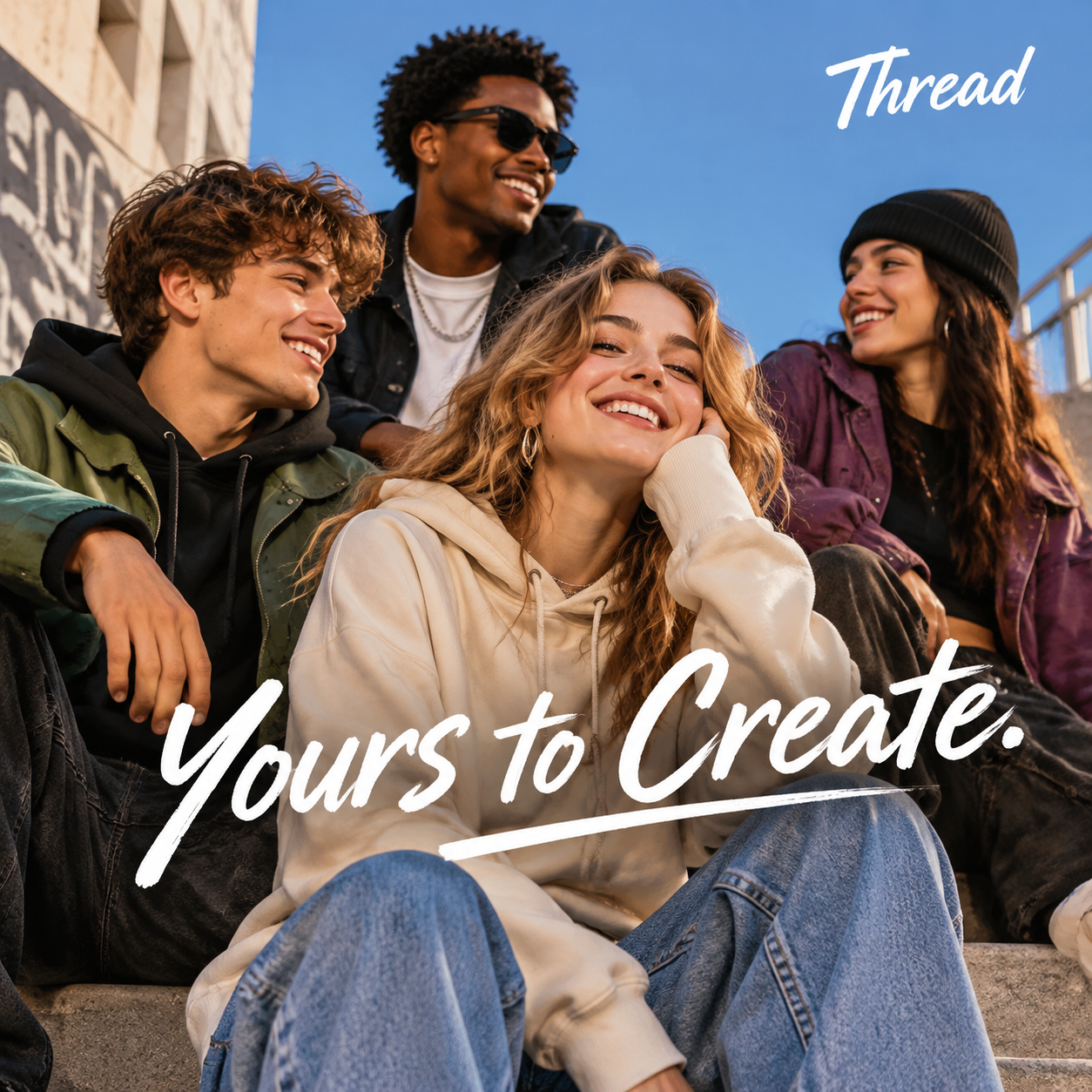
Two GPT Image 2.6 streetwear campaign images for a brand called Thread with the tagline Yours to Create

03

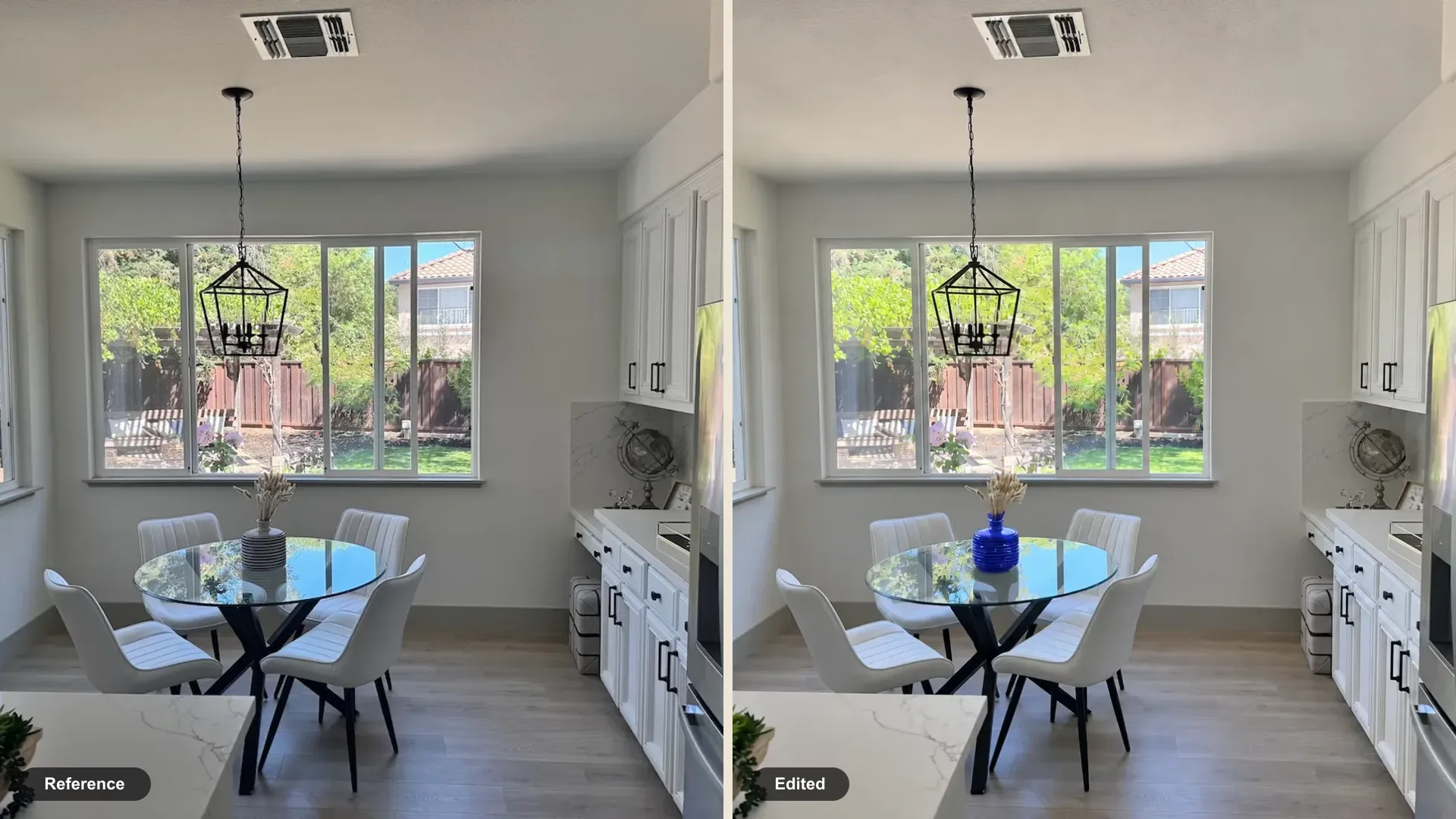
Reference Image Editing With up to 16 Inputs

Pass existing images in image_urls and describe what to change and what to keep. GPT Image 2.6 uses the first image as the scene to edit and any additional images as references, which suits product recoloring, background swaps, and new compositions built from several source photos. Reference images do not add to the per-image price.

  • Send up to 16 HTTP(S) image URLs per request
  • Describe the change and the details to preserve
  • Reference images are free on this endpoint
A kitchen photo before and after a GPT Image 2.6 edit that recolors the striped vase on the dining table blue while the room stays unchanged

04

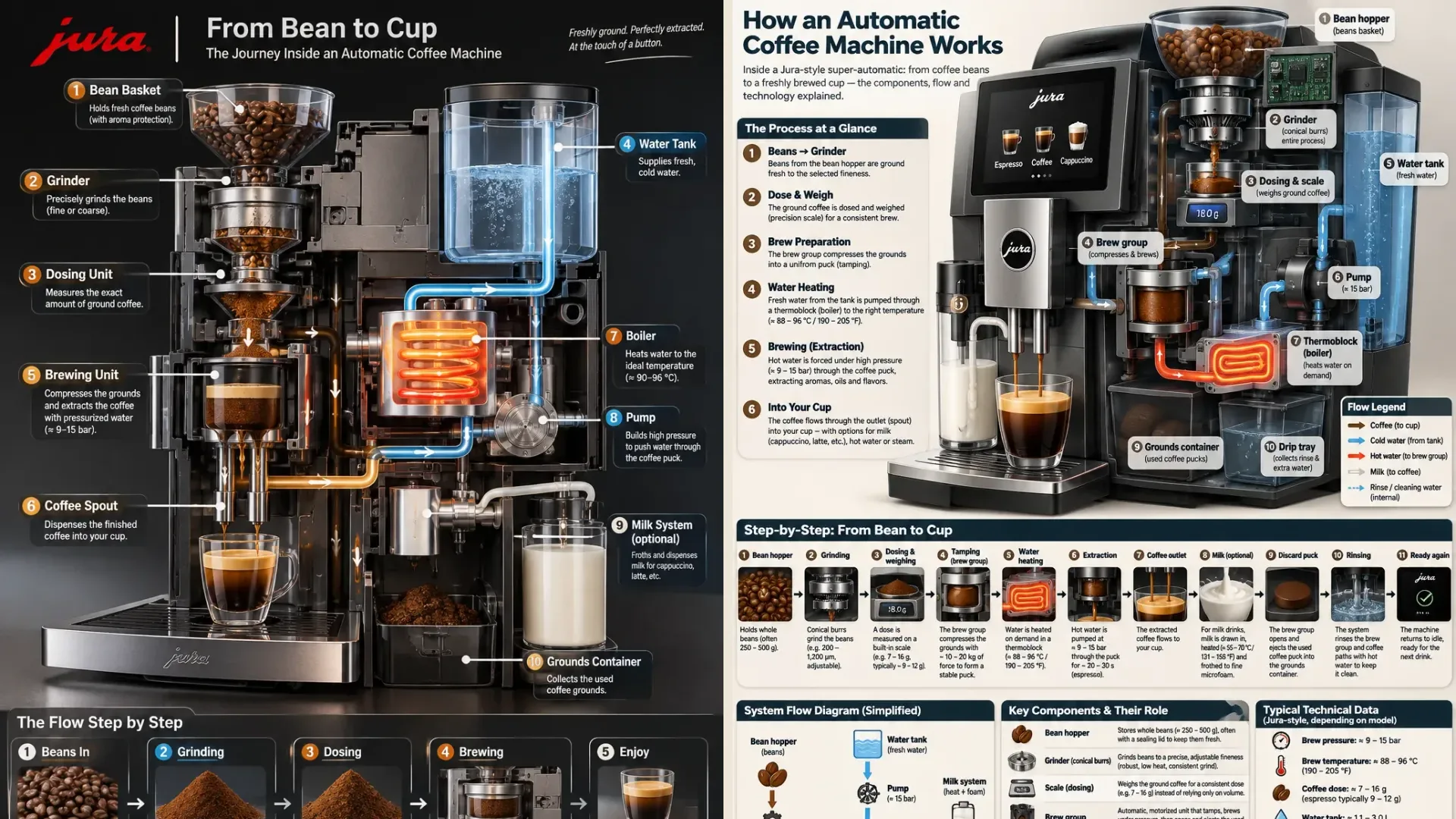
Infographics and Diagrams From a Plain-Language Brief

Describe the process, the audience, and the information you need, and GPT Image 2.6 plans a labeled layout with numbered steps, callouts, and supporting icons. Use it to draft explainer graphics, product diagrams, and presentation visuals from your app or content pipeline, then verify labels and facts before publishing.

  • Generate labeled diagrams and step-by-step layouts
  • Draft presentation and documentation visuals via API
  • Verify labels and facts in the final image
Two GPT Image 2.6 infographics explaining how an automatic coffee machine works, generated from the same brief

05

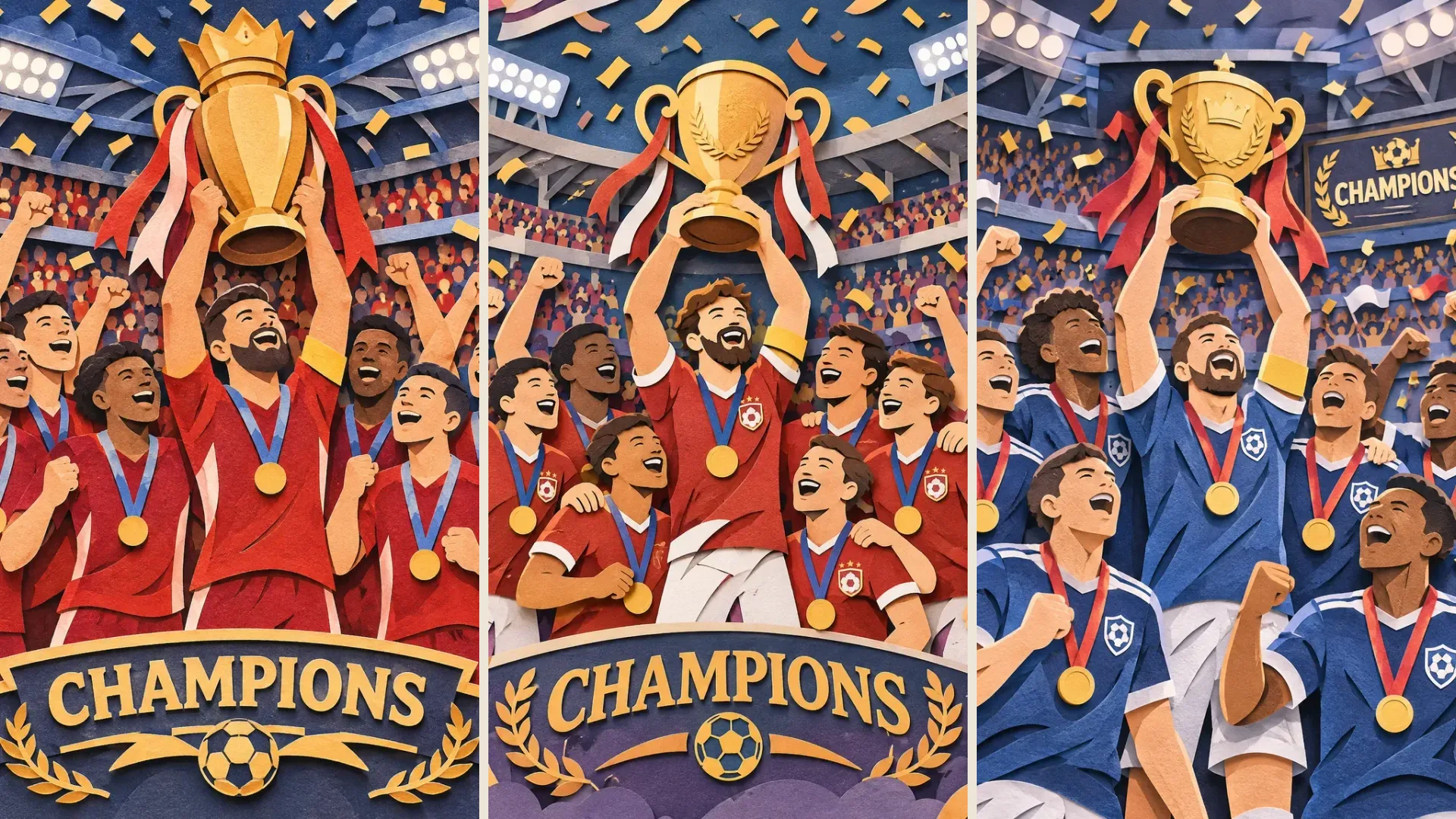
Detailed Scenes in 11 Aspect Ratios up to 4K

Choose 1K, 2K, or 4K and an aspect ratio from 1:1 to 21:9, or let auto pick the size. GPT Image 2.6 handles crowded, multi-subject scenes and stylized illustration. Each resolution has a fixed per-image price, so you can budget for 1K drafts and print-ready 4K output before you send a request.

  • 1K, 2K, and 4K output at fixed per-image prices
  • Eleven aspect ratios plus automatic sizing
  • Multi-subject scenes and stylized illustration
Three layered paper-cut illustrations of a football team lifting a trophy in a packed stadium, generated by GPT Image 2.6 from the same prompt

What Can You Build With the GPT Image 2.6 API

01

AI Image Apps and SaaS Products

Add text-to-image and photo editing to your product with one REST call. Fixed per-image prices of 1.7 credits at 1K, 6 at 2K, and 8 at 4K make it simple to price user plans and set quotas.

02

E-Commerce Catalogs

Send product photos as reference images and generate new backgrounds, seasonal scenes, and color variants. Run batches through the API and collect results by webhook as each image finishes.

03

Marketing and Ad Platforms

Generate campaign concepts with exact taglines, then render the chosen prompt at 4K for final assets. The cost per creative stays the same from draft to delivery.

04

Social Content Pipelines

Produce posts, comics, and thumbnails in vertical, square, or wide formats, and feed them straight into automated publishing tools and scheduled content queues.

05

Education and Documentation

Turn structured briefs into infographics, process diagrams, and lesson illustrations. Editors review labels and facts, then regenerate individual visuals as the material changes.

06

Agents and Automation Workflows

Call GPT Image 2.6 from AI agents, no-code tools, and backend jobs. Submit a task, receive a task ID immediately, and pick up the result by polling or a callback URL.

GPT Image 2.6 vs GPT Image 2.5 — Model Comparison

GPT Image 2.6 keeps the Flare and Sunburst structure and the token rates of GPT Image 2.5. OpenAI's update focuses on faster generation and new output and control options.

FeatureGPT Image 2.6GPT Image 2.5
Release dateNovember 4, 2026September 8, 2026
Model versionsFlare for fast iteration, Sunburst for detailed visual workFlare for everyday generation, Sunburst for precise editing
Generation speedOpenAI reports images up to 50% faster than the previous version; Flare can return a low-quality image in about 6 secondsFlare: 50% lower latency than GPT Image 2, as reported by OpenAI
Complexity controllow, medium, or high planning before rendering (default high), with no extra feeNot available
SVG outputSupported on image generationNot available
Animated GIF outputSupported on image generation, 2–64 framesNot available
Markup-guided editsSupportedSupported (added November 4, 2026)
Quality levels and sizeslow to max; sizes up to 3840 px on the longest edgelow to max; sizes up to 3840 px on the longest edge
OpenAI token rates$5 / 1M text input, $8 / 1M image input, $30 / 1M image output$5 / 1M text input, $8 / 1M image input, $30 / 1M image output

Based on OpenAI's GPT Image 2.6 release notes and API documentation. Features describe OpenAI's models; see the PoYo API documentation for the fields each PoYo endpoint accepts.

How to Use the GPT Image 2.6 API on PoYo

Step 1: Get an API key
Create a PoYo API key and add credits. Each GPT Image 2.6 image costs 1.7 credits at 1K, 6 at 2K, or 8 at 4K.

Step 2: Submit a generation task
Send POST https://api.poyo.ai/api/generate/submit with "model": "gpt-image-2.6-fixed" and an input object containing prompt, plus optional version (flare / sunburst), resolution (1K, 2K, or 4K), size, and image_urls. Add a callback_url to receive a webhook when the task finishes.

Step 3: Retrieve the image
Use the returned task_id with the task status endpoint, or wait for the callback. The finished task includes the image URL.

Create API Key → · Add Credits → · View Documentation →

Frequently Asked Questions About GPT Image 2.6 API

What is the GPT Image 2.6 API?

GPT Image 2.6 is OpenAI's latest image generation and editing model, released on November 4, 2026. PoYo offers it through the model ID gpt-image-2.6-fixed, which supports text-to-image generation and editing with reference images at a fixed price per image.

How much does the GPT Image 2.6 API cost?

Each image costs 1.7 credits ($0.0085) at 1K, 6 credits ($0.030) at 2K, or 8 credits ($0.040) at 4K, for both Flare and Sunburst. Reference images are free. Failed tasks are not charged.

Which request fields does gpt-image-2.6-fixed accept?

The input object accepts prompt (required, up to 32,000 characters), version (flare or sunburst; default flare), resolution (1K, 2K, or 4K; default 1K), size (default 1:1), and image_urls (up to 16 reference images). Flare is tuned for speed and Sunburst for detail; both are billed at the same per-image price.

How do I migrate from gpt-image-2.5-fixed?

Change the model field to gpt-image-2.6-fixed. All other fields stay the same: prompt, version, resolution, size, and image_urls. The per-image price is also the same as 2.5 fixed: 1.7 credits at 1K, 6 at 2K, and 8 at 4K.

Can I edit images with the GPT Image 2.6 API?

Yes. Add up to 16 HTTP(S) image URLs in image_urls and describe the change in the prompt. The model uses the first image as the main input and the others as references. Reference images do not change the price.

What sizes and resolutions are supported?

Choose 1K, 2K, or 4K resolution and one of these sizes: auto, 1:1, 2:3, 3:2, 4:3, 3:4, 4:5, 5:4, 16:9, 9:16, or 21:9. Prompts can be up to 32,000 characters.

Does this endpoint support GIF, SVG, or markup edits?

No. OpenAI's own API adds animated GIF output, SVG output, a complexity setting, and markup-guided edits for GPT Image 2.6. The gpt-image-2.6-fixed endpoint on PoYo returns raster images and accepts the prompt, version, resolution, size, and image_urls fields.

How do I receive results?

Submitting a request returns a task_id right away. Poll the task status endpoint with that ID, or pass a callback_url to receive a POST request when the task finishes or fails. The finished task contains the generated image URL.

Why Choose PoYo for GPT Image 2.6 API Integration

01

Instant Access

Create an API key and call GPT Image 2.6 right away. There is no OpenAI organization verification or separate account to set up.

02

Low, Predictable Pricing

From 1.7 credits ($0.0085) per image at 1K, with reference images included. You know the cost of each request before you send it, with no token math.

03

Developer-Friendly API

One REST endpoint, a JSON request body, and documentation with request examples. The same task and callback flow works across PoYo's image, video, and audio models.

04

Async Tasks and Webhooks

Submit a task and get a task_id at once, then poll or receive a callback. Long renders never block your request thread.

05

One Key for Many Models

Use the same API key for GPT Image 2.6, GPT Image 2.5, and the other image models on PoYo, and switch models by changing one field.

06

Playground Before You Code

Try prompts, resolutions, and aspect ratios in the browser playground, then copy the JSON request straight into your integration.