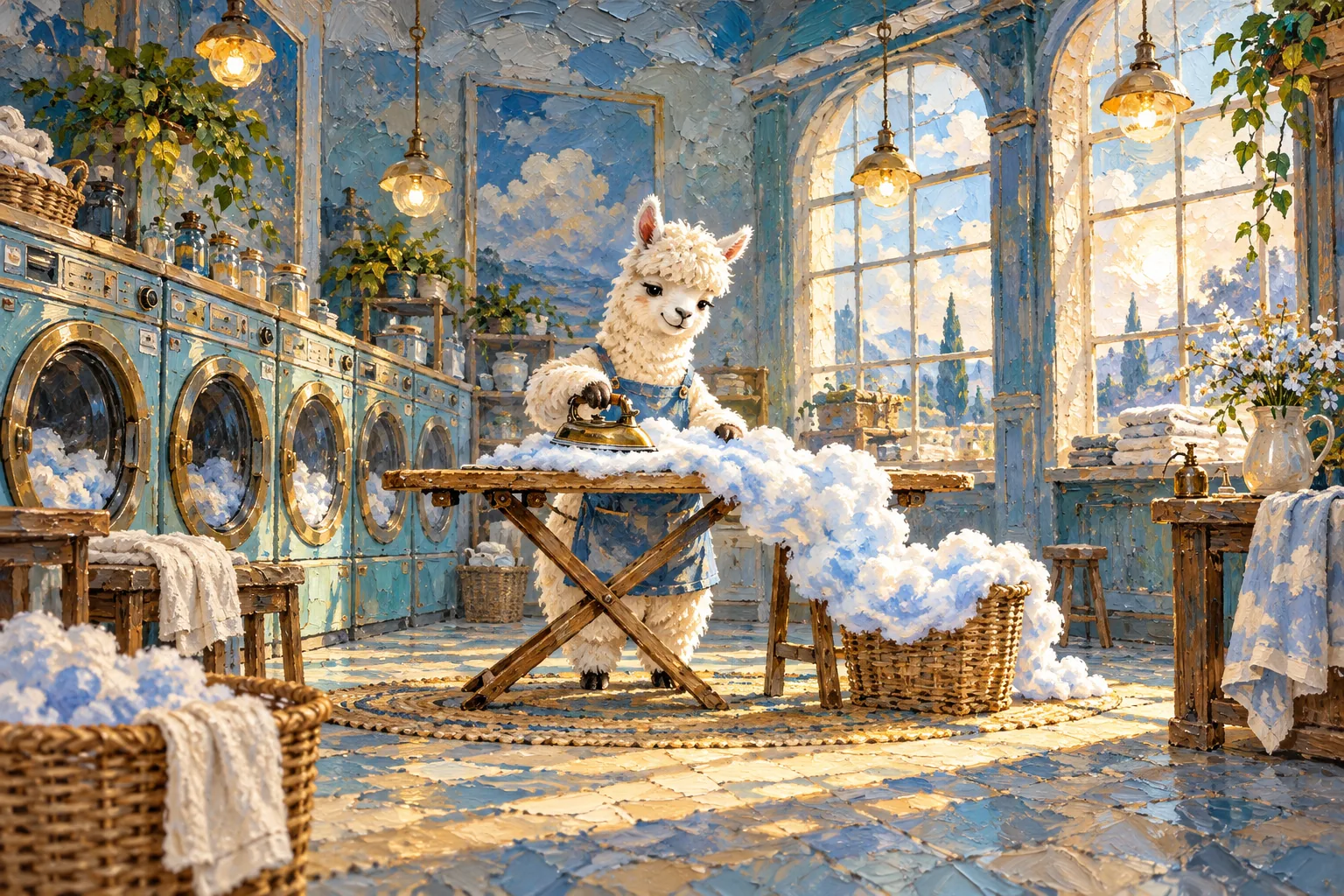
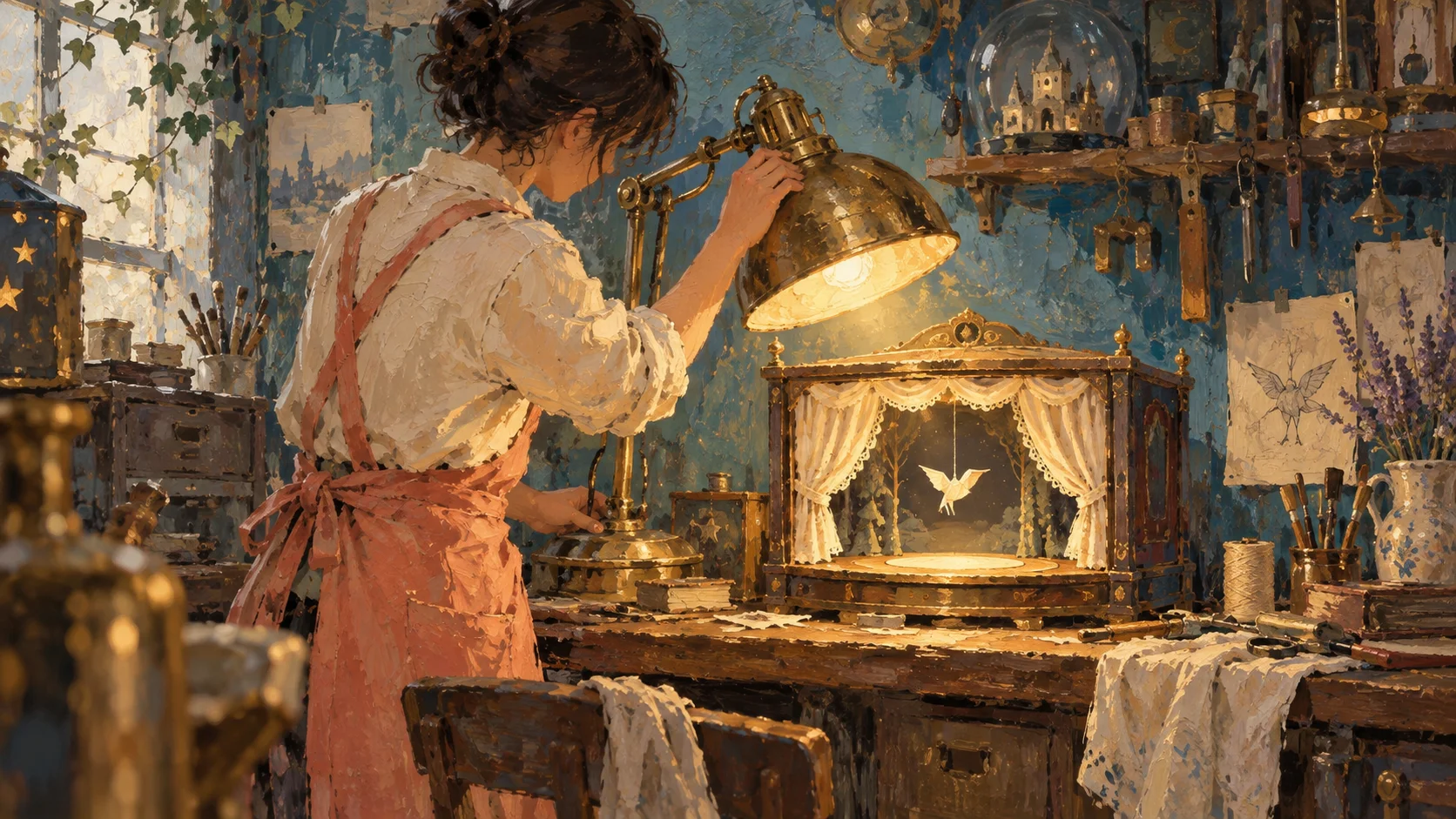
Model icon
gpt-image-2.5-flare
Text to Image
Image to Image
View more OpenAI models
Model:
Use the GPT Image 2.5 API on PoYo for text-to-image generation, reference image editing, and inpainting. Create product images, ad creatives, and social content with consistent subject details and transparent backgrounds. Choose Flare for rapid iteration or Sunburst for detailed creation and editing.
Input
1062/32000
Added 0/16

Drop files here, paste files, or add a URL. JPEG, PNG or WebP, up to 10 MB per image and 16 images.

Added 0/1

Drop files here, paste files, or add a URL. Use an HTTP(S) mask URL together with at least one reference image.

Output

Example Output

This is sample data. Generate a new result to see real output.

Task ID:VB69O9EC4WJTAJ8LCreated:2026-09-09T14:23:38
Status:finishedProgress:100%
Generated image 1
Examples
Pricing details

Transparent pricing with no hidden fees. Pay as you go.

OpenAIGPT Image 2.5
low quality - 1K
Flare / Sunburst
PoYo price
$0.0066/gen
1.31 credits
Official price
-
You save
-
OpenAIGPT Image 2.5
low quality - 2K
Flare / Sunburst
PoYo price
$0.013/gen
2.65 credits
Official price
-
You save
-
OpenAIGPT Image 2.5
low quality - 4K
Flare / Sunburst
PoYo price
$0.012/gen
2.47 credits
Official price
-
You save
-
OpenAIGPT Image 2.5
medium quality - 1K
Flare / Sunburst
PoYo price
$0.015/gen
2.95 credits
Official price
-
You save
-
OpenAIGPT Image 2.5
medium quality - 2K
Flare / Sunburst
PoYo price
$0.030/gen
5.99 credits
Official price
-
You save
-
OpenAIGPT Image 2.5
medium quality - 4K
Flare / Sunburst
PoYo price
$0.029/gen
5.81 credits
Official price
-
You save
-
OpenAIGPT Image 2.5
high quality - 1K
Flare / Sunburst
PoYo price
$0.059/gen
11.78 credits
Official price
-
You save
-
OpenAIGPT Image 2.5
high quality - 2K
Flare / Sunburst
PoYo price
$0.120/gen
23.94 credits
Official price
-
You save
-
OpenAIGPT Image 2.5
high quality - 4K
Flare / Sunburst
PoYo price
$0.112/gen
22.39 credits
Official price
-
You save
-
OpenAIGPT Image 2.5
xhigh quality - 1K
Flare / Sunburst
PoYo price
$0.105/gen
20.93 credits
Official price
-
You save
-
OpenAIGPT Image 2.5
xhigh quality - 2K
Flare / Sunburst
PoYo price
$0.213/gen
42.55 credits
Official price
-
You save
-
OpenAIGPT Image 2.5
xhigh quality - 4K
Flare / Sunburst
PoYo price
$0.199/gen
39.78 credits
Official price
-
You save
-
OpenAIGPT Image 2.5
max quality - 1K
Flare / Sunburst
PoYo price
$0.236/gen
47.11 credits
Official price
-
You save
-
OpenAIGPT Image 2.5
max quality - 2K
Flare / Sunburst
PoYo price
$0.479/gen
95.74 credits
Official price
-
You save
-
OpenAIGPT Image 2.5
max quality - 4K
Flare / Sunburst
PoYo price
$0.448/gen
89.51 credits
Official price
-
You save
-

* Actual fees are based on the final output.

GPT IMAGE 2.5 API

High-fidelity image generation, precision editing, and consistent creative revisions

GPT Image 2.5 API: High-Fidelity Image Generation and Editing

GPT Image 2.5 turns text prompts and reference images into product photos, campaign visuals, portraits, and design assets. Its image-to-image editing preserves recognizable subjects, refines selected elements, and maintains detail across successive revisions.

Flare focuses on fast text-to-image generation and everyday creative iteration. Sunburst focuses on precise image editing and detailed production assets. Explore both versions and compare their capabilities with GPT Image 2 on PoYo.

GPT Image 2.5 API Models: Flare and Sunburst

01

GPT Image 2.5 Flare

Flare is OpenAI's default choice for everyday image applications. It accepts text and image inputs and supports image generation, editing, and inpainting. Its focus is fast iteration for social content, product experiences, image prototypes, and high-volume creative workflows.
02

GPT Image 2.5 Sunburst

Sunburst is OpenAI's most capable image generation and editing model. It accepts text and image inputs and supports inpainting. Choose it for detailed campaign assets, polished product imagery, and editing workflows that prioritize precision over generation speed.

Core Features of GPT Image 2.5 API

Text-to-image generation, reference image fidelity, inpainting, and multi-turn editing for product imagery and creative assets.

01

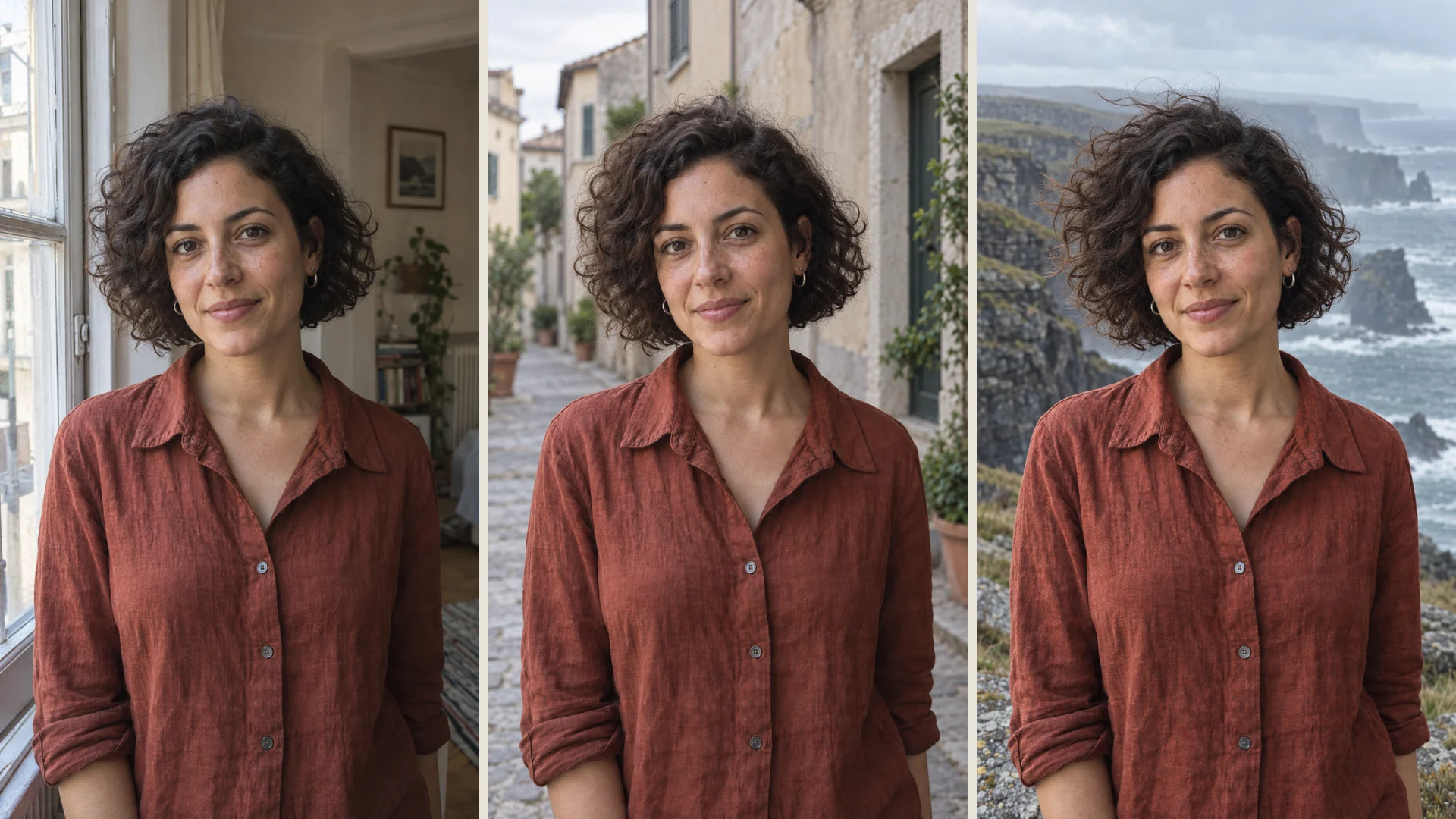
GPT Image 2.5 API for High-Fidelity Reference Images and Subject Consistency

GPT Image 2.5 API uses reference images and text instructions to create new scenes while preserving recognizable people, products, and visual identities. High-fidelity image-to-image generation retains defining facial traits and product details as the background, lighting, or artistic style changes. Build portrait variations, e-commerce product photos, and branded creative assets around the same source image.

  • Use reference images for image-to-image generation
  • Preserve subject identity, facial traits, and product details
  • Create product photos and portraits in new settings
The same woman by an apartment window, on an old street, and beside coastal cliffs, retaining her facial features and linen shirt

02

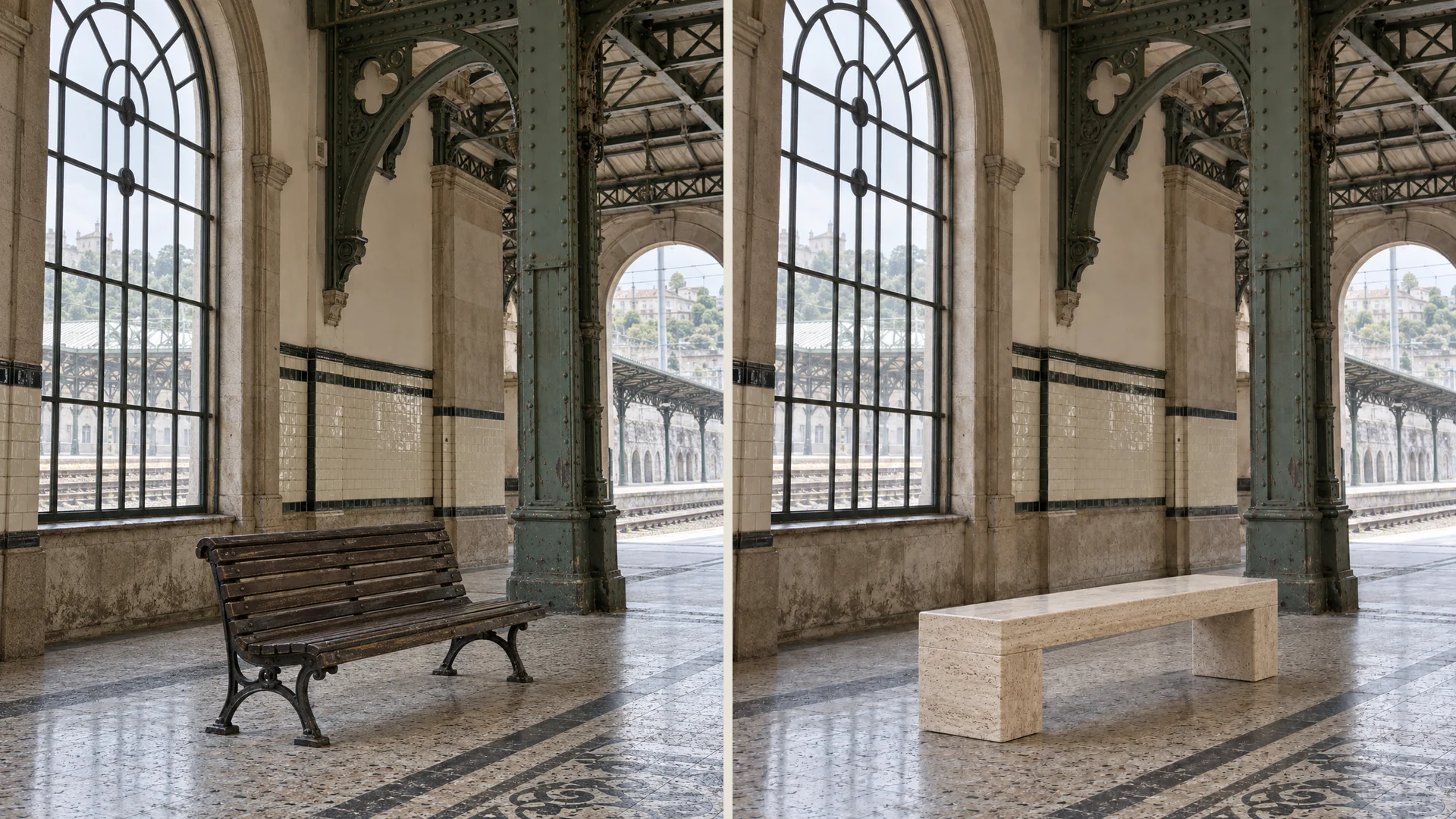
GPT Image 2.5 API for Precise Image Editing and Inpainting

GPT Image 2.5 API supports precise image editing and inpainting for changes to selected parts of an existing image. Provide the source image and describe the product, background element, or copy to update. The model follows the localized edit while preserving surrounding composition and visual treatment, supporting product retouching, campaign revisions, and targeted background changes.

  • Edit selected products, background elements, or copy
  • Use inpainting for focused image revisions
  • Preserve surrounding composition and brand treatment
Before and after a wooden station bench is replaced with travertine while the arched windows and ironwork remain in place

03

GPT Image 2.5 API for Consistent Multi-Turn Image Editing

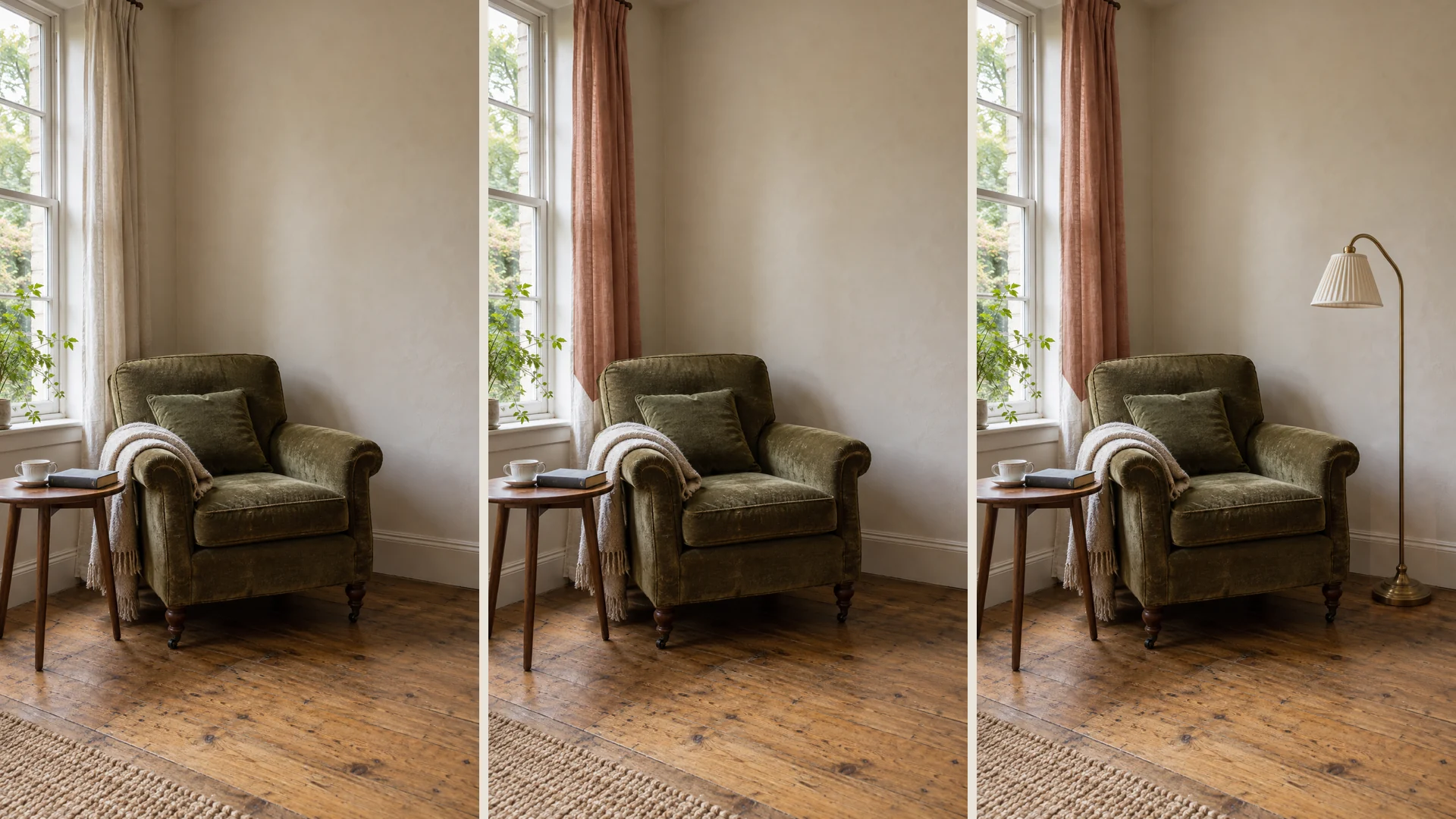
GPT Image 2.5 API improves multi-turn image editing by maintaining earlier changes and image detail through successive revisions. Start with a generated image or reference photo, then adjust the background, objects, and composition in separate steps. Using each result as the next reference keeps creative feedback specific and supports subject consistency across the full editing workflow.

  • Use each output as the next editing reference
  • Retain previous revisions and recognizable subject details
  • Refine backgrounds, objects, and composition in steps
A reading corner across three revisions: ivory curtains, terracotta curtains, then an added brass floor lamp

04

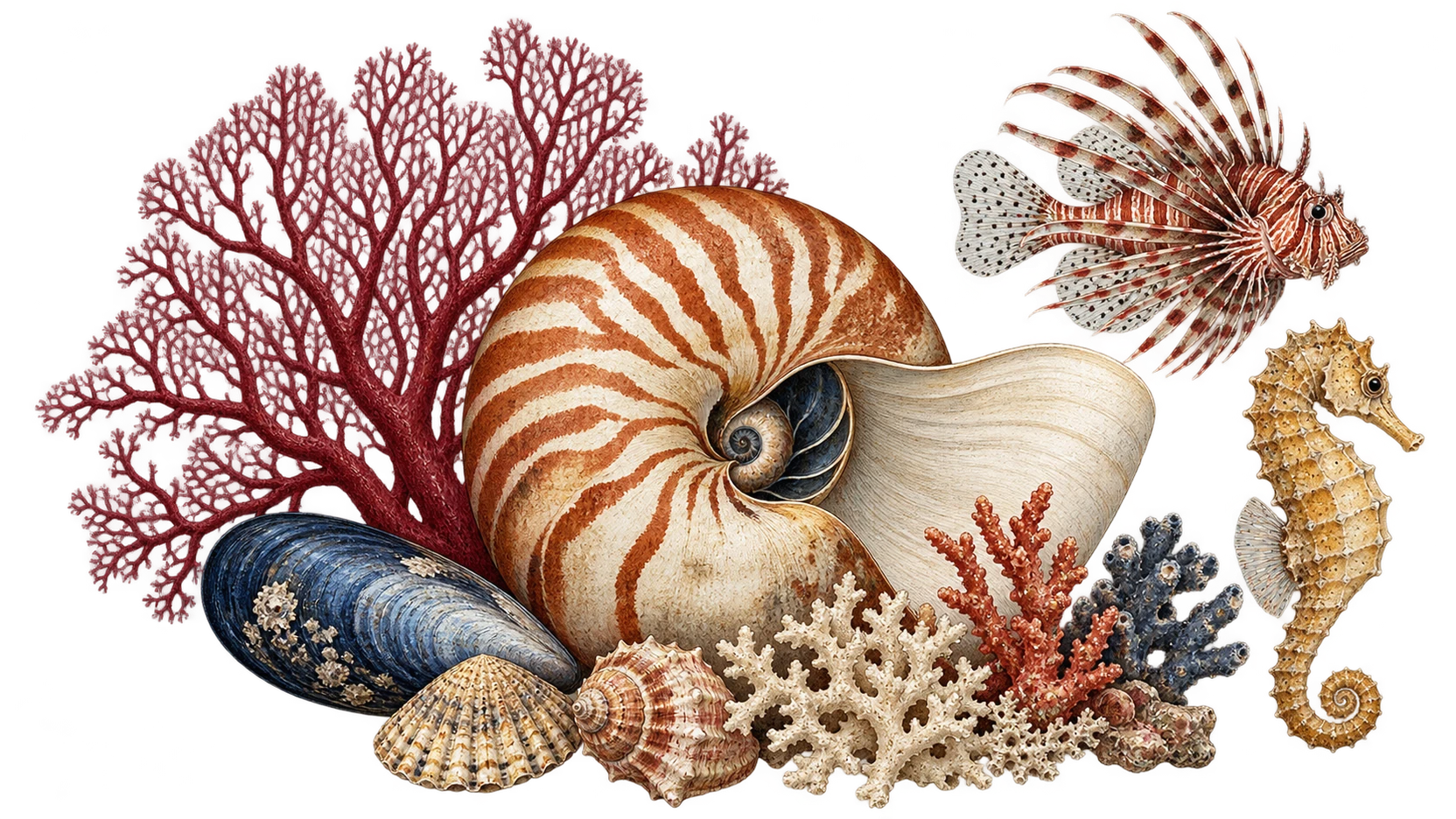
GPT Image 2.5 API for Complex Layouts and Transparent Backgrounds

GPT Image 2.5 API follows detailed visual instructions for structured layouts, artistic styles, and transparent backgrounds. Specify the subject placement, visual hierarchy, requested text, and background treatment in the prompt. Use text-to-image generation to create presentation graphics, poster concepts, and compositing assets, then apply image editing to refine individual elements within the chosen layout.

  • Specify subject placement, hierarchy, and requested text
  • Generate transparent backgrounds for compositing assets
  • Apply a consistent artistic style across visual layouts
Intricate hand-painted nautilus shell, sea fan, lionfish, seahorse and coral arranged on a transparent background

05

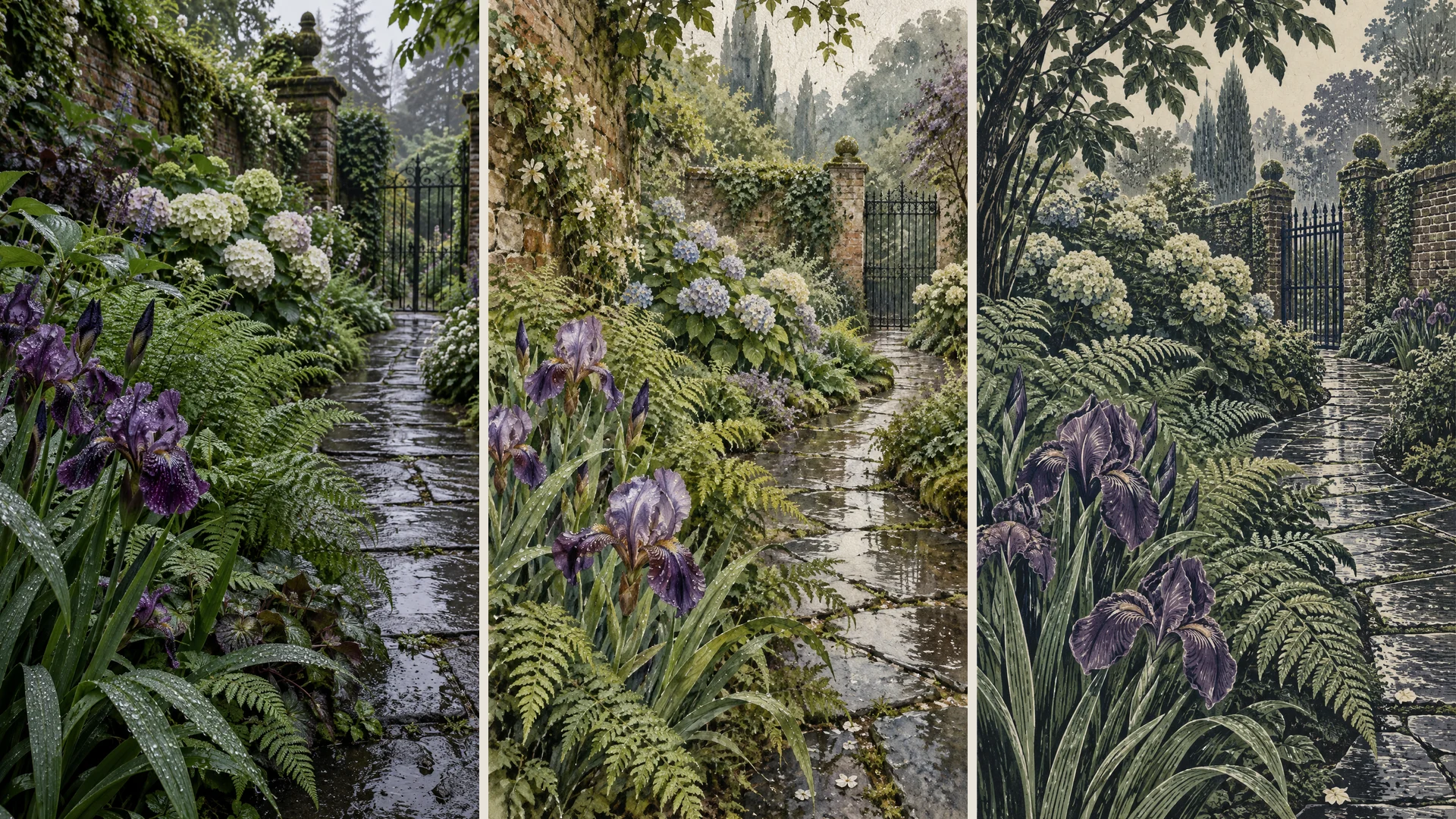
GPT Image 2.5 Flare API for Faster Text-to-Image Generation

GPT Image 2.5 Flare API focuses on fast text-to-image generation for everyday creative workflows. OpenAI reports 50% lower generation latency than GPT Image 2 alongside image-quality improvements. Use Flare to explore campaign concepts, social graphics, and product variations in repeated generation cycles. Sunburst serves precision-focused editing and detailed creative production with longer generation times.

  • Generate image concepts quickly with Flare
  • Iterate on campaign, social, and product visuals
  • Choose Sunburst for precision-focused creative production
A rain-soaked garden explored through natural photography, layered watercolor and a textured linocut print

What Can You Create With the GPT Image 2.5 API

01

E-Commerce Teams

Use GPT Image 2.5 with product reference photos to create new backgrounds, seasonal compositions, and listing visuals. Targeted edits let teams revise a scene while retaining the product's defining details.

02

Marketing and Advertising Teams

Develop campaign concepts with Flare, then use Sunburst for detailed image revisions. GPT Image 2.5 supports variations in composition, background, and visual treatment around a consistent creative brief.

03

Social Content Creators

Create reference-led portraits, promotional graphics, and themed posts with GPT Image 2.5. Use Flare to explore ideas quickly and make focused changes to the selected image without restarting the composition.

04

Design Teams

Translate layout instructions, artistic direction, and reference assets into image concepts with GPT Image 2.5. Successive edits support review cycles that adjust individual elements while retaining earlier design decisions.

05

Education and Publishing Teams

Create illustrations, presentation graphics, and teaching visuals from a structured brief. GPT Image 2.5 supports specific compositions and styles; editors can revise individual elements and review factual details and text before publication.

06

Image Application Developers

Design image workflows around text prompts, reference inputs, generation, and localized editing. GPT Image 2.5 provides Flare for everyday iteration and Sunburst for applications where detailed editing is the primary requirement.

GPT Image 2.5 vs GPT Image 2: Image Generation and Editing Comparison

GPT Image 2 and GPT Image 2.5 both generate and edit images from text and image inputs. GPT Image 2.5 builds on that workflow with improved reference fidelity, more precise editing, stronger consistency across revisions, and faster generation through Flare.

CapabilityGPT Image 2.5GPT Image 2
Inputs and outputText and image inputs; image output through Flare or SunburstText and image inputs; image output
Reference image fidelityImproved preservation of recognizable subjects, lighting, and texturesHigh-fidelity image inputs for reference-led generation and editing
Local editingMore precise targeted edits with improved preservation of surrounding detailsImage editing and inpainting for existing images
Successive revisionsImproved retention of earlier edits and image quality across multiple turnsImage editing using an existing image as input for each revision
Layouts and styleImproved complex visual instruction following, layouts, and transparent backgroundsPrompt-guided image generation and editing with flexible image sizes
Generation speedFlare: 50% lower latency than GPT Image 2, as reported by OpenAI; Sunburst prioritizes precision with longer generation timesBaseline for OpenAI’s published Flare latency comparison

Comparison based on OpenAI’s GPT Image 2.5 announcement and GPT Image 2 model documentation. The 50% latency reduction refers specifically to Flare compared with GPT Image 2.

How to Use GPT Image 2.5 for Image Creation

Step 1: Prepare the prompt and reference images
Describe the subject, composition, lighting, style, and required text. For edits, provide the source image and name the elements to change or preserve.

Step 2: Select Flare or Sunburst
Choose Flare for everyday generation and rapid iteration. Choose Sunburst when detailed image editing is the priority.

Step 3: Generate, review, and refine
Inspect the output for subject fidelity, layout, and text. Use the previous result as the reference for each targeted revision.

Frequently Asked Questions About GPT Image 2.5 API

What is GPT Image 2.5 API?

GPT Image 2.5 is OpenAI’s image generation and editing model family, with Flare and Sunburst variants. Both accept text and image inputs and produce images. The family covers text-to-image generation, reference image editing, inpainting, and successive creative revisions.

How does GPT Image 2.5 compare with GPT Image 2?

GPT Image 2.5 improves reference image fidelity, targeted editing, and consistency across multiple edits. It also improves complex layout and style following. OpenAI reports that Flare reduces generation latency by 50% compared with GPT Image 2.

Should I choose GPT Image 2.5 Flare or Sunburst?

Choose Flare for everyday image generation, rapid concept iteration, and high-volume creative workflows. Choose Sunburst for detailed campaign imagery, polished product photos, and tasks where image editing precision is the priority.
Can GPT Image 2.5 generate images from reference photos?

Yes. Both variants accept reference images together with text instructions. Use the source image to guide subject identity, appearance, and composition, then describe the new scene or visual style for image-to-image generation.

Does GPT Image 2.5 support image editing and inpainting?

Yes. Flare and Sunburst support image editing and inpainting. Provide an existing image, identify the element to revise, and specify the details to retain. This workflow supports product retouching, localized background changes, and creative revisions.

How do I maintain consistency across multiple image edits?

Use each edited image as the reference for the next revision. State the new change and the subject details or composition to preserve. GPT Image 2.5 improves retention of earlier edits and image detail across this multi-turn workflow.

Can GPT Image 2.5 generate transparent backgrounds?

Yes. GPT Image 2.5 supports image generation with transparent backgrounds. Specify the foreground subject, desired style, and transparent background in the creative brief to produce assets for graphic design and image compositing.

What image API resources does PoYo provide?

PoYo provides a multi-provider image model catalog, GPT Image 2 generation and editing tools, examples, and API documentation. The existing GPT Image 2 integration supports asynchronous tasks, result polling, and webhook callbacks for application workflows.

Why Use PoYo for GPT Image 2.5 API Access

01

Unified Model Catalog and Developer Resources

PoYo brings image model listings and API developer resources together in one place. Review GPT Image 2.5 capabilities, input options, and use cases on the same platform to prepare your image application’s integration plan.

02

Flare and Sunburst Selection Guide

Compare the generation speed and editing focus of the two GPT Image 2.5 variants on PoYo. Choose the version that fits your creative requirements for product images, campaign assets, or reference image editing.

03

API Documentation and Request Examples

PoYo provides API documentation and request examples covering authentication, task submission, and result handling, helping developers prepare the integration logic for image applications.

04

Asynchronous Tasks and Result Callbacks

PoYo’s asynchronous task system supports status polling and Webhook callbacks. Applications can handle request submission, task waiting, and result retrieval separately to organize image generation and editing workflows.