
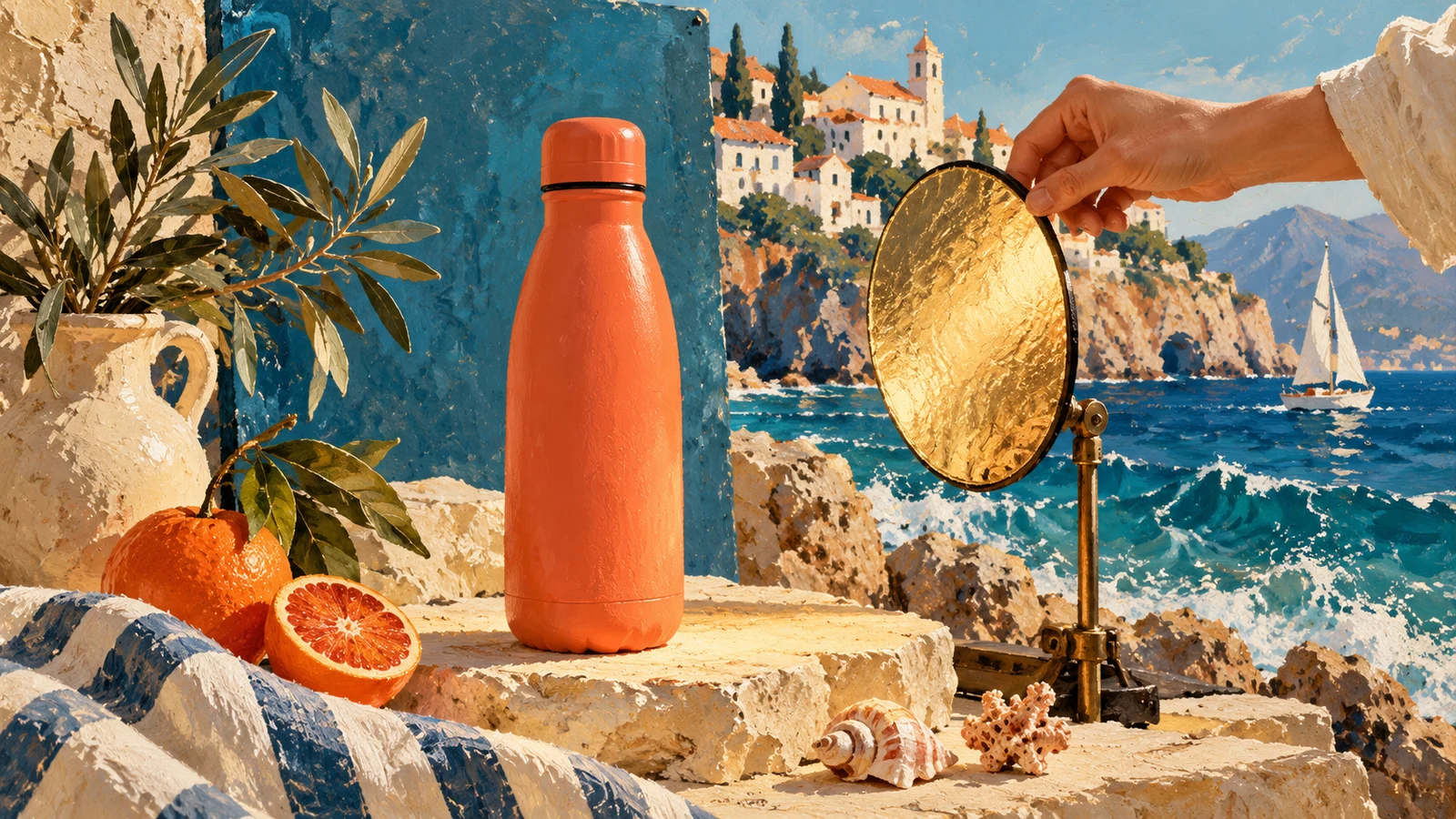
A useful 30-second Kling 4.0 product ad starts with a stable product reference and a simple sequence: establish the object, reveal a detail, show an interaction, and finish on a hero view. This tutorial builds that sequence around an original, unbranded coral-orange bottle rather than a real manufacturer's product.
The reference image is an original AI-generated product asset made for this tutorial. The video is a separate Kling 4.0 generation through PoYo. The painterly cover above is editorial artwork, not a frame from the generated video.
1. Prepare a clean product reference
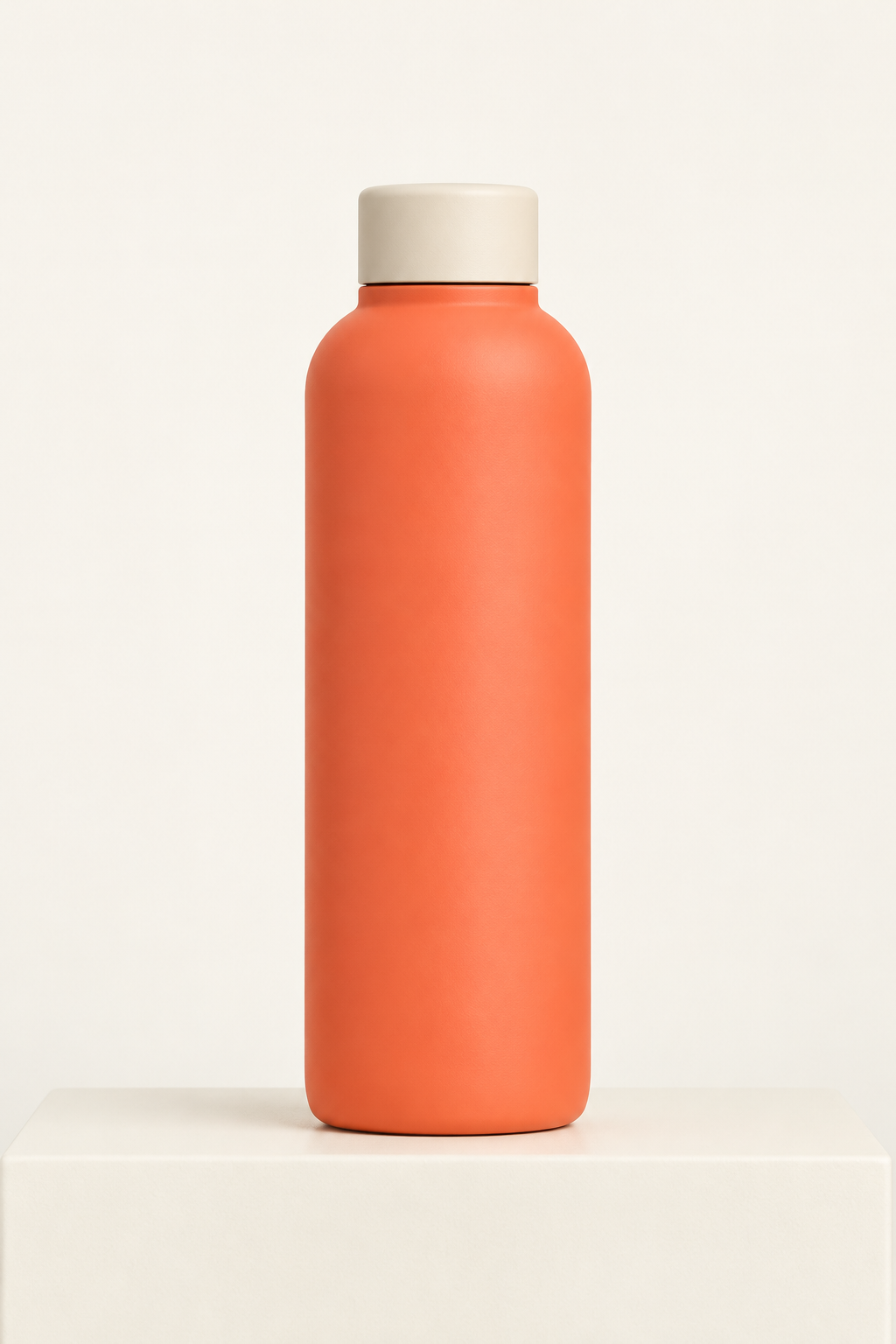
Download the reference PNG. Its simple silhouette makes drift easier to spot: a matte coral body, rounded shoulders, and a short ivory screw cap. There is no label, logo, performance claim, or real brand identity to reproduce.
For your own product, choose a reference with an unobstructed silhouette and accurate proportions. If several images show different caps, colors, or packaging generations, resolve that conflict before submission. A beautiful lifestyle image can be less useful than a plain packshot when product geometry is the main requirement.
2. Give each shot one job
| Time | Duration | Shot purpose | Main review question |
|---|---|---|---|
| 0–5s | 5s | Establish the bottle on a coastal terrace | Is the complete product recognizable? |
| 5–12s | 7s | Reveal cap and matte surface detail | Do color, shoulder and cap stay consistent? |
| 12–20s | 8s | One hand lifts and replaces the bottle | Do grip, weight and contact remain believable? |
| 20–30s | 10s | Slow hero arc, ending with a hold | Does the silhouette survive camera motion? |
The time ranges describe the requested plan, not measured guarantees of exact cut timing. Each shot uses the same product reference. An interaction shot is deliberately the hardest step: it tests whether the object survives contact rather than merely looking attractive while stationary.
3. Submit a four-shot reference request
Download the complete recorded request and task data. The request uses reference_image_urls for product identity and multi_prompt for shot instructions. It requests 30 seconds, 720p, 16:9, with shot durations totaling 30 seconds.
This abbreviated example shows the structure. The downloadable request contains the complete instructions used for the actual output.
{
  "model": "kling-4.0",
  "input": {
    "duration": 30,
    "resolution": "720p",
    "aspect_ratio": "16:9",
    "reference_image_urls": ["https://storage.poyo.ai/blog/kling-4-0-series-20261024/product-reference-c473f71baacd.png"],
    "multi_prompt": [
      {"duration": 5, "prompt": "Establish the exact coral-orange bottle and ivory cap from @Image1 on a coastal limestone plinth at dawn. Slow push, full product visible, natural ocean ambience, no text or logos."},
      {"duration": 7, "prompt": "Close detail of the same bottle's matte shoulder and ivory cap, then reveal its body. Preserve exact shape and color. Natural ocean ambience, no text or logos."},
      {"duration": 8, "prompt": "One adult hand lifts the same capped bottle from the plinth, pauses and sets it back. Locked medium close-up, believable grip and shadows, no text or logos."},
      {"duration": 10, "prompt": "Slow shallow arc around the same bottle on the original plinth. Keep the full product visible. End with a still three-second hold and space for later typography. Natural ocean ambience, no text or logos."}
    ]
  }
}
Do not also add a top-level prompt inside input; it is mutually exclusive with multi_prompt. Each shot's prompt must stay within 512 characters. A shot list is text-based direction, not an upload of ten timed keyframe images.
4. Inspect the actual generated draft
This is the saved output from task JW5Z9D7U7QL715WM. The task requested 30 seconds at 720p and was charged 855 credits, corresponding to $4.275 at the current listed conversion. It is one generation attempt, not a promise of a finished commercial in one pass.
Review the requested interaction and ending particularly carefully. Compare the bottle against the reference at the opening, middle and end. Check for shape changes, cap changes, extra product copies, hand-contact errors, camera jumps, and an ending that leaves enough time for an edit. Judge the actual file rather than assuming it followed every requested beat.
5. Finish the ad in an editor
Add exact brand typography, price, subtitles, licensed music, and any required disclosure in post-production. This tutorial deliberately avoids asking the model to render a real logo or invent product benefits. Generated visual content is not evidence for a product performance claim.
If only the backdrop needs changing, evaluate a small source-video edit instead of regenerating the whole idea. Kling video editing uses a different request mode and video-input billing, so calculate its cost separately.
Budget the whole workflow
At current PoYo rates, one 30-second request with an image reference and no video input is 855 credits at 720p or 1,275 credits at 1080p. Three 720p attempts would be 2,565 credits / $12.825 before any edits or account discounts. That is an arithmetic scenario, not an estimated acceptance rate.
A reference video would change the billing mode. Start with the shortest experiment that answers the difficult question, such as the hand interaction, before repeating a full 30-second request. Keep the exact reference, request, task ID and output together. For integration, see the API guide; for the cost formula, see Kling 4.0 pricing.