




01
GPT Image 1.5 Official
Create high-fidelity images from text prompts with selectable quality, background, output format, and 1024x1024, 1536x1024, or 1024x1536 image sizes.
Model not found: gpt-image-1-5-official
Example Output
This is sample data. Generate a new result to see real output.

Complete guide to using Affordable GPT Image 1.5 Official API on PoYo
gpt-image-1.5-official for text-to-image generation and gpt-image-1.5-edit-official for reference-image editing with optional masks.A practical image model family for prompt-driven generation, image editing, and production-ready output formats.
01
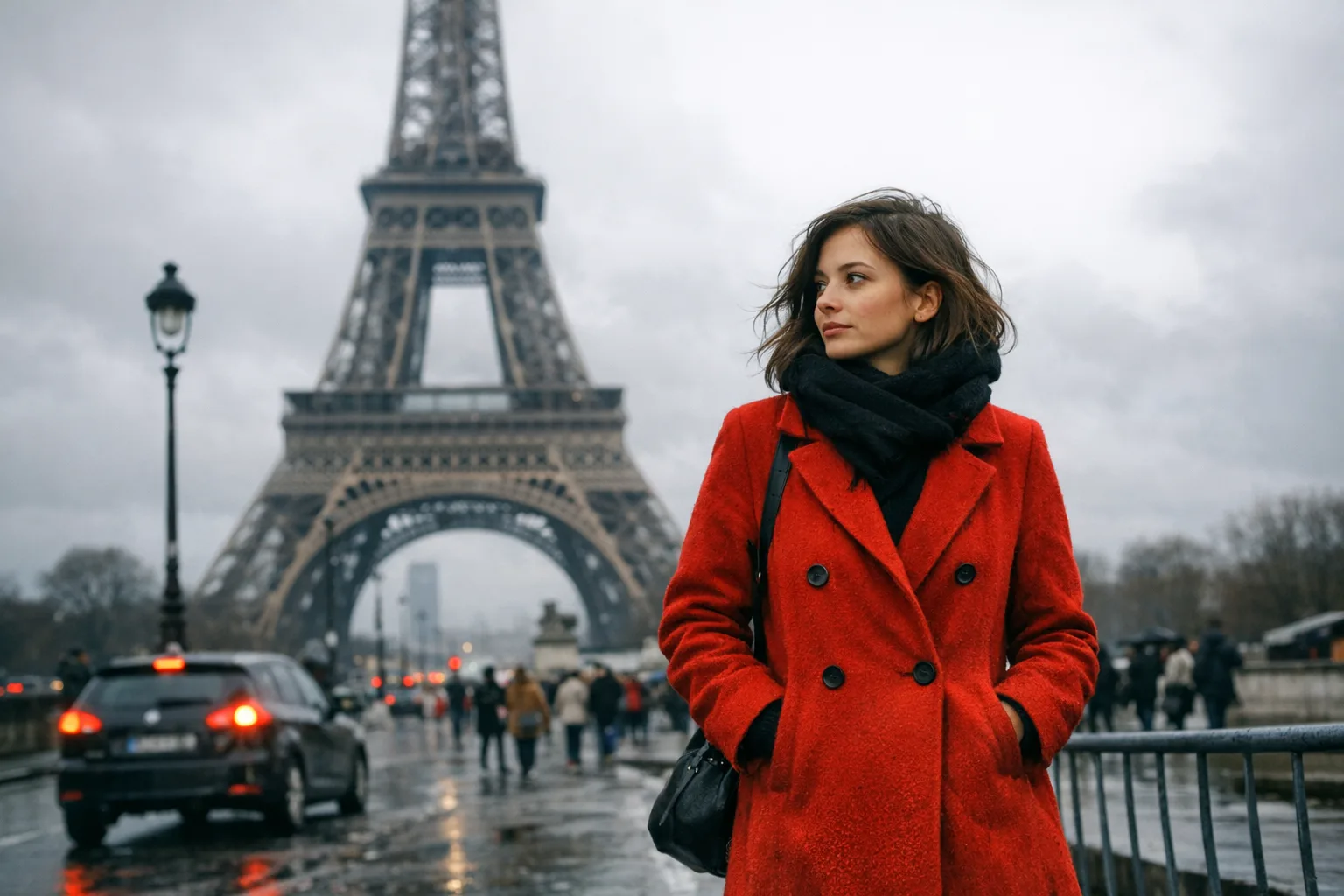
Create clean product visuals, concept art, social graphics, and editorial images from a prompt. The PoYo API exposes quality, size, background, image count, and output format controls.
02
The edit model supports reference images and optional mask images, making it useful for localized changes such as replacing backgrounds, retouching objects, or refining a specific region.
03
Choose transparent or opaque backgrounds where supported, generate multiple images per task, and select the output format that fits your product pipeline.
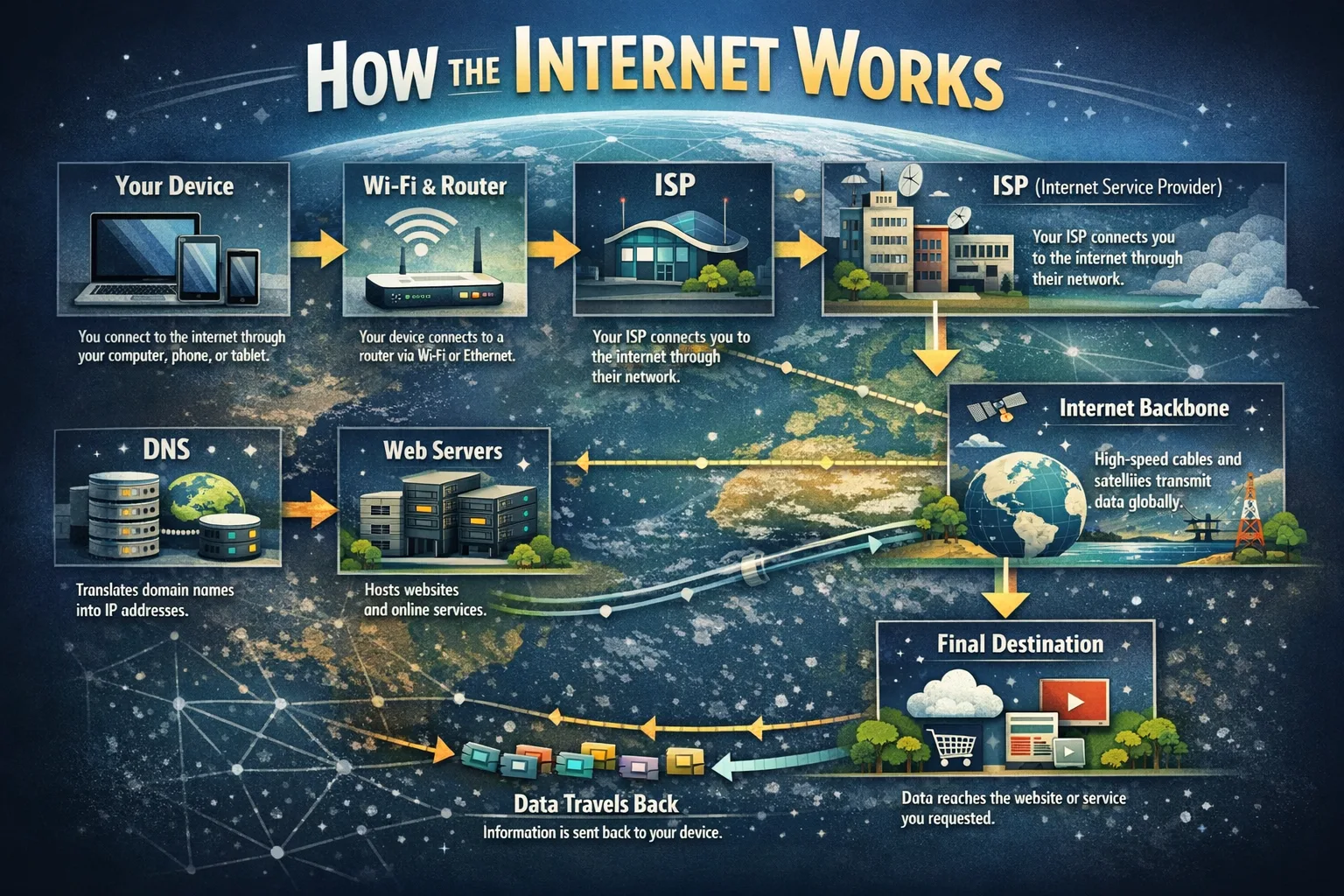
Generate clean product images, lifestyle shots, background variations, and campaign assets without scheduling a studio shoot for every iteration.
Create thumbnails, launch graphics, ad variations, and short-form visual concepts with prompt-driven iteration and predictable pricing.
Use reference images and mask-guided edits to update backgrounds, adjust objects, and refine visual details while keeping the original image context.
Integrate async image generation into apps, internal tools, creative workflows, and automated asset production systems through one PoYo API.
Both models use the same quality pricing. Choose the text model for prompt-only generation and the edit model when you need reference images or masks.
| Feature | gpt-image-1.5-official | gpt-image-1.5-edit-official |
|---|---|---|
| Primary task | Text to image | Image editing |
| Reference images | Not required | Required |
| Mask image | Not supported | Supported |
| Size options | 1024x1024, 1536x1024, 1024x1536 | auto, 1024x1024, 1536x1024, 1024x1536 |
| Starting price | 1.6 credits per image | 1.6 credits per image |
Credits are calculated per generated image and increase with quality.
Step 1: Create an API key
Sign in to PoYo and create an API key from your dashboard.
Create API Key
Step 2: Choose a model
Use gpt-image-1.5-official for prompt-only generation or gpt-image-1.5-edit-official when you need image editing with references or masks.
Step 3: Submit and retrieve results
Call the async submit endpoint, then poll task status or receive a callback when the task finishes.
View Documentation
Low: 1.6 credits per image
Medium: 5 credits per image
High: 24 credits per image
Total credits equal the quality tier multiplied by the requested image count. No subscription is required.
gpt-image-1.5-official for text-to-image generation and gpt-image-1.5-edit-official for reference-image editing.gpt-image-1.5-edit-official supports mask_image_url for targeted edits. The text-to-image model does not support masks.low. You can choose medium or high for higher-cost generations.Create an API key and start submitting GPT Image 1.5 Official generation or edit tasks in minutes without waitlists or manual approval.
Match cost to output needs with clear Low, Medium, and High tiers: 1.6 credits, 5 credits, or 24 credits per image.
Submit image jobs asynchronously, then retrieve results with polling or callbacks. The same integration pattern works for generation, editing, and mask-guided edits.
Use PoYo's stable API layer for production image workflows with consistent task states, predictable responses, and documentation built for teams.
Try prompts, reference images, mask images, quality levels, backgrounds, image counts, and output formats directly on the model page before shipping.
Run GPT Image 1.5 Official alongside other image and video models through one PoYo API key, one credit balance, and one billing system.