Model icon
grok-imagine-image-2.0
Text to Image
Image to Image
Model:
Generate and edit images with Grok Imagine Image 2.0 using up to three inputs, five supported aspect ratios, 1K or 2K resolution, and selectable quality.
When the request is deemed to be in violation of xAI terms the generation of the request will still be charged.
Input
634/8000
Added 0/3

Drop files here, paste files, or add a URL. Optional input image URLs. Add up to three images to switch to editing.

Output

Example Output

This is sample data. Generate a new result to see real output.

Task ID:exampleCreated:2026-08-15T00:00:00
Status:finishedProgress:100%
Generated image 1
Examples
Pricing details

Transparent pricing with no hidden fees. Pay as you go.

xAIgrok-imagine-image-2.0
Low quality - 1K
PoYo price
$0.040/image
8 credits
Official price
-
You save
-
xAIgrok-imagine-image-2.0
Medium quality - 1K
PoYo price
$0.060/image
12 credits
Official price
-
You save
-
xAIgrok-imagine-image-2.0
Low quality - 2K
PoYo price
$0.060/image
12 credits
Official price
-
You save
-
xAIgrok-imagine-image-2.0
Medium quality - 2K
PoYo price
$0.080/image
16 credits
Official price
-
You save
-
xAIgrok-imagine-image-2.0
Input image surcharge
PoYo price
$0.010/image
2 credits
Official price
-
You save
-

* Actual fees are based on the final output.

GROK IMAGINE IMAGE 2.0 · AVAILABLE NOW

Complete guide to using Fast, Cost-Effective Grok Imagine Image 2.0 API

Fast, Cost-Effective Grok Imagine Image 2.0 API

Grok Imagine Image 2.0 is xAI's high-fidelity image generation and native editing model, with complex prompt following, clear text, and precise local edits.

PoYo API access is available now with up to three input images, five supported aspect ratios, 1K or 2K output, low or medium quality, and up to four outputs per request.

What Grok Imagine Image 2.0 API Is Designed to Unlock

Explore generation, editing, multi-reference composition, and flexible reframing through four focused capability examples.

01

Grok Imagine Image 2.0 API: Follow Complex Prompts With Clear, Accurate Typography

Move beyond loosely interpreted prompts. Grok Imagine Image 2.0 is designed to plan multi-part compositions, respect detailed visual direction, and render readable text for assets where layout and typography are part of the brief.

  • Preserve detailed objects, lighting, and materials
  • Build structured posters, ads, and infographics
  • Render cleaner headlines and embedded labels
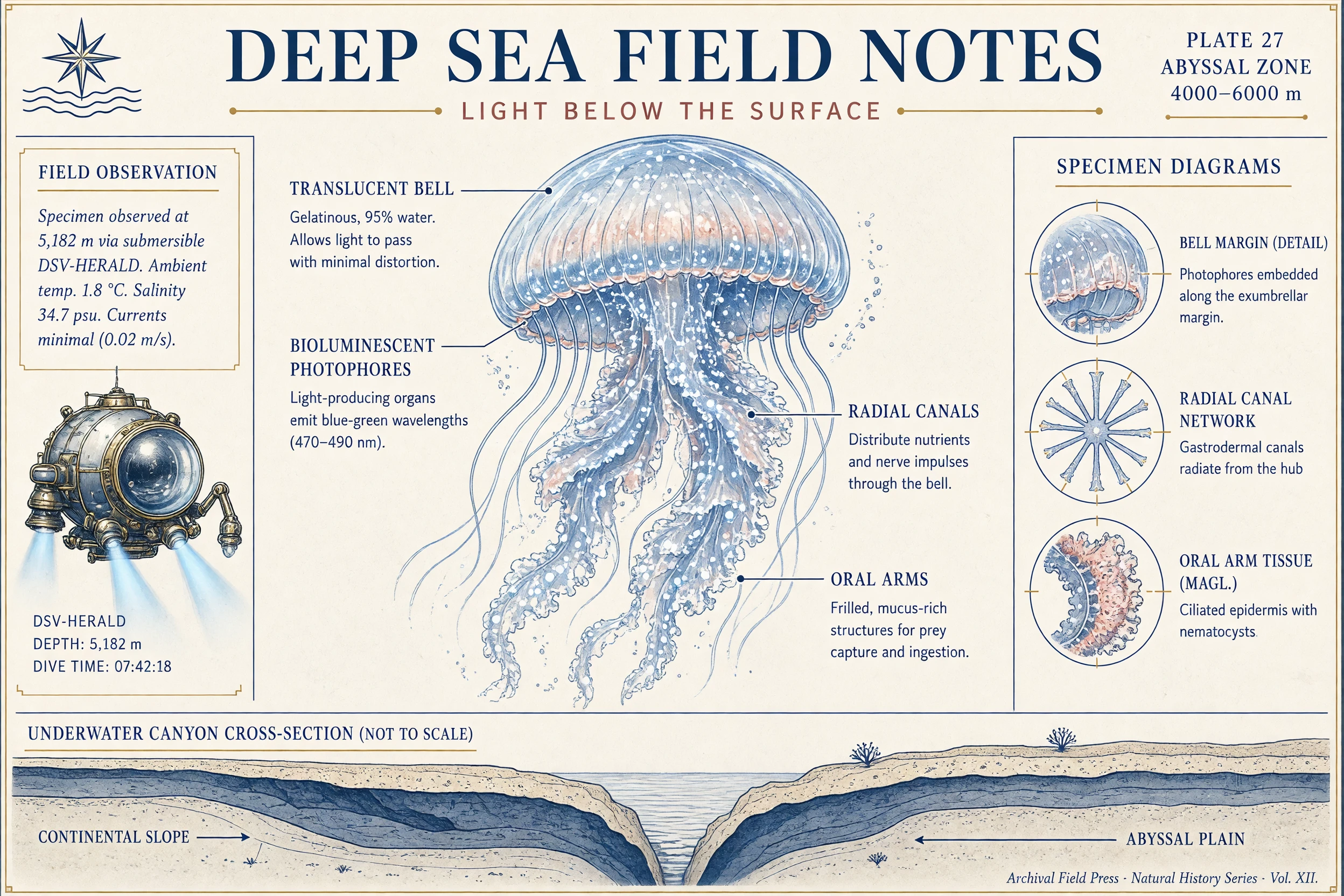
A detailed deep-sea field guide demonstrating complex prompt following and clear typography

02

Grok Imagine Image 2.0 API: Make Precise Local Edits While Preserving the Full Composition

Magic Wand and segmentation make editing a first-class workflow. Select a subject, product, background, or local detail, describe the change, and keep the rest of the composition stable instead of regenerating the full frame.

  • Target precise areas with natural-language edits
  • Change backgrounds while preserving the subject
  • Remove backgrounds for transparent exports
A reading room before and after a precise local edit changes only the selected chair

03

Grok Imagine Image 2.0 API: Blend Up to Three References Into One Consistent Visual

Bring separate subjects, products, styles, and scene references into a shared prompt. Multi-reference input is designed to reduce manual compositing and help creative teams build more consistent campaigns, characters, and visual systems.

  • Use up to three input images
  • Preserve identity and style across iterations
  • Compose products and subjects into new scenes
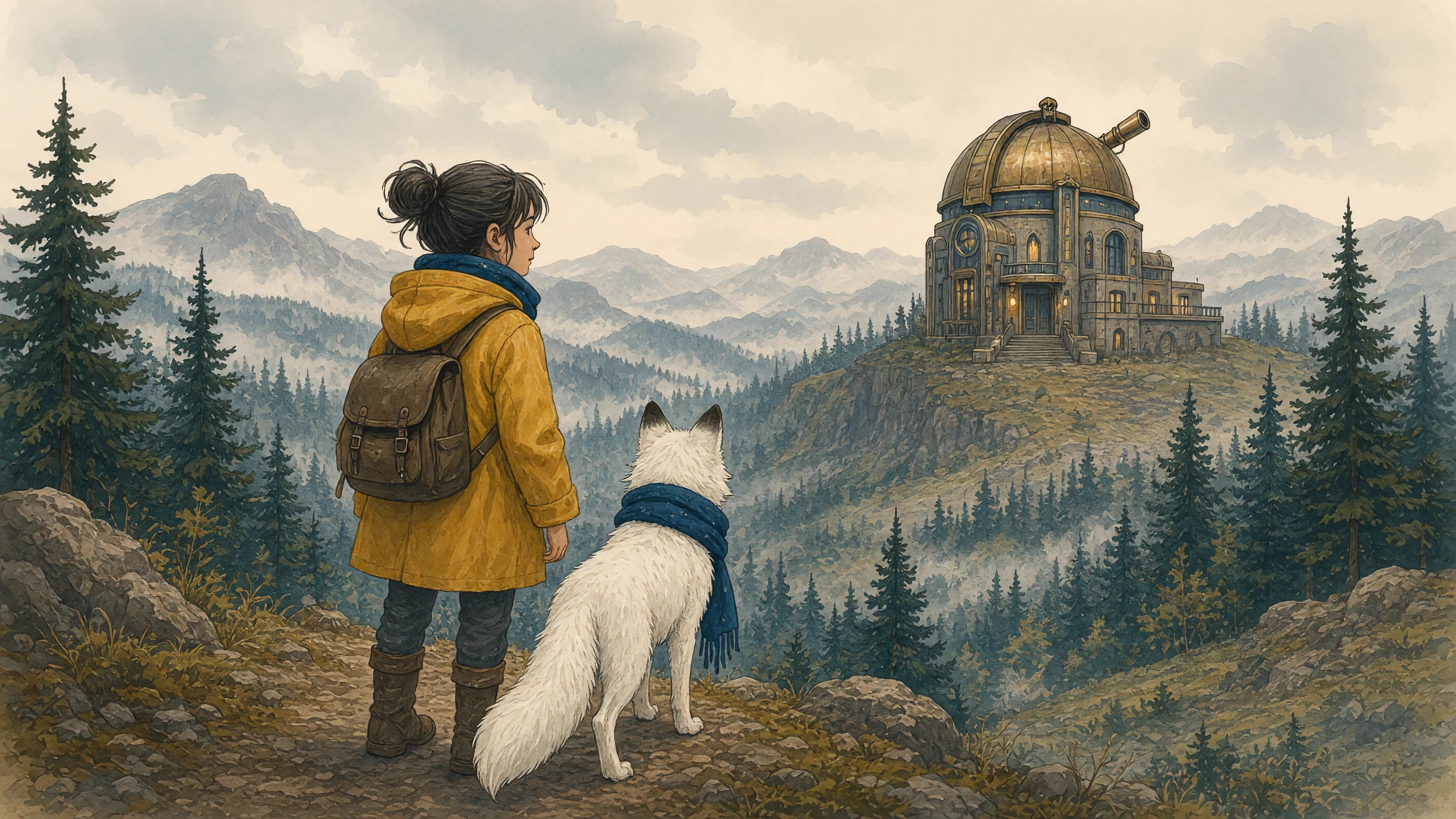
Multiple visual references blended into one consistent explorer and observatory scene

04

Grok Imagine Image 2.0 API: Resize and Reframe Images Across 5 Aspect Ratios

Smart Resize reframes and extends a composition for square, portrait, and landscape outputs. It is intended to turn one approved direction into product shots, social creative, UI assets, posters, and campaign variations with less manual rework.

  • Support 5 fixed aspect ratios
  • Intelligently fill newly added frame space
  • Create product, editorial, mascot, and UI assets
One cyclist scene intelligently extended and reframed across multiple aspect ratios

What Can You Create With Grok Imagine Image 2.0 API?

01

E-Commerce Product Visuals

Create product shots, packaging concepts, color variations, clean cutouts, and lifestyle scenes while keeping the hero object recognizable.

02

Advertising and Social Creative

Develop campaign visuals, social posts, thumbnails, and format variations with stronger composition and faster creative iteration.

03

Posters and Infographics With Clear Text

Turn structured briefs into posters, signs, explainers, and information-rich layouts with clearer headlines and embedded labels.

04

Characters and Storyboards

Preserve character identity, recurring details, and visual style across concept frames, storyboards, game assets, and illustrated sequences.

05

UI, UX, and Product Concepts

Turn structured briefs into mockups, interface concepts, icon sets, props, and design explorations that need readable visual hierarchy.

06

Local Editing and Rapid Iteration

Refine selected details, replace backgrounds, combine references, and adapt approved work without rebuilding the complete image.

Grok Imagine Image 2.0 vs. Grok Imagine Image Quality vs. Grok Imagine

Compare three xAI image models by generation quality, editing depth, reference-image support, output control, and video workflow. Grok Imagine Image 2.0 prioritizes production-ready generation and native precision editing, Grok Imagine Image Quality focuses on polished 1K and 2K output, and Grok Imagine supports fast creative modes, reference variations, and image-to-video.

CapabilityGrok Imagine Image 2.0Grok Imagine Image QualityGrok Imagine
Best ForProduction-ready generation, native local editing, and multi-reference compositionHigh-fidelity 1K or 2K generation and reference-guided editingFast ideation, creative variations, and image-to-video
Prompt Following and TextComplex prompts, clear in-image text, and structured layoutsStrong prompt adherence, polished detail, and reliable visual fidelityFast prompt interpretation across Fun, Normal, and Spicy creative modes
Generation and EditingText-to-image, Magic Wand, segmentation, background tools, and iterative local editsText-to-image generation and prompt-guided editing with reference imagesFast text-to-image generation, creative modes, reference-based variations, and image-to-video
Local Editing PrecisionMagic Wand and segmentation change selected regions while preserving the rest of the compositionPrompts and reference images guide broader image editsCreates reference-based variations rather than selected-region edits
Reference ImagesUp to 3 reference images in one workflowOptional input images for reference-guided editingOptional reference image
Output Controls5 aspect ratios with Smart Resize and intelligent frame expansion1K or 2K output with low or medium quality2:3, 3:2, or 1:1 image output
Video WorkflowStill images only; use Grok Imagine Video 1.5 for motionImage generation and editing onlyBuilt-in image-to-video workflow with synchronized audio

Frequently Asked Questions About Grok Imagine Image 2.0 API

What is Grok Imagine Image 2.0?

Grok Imagine Image 2.0 is xAI's image generation and editing model for detailed instruction following, sharper typography, consistent iterative edits, multi-reference composition, and smart resizing.

Is Grok Imagine Image 2.0 available on PoYo now?

Yes. Grok Imagine Image 2.0 is available on PoYo for generation, editing, task tracking, and result delivery through the unified image API workflow.

Can Grok Imagine Image 2.0 use reference images?

Grok Imagine Image 2.0 supports multi-reference generation with up to three input images for combining subjects, products, styles, and scenes in one workflow.

What editing capabilities does Grok Imagine Image 2.0 offer?

Editing tools include Magic Wand region selection, segmentation, background removal, background replacement, iterative local edits, and Smart Resize across 5 supported aspect ratios.

Does Grok Imagine Image 2.0 generate video?

No. Image 2.0 produces still images. Motion workflows use a separate model such as Grok Imagine Video 1.5.

Which Grok image API can I use on PoYo today?

Grok Imagine Image 2.0 and Grok Imagine Image Quality are both available on PoYo with published API controls and pricing.

Why Use Grok Imagine Image 2.0 API on PoYo

01

Connect Your AI Creative Stack With One API Key

Use one PoYo account and authentication method across image, video, audio, and other AI models.

02

Reduce Integration Work With a Unified Async API

Reuse the same submission, task ID, status-query, and result-retrieval flow across PoYo generation models.

03

Deliver Results With Polling or Webhook

Poll task status or receive Webhook callbacks to connect completed images to automated production workflows.

04

Move From Images to Video on One Platform

Continue approved still images with Grok Imagine Video 1.5 or other PoYo video models without changing platforms.