
01
kling-2.1/standard
Use standard mode when you want lower credits and a clean start-frame-driven workflow for short AI video generation.

Drop files here, paste files, or add a URL. image/jpeg,image/png,image/webp · 10 MiB
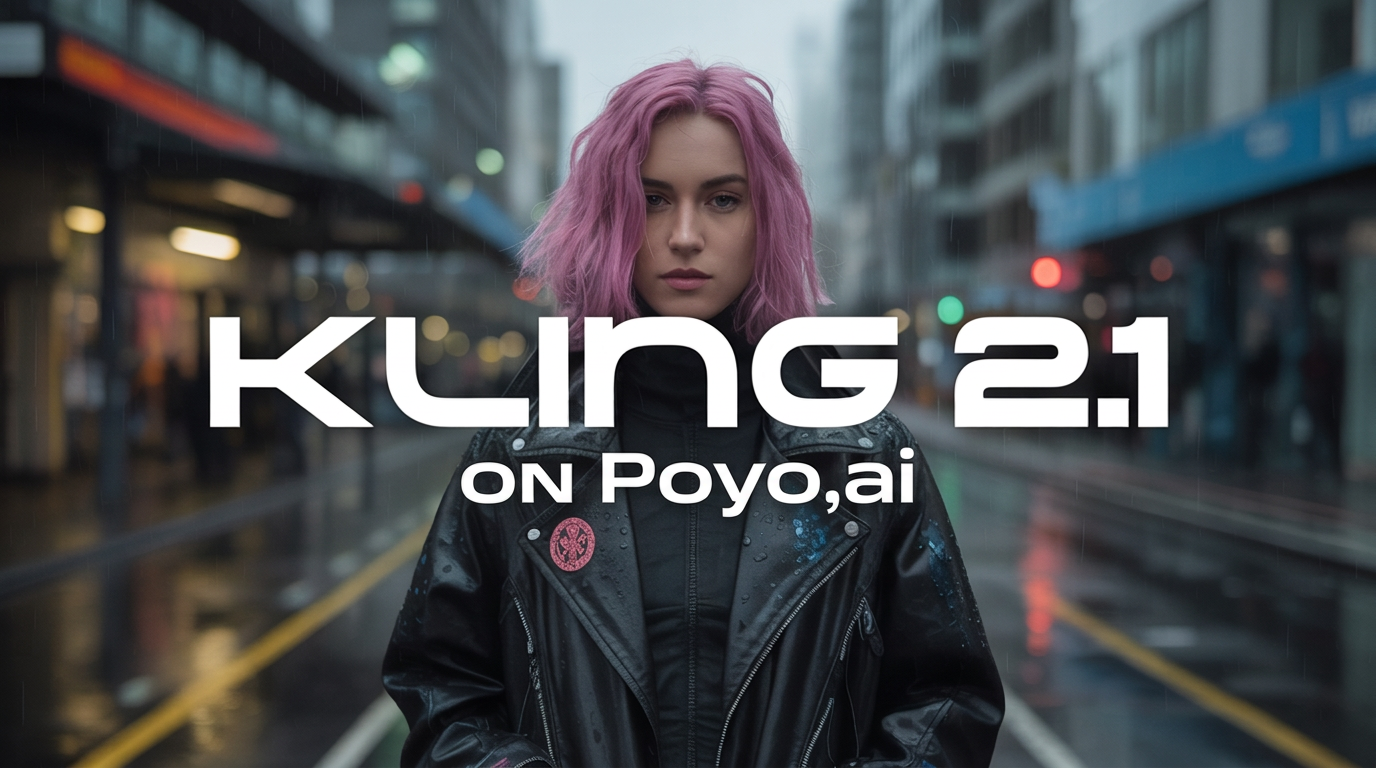
Example Output
This is sample data. Generate a new result to see real output.
Transparent pricing with no hidden fees. Pay as you go.
kling-2.1/standardkling-2.1/standardkling-2.1/prokling-2.1/pro| Model | Spec | PoYo price | Official price | You save |
|---|---|---|---|---|
| kling-2.1/standard | 5s - Standard | $0.150/video 30 credits /video | $0.280/video Fal | 46% |
10s - Standard | $0.300/video 60 credits /video | $0.560/video Fal | 46% | |
| kling-2.1/pro | 5s - Pro | $0.275/video 55 credits /video | $0.490/video Fal | 44% |
10s - Pro | $0.550/video 110 credits /video | $0.980/video Fal | 44% |
* Actual fees are based on the final output.
Complete guide to using Kling 2.1 API with Standard and Pro Modes
The main differences developers care about when choosing between standard and pro.
01
Both Kling 2.1 modes require a start image, which makes the model family a good fit for teams that want the opening composition locked before motion begins.
02
kling-2.1/standard keeps the workflow simple: start-frame input, 5s or 10s duration, and a lower credit tier for everyday short-form generation.
03
kling-2.1/pro adds optional end-frame guidance, which helps when the closing state of the shot matters for reveals, transitions, or tighter storyboard matching.
Generate short branded clips from approved key visuals without building a custom animation stack.
Prototype visual motion from concept art and storyboard frames before full production begins.
Turn hero images into launch animations, store assets, and app showcase sequences.
Use a simple async video workflow with a clear split between standard and pro cost tiers.
| Feature | kling-2.1/standard | kling-2.1/pro |
|---|---|---|
| Required start frame | Yes | Yes |
| Optional end frame | No | Yes |
| 5-second price | 30 credits | 55 credits |
| 10-second price | 60 credits | 110 credits |
| Best fit | Cost-aware short clips | Tighter visual control |
Step 1: Pick your mode
Choose kling-2.1/standard for lower-cost generation or kling-2.1/pro for stronger shot control.
Create API Key →
Step 2: Prepare your frame inputs
Provide start_image_url for both modes. Add end_image_url only when using pro mode.
Add Credits →
Step 3: Submit and track
Send a standard PoYo async request, then poll status or receive the result through webhook.
kling-2.1/standard: 5 seconds for 30 credits, 10 seconds for 60 credits
kling-2.1/pro: 5 seconds for 55 credits, 10 seconds for 110 credits
The split makes it easy to choose a low-cost baseline or upgrade to pro when end-state control is worth the extra credits.
Standard and pro are easy to compare, so product teams can choose by cost and control instead of guesswork.
Fixed 5-second and 10-second prices make it easy to forecast usage and control spending.
Stay on the same submit, status, and webhook patterns used across PoYo video APIs.
Use standard for early drafts and pro for the shots that need tighter visual direction.