
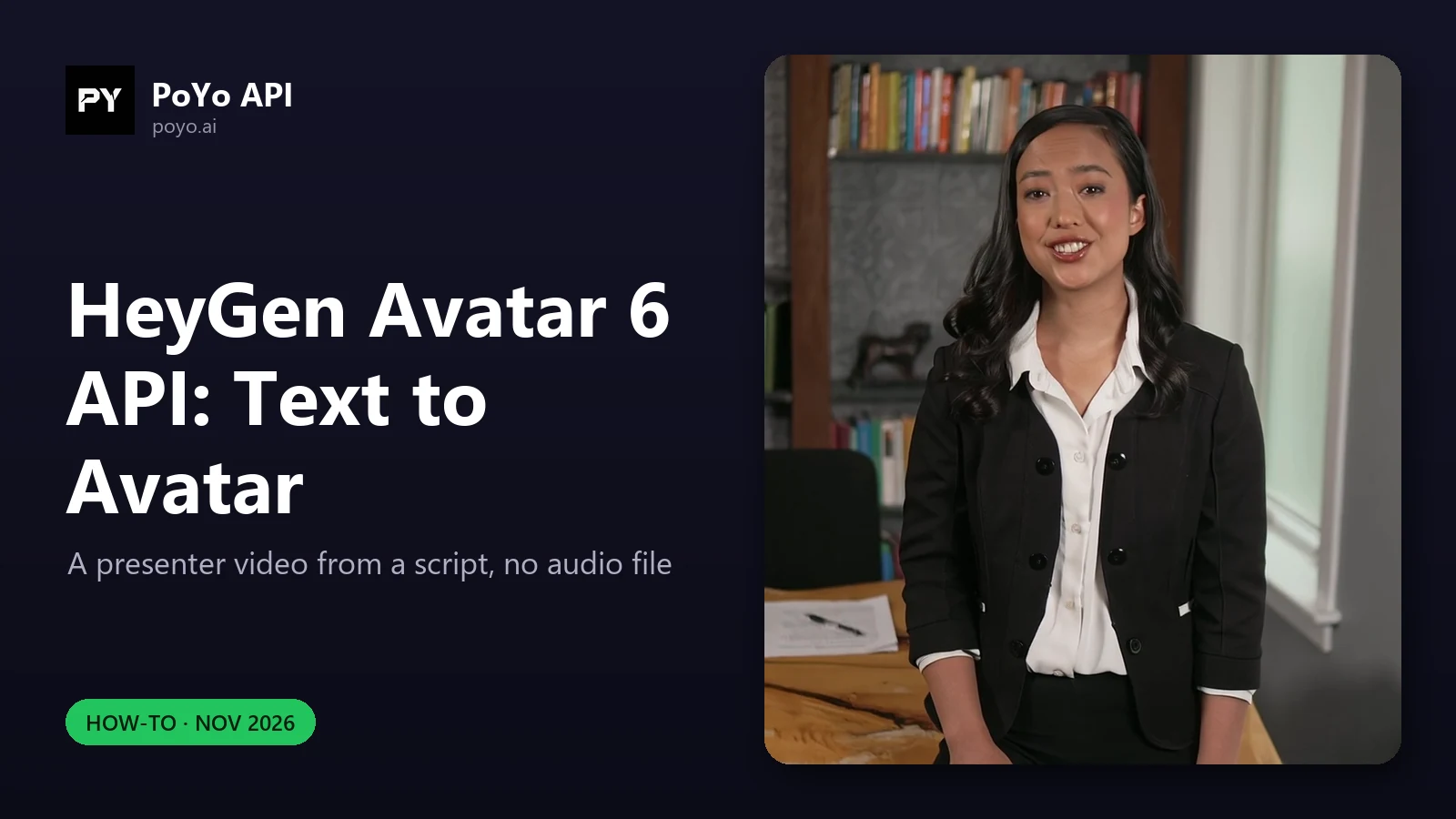
The HeyGen Avatar 6 API can make a presenter video from nothing but a script. In public avatar mode you name one of HeyGen's 1,248 stock looks, send up to 1,000 characters of text, pick one of 102 voices, and heygen-avatar-6 (or heygen-avatar-6-turbo) returns a lip-synced MP4. No photo, no recording, no text-to-speech step on your side. This walkthrough covers choosing a look and a voice from the catalog, directing gestures with prompt, choosing a frame shape, and what a text request costs. You can browse the looks on the HeyGen Avatar 6 model page as well.
The text-to-avatar request
This is the documented body for public avatar mode with text:
{
  "model": "heygen-avatar-6-turbo",
  "input": {
    "avatar": "Abigail Office Front",
    "text": "Hello and welcome to this demonstration of HeyGen Avatar 6.",
    "voice": "Warm Pro Narrator",
    "prompt": "Speak with calm confidence and nod slightly at the end.",
    "aspect_ratio": "16:9",
    "resolution": "1080p"
  }
}
| Field | Required | Rule |
|---|---|---|
avatar | Yes | One of 1,248 look names |
text | Yes (instead of audio_url) | 1–1,000 characters |
voice | No | One of 102 names; default Warm Pro Narrator |
prompt | No | Up to 1,200 characters of direction |
aspect_ratio | No | 16:9 (default), 9:16, 1:1, 4:5, 5:4 |
resolution | No | 1080p (default) or 2K |
The presence of avatar is what selects this mode. Do not also send image_urls or video_url; use one mode's inputs per request. Submit to POST https://api.poyo.ai/api/generate/submit and poll /api/generate/status/{task_id} as in the HeyGen Avatar 6 API guide.
Pick an avatar look from the catalog
PoYo publishes every name on the Avatars and Voices page and as a JSON catalog. The catalog has five keys:
| Key | Contents |
|---|---|
models | heygen-avatar-6, heygen-avatar-6-turbo (the same names work on both) |
default_voice | Warm Pro Narrator |
avatars | All 1,248 look names, flat |
avatars_by_person | The same looks grouped under 156 people |
voices | All 102 voice names |
Each person has one or more looks, and each look is a separate avatar value. Abigail has five (Abigail (Upper Body), Abigail Office Front, Abigail Office Side, Abigail Sofa Front, Abigail Sofa Side); Annie has 54; eight people have a single look. The names describe setting, outfit, and camera angle, which is usually enough to choose without previewing:
| You want | Look for names like | Examples |
|---|---|---|
| Presenter facing camera | Front | Abigail Office Front, Bryan Suit Front |
| Three-quarter angle | Side | Abigail Office Side |
| Seated, informal | Sofa, Sitting, Lounge | Annie Sofa Sitting Front |
| A role or setting | Doctor, Nurse, Yoga, Tech Expert | Ann Doctor Standing, Adriana Nurse Front, Amelia Yoga Front, Bryan Tech Expert |
About 480 names contain Front and about 430 contain Side. For an explainer series, pick one person and keep to their Front looks, so the presenter stays the same across videos. Use the matching Side look for cutaways.
Names match regardless of letter case and extra spaces, so abigail office front selects Abigail Office Front. PoYo checks avatar against the list at submission, so a typo returns an immediate 400 rather than a failed task. Validate in your own code first:
import requests

catalog = requests.get(
    "https://docs.poyo.ai/api-manual/video-series/heygen-avatar-6-catalog.json", timeout=30
).json()

def norm(name: str) -> str:
    return " ".join(name.split()).lower()

AVATARS = {norm(a): a for a in catalog["avatars"]}
VOICES = set(catalog["voices"])

def build_request(model, avatar, text, voice=None, prompt=None, aspect_ratio="16:9", resolution="1080p"):
    if norm(avatar) not in AVATARS:
        raise ValueError(f"unknown avatar: {avatar!r}")
    if not 1 <= len(text) <= 1000:
        raise ValueError("text must be 1-1,000 characters")
    if voice is not None and voice not in VOICES:
        raise ValueError(f"unknown voice: {voice!r} (copy the exact name from the catalog)")
    if prompt is not None and len(prompt) > 1200:
        raise ValueError("prompt must be at most 1,200 characters")
    body = {"avatar": AVATARS[norm(avatar)], "text": text,
            "aspect_ratio": aspect_ratio, "resolution": resolution}
    if voice:
        body["voice"] = voice
    if prompt:
        body["prompt"] = prompt
    return {"model": model, "input": body}
The voice check uses exact names on purpose; the next section explains why.
Pick a voice
voice decides who reads text. Leave it out and you get Warm Pro Narrator. The 102 voices include plain names (Andrew, Ivy, Jessica Anne Bogart), descriptive ones (Calm Chloe, Professor Dean, Radio Rick, Chill Brian), and some with a style tag in the name.
Three things trip people up:
- Trailing spaces can matter. The docs call out that
HopeandHope(with a trailing space) are two different voices.Archer,Cassidy,Adam Stone,Spuds Oxley, andAndrew Rizzalso end with a space in the catalog. Copy names from the JSON rather than retyping them. - Some names contain emoji or file-like suffixes, such as
Cute Chloe - Friendly 😊orBrenda - UGC - 1.mp4. Those characters are part of the name. Send the request body as UTF-8 JSON and the name will pass through unchanged. - The voice is not tied to the avatar. Any of the 102 voices can read for any of the 1,248 looks. Pick a voice that suits the person on screen; our launch-day tests paired
Bryan Tech ExpertwithAndrewandAbigail Office FrontwithJessica Anne Bogart.
voice applies only when you send text. If you send audio_url instead, the avatar speaks your recording and voice is not used.
Direct gestures with prompt
prompt takes up to 1,200 characters of direction for gestures, expression, and posture. HeyGen's technical report describes the technique: "Write the action next to the words. Avatar 6 performs it right on cue." Its example: "Friendly pharmacist. On 'Hello', give a thumbs up. On 'the counter on the left', point to the side with your index finger."
A pattern that follows that format:
{
  "model": "heygen-avatar-6",
  "input": {
    "avatar": "Bryan Tech Expert",
    "text": "Hello! Today I will show you three settings that make your dashboard faster. First, open the menu on the left.",
    "voice": "Andrew",
    "prompt": "Friendly product expert. On 'Hello', wave once. On 'three settings', hold up three fingers. On 'the menu on the left', point to his left side. Keep a relaxed posture and smile between sentences.",
    "aspect_ratio": "16:9",
    "resolution": "1080p"
  }
}
Tips that keep prompts useful:
- Quote the exact words from
textthat each action should land on, so the cue is unambiguous. - Describe one role or mood first ("Friendly product expert"), then the cues.
- Leave
promptout when you have no specific cues. HeyGen's Avatar 6 launch page says the model "matches gesture, emotion, and expression to your script" on its own.
Choose the aspect ratio for the placement
aspect_ratio exists only in public avatar mode; photo and reference video modes keep the input's shape.
| Placement | aspect_ratio |
|---|---|
| Website, YouTube, LMS lesson | 16:9 (default) |
| Shorts, Reels, TikTok, stories | 9:16 |
| Square feed post, in-app card | 1:1 |
| Portrait feed post | 4:5 |
| Landscape feed post | 5:4 |
resolution is separate: 1080p or 2K in any ratio. 2K costs more per second, so render drafts at 1080p.
How long the video will be, and what it costs
With text, the video runs as long as the avatar takes to read it, up to 1,000 characters. You are billed for the finished video's length, rounded up to whole seconds. Credits are reserved when you submit and settled to the actual seconds when the task finishes.
Our launch-day tests on the production API, November 19, 2026 (16:9, 1080p):
| Model | Avatar / voice | Script | Output | Cost at current prices | Wall time |
|---|---|---|---|---|---|
heygen-avatar-6-turbo | Abigail Office Front / Jessica Anne Bogart | 27 words | 10.16 s | 110 credits ($0.55) | About 2.4 min |
heygen-avatar-6 | Bryan Tech Expert / Andrew | 21 words | 6.88 s | 140 credits ($0.70) | About 2 min |
That works out to roughly 2.7 and 3.1 words per second in these two runs, useful for a rough budget but not a guarantee, since pacing varies by voice and script. Rates per second: Turbo 10 credits ($0.05) at 1080p or 18 ($0.09) at 2K; Avatar 6 20 credits ($0.10) or 29 ($0.145). See HeyGen Avatar 6 API pricing for more.
Because text tasks hold a reservation while they run, firing many at once can return HTTP 200 with body code 402 (insufficient_credits_error). In our test, a third request was refused with: "this request needs at least 252 credits, and 344 credits are already reserved by your unfinished HeyGen Avatar 6 text tasks." Queue text jobs, or keep a balance that covers the reservations in flight. Use Turbo while you iterate; the Avatar 6 vs Turbo comparison shows when to switch.
Frequently asked questions
Can the HeyGen Avatar 6 API turn text into a talking avatar video?
Yes. In public avatar mode, send avatar, up to 1,000 characters of text, and optionally voice. No audio file is needed.
Where is the list of HeyGen Avatar 6 API avatars and voices?
On the PoYo docs page Avatars and Voices, and as a downloadable JSON catalog with avatars, avatars_by_person, and voices keys.
What is the default voice in the HeyGen Avatar 6 API?
Warm Pro Narrator, used when voice is omitted.
Can I use my own photo with text instead of a stock avatar?
No. text works only in public avatar mode. For your own photo, use photo mode with image_urls and an audio_url; generate the audio with a TTS model first if needed.
What aspect ratios does HeyGen Avatar 6 text to avatar support?
16:9, 9:16, 1:1, 4:5, and 5:4, at 1080p or 2K.
How is a HeyGen Avatar 6 API text request billed?
By the finished video's length, rounded up to whole seconds, at the model's per-second rate. Credits are reserved at submission and settled when the task ends.