
Pay as you go. No subscription, no hidden fees.
| Tier | 2K | 4K |
|---|---|---|
| Text to image · Very low quality | $0.008/image 1.6 credits/image | Not available |
| Text to image · Low quality | $0.030/image 6 credits/image | $0.060/image 12 credits/image |
| Text to image · Medium quality | $0.060/image 12 credits/image | $0.120/image 24 credits/image |
| Text to image · High quality | $0.100/image 20 credits/image | $0.200/image 40 credits/image |
| Image edit · Very low quality | $0.008/image 1.6 credits/image | Not available |
| Image edit · Low quality | $0.030/image 6 credits/image | $0.060/image 12 credits/image |
| Image edit · Medium quality | $0.060/image 12 credits/image | $0.200/image 40 credits/image |
| Image edit · High quality | $0.220/image 44 credits/image | $0.600/image 120 credits/image |
Charges are based on the final output.
Text-to-image up to 4K and precise image editing in one API
Ideogram 4.6 API for 4K Image Generation and Editing
The Ideogram 4.6 API gives you Ideogram's newest image model on PoYo. Create posters, packaging, social graphics and product images from a prompt at sizes up to 4096 pixels per side, with the words you put in quotes rendered on the image. Then edit any image with a prompt, an optional mask and up to four reference images, changing one detail at a time while the rest stays put.
Ideogram released Ideogram 4.6 on November 19, 2026, and PoYo added the Ideogram 4.6 API the same month as two model IDs: ideogram-v4.6 for text-to-image and ideogram-v4.6-edit for editing. Choose from four quality levels, generate up to 8 images per request, and pay per image at the 2K or 4K price tier. One API key, no waitlist.
Available Ideogram 4.6 API Models on PoYo
Ideogram 4.6 Edit (ideogram-v4.6-edit)
Key Features of Ideogram 4.6 API
The Ideogram 4.6 API pairs 4K text-to-image generation with precise, step-by-step image editing.
01
Native 4K Text-to-Image Generation
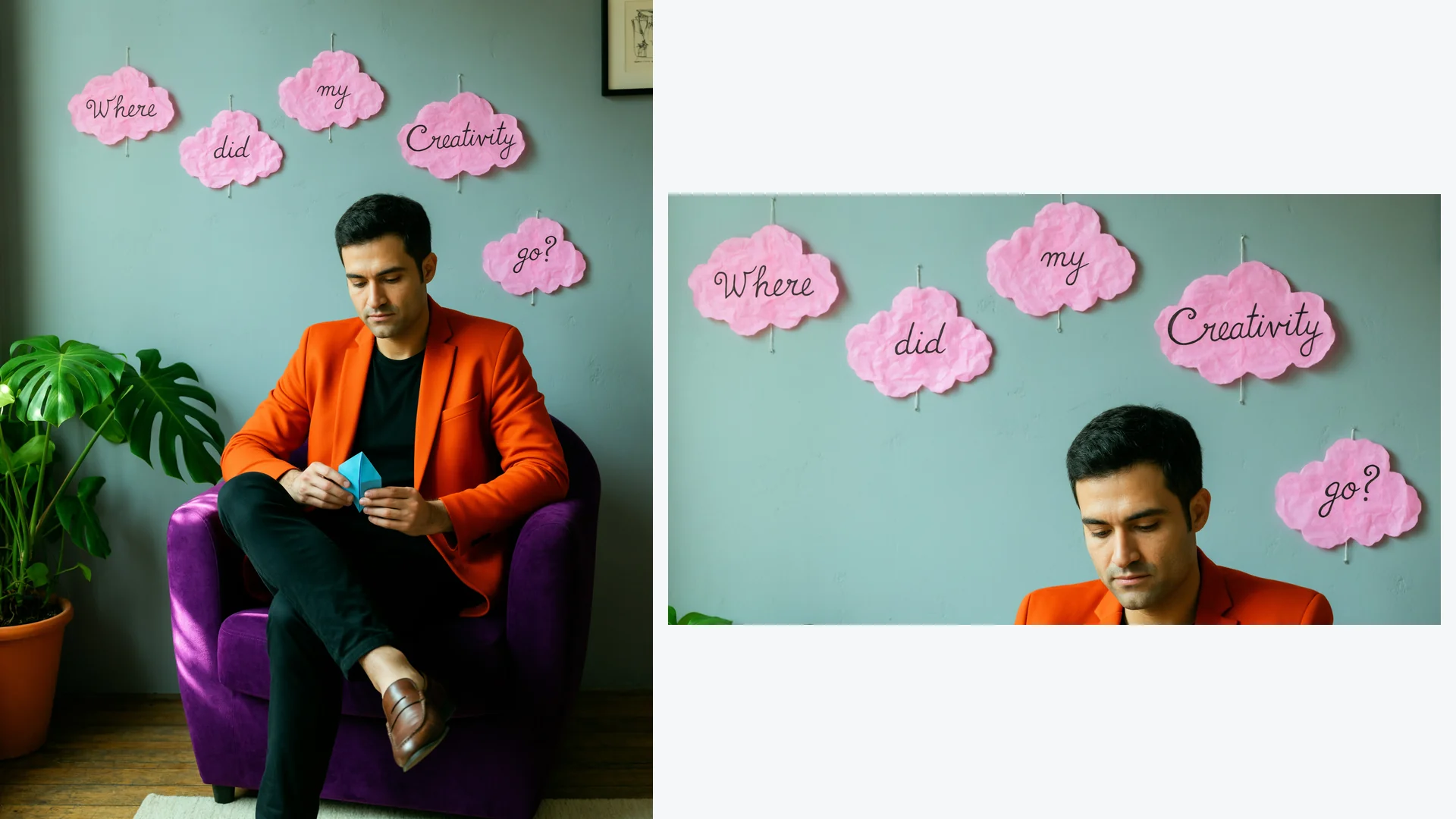
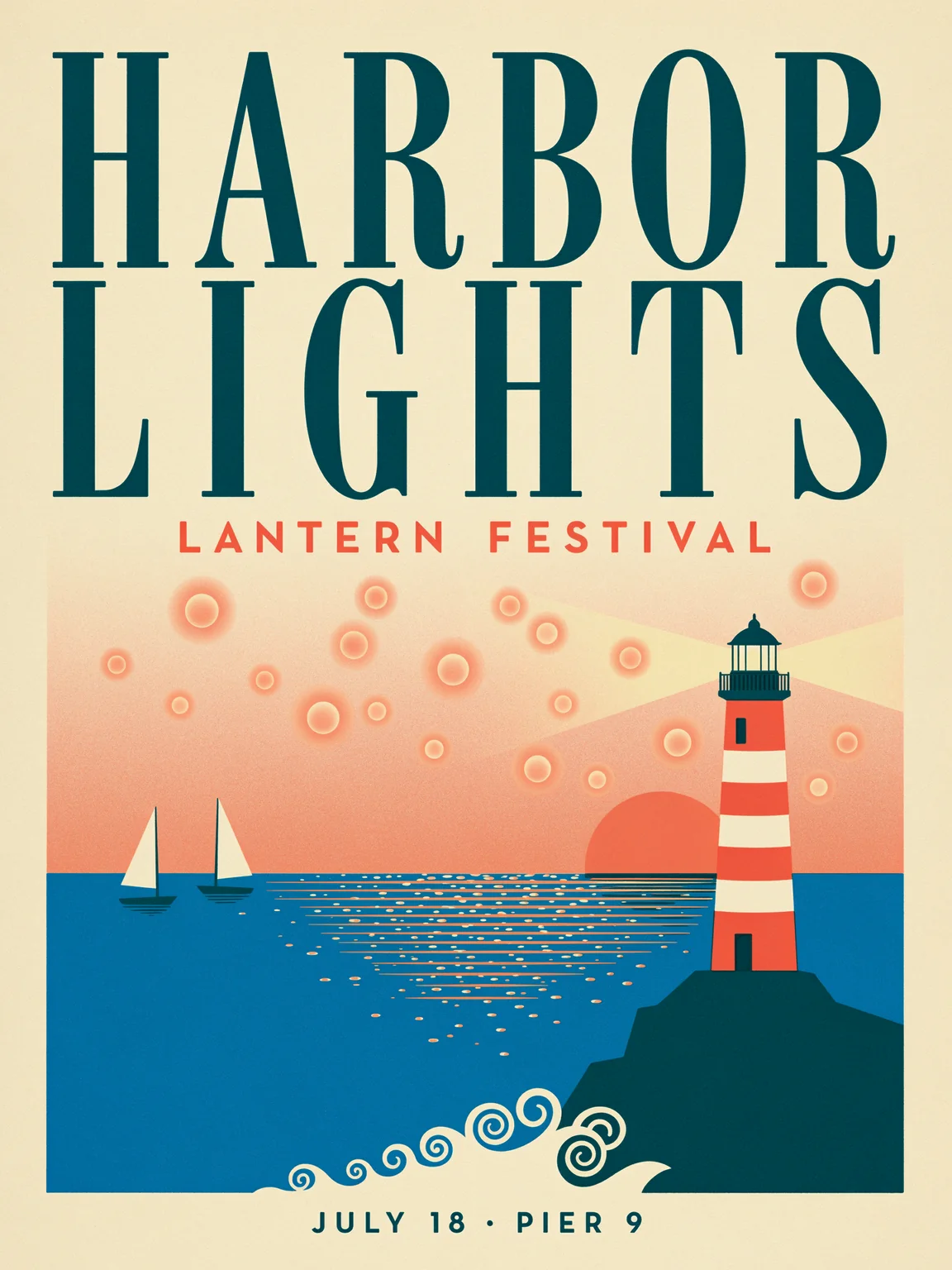
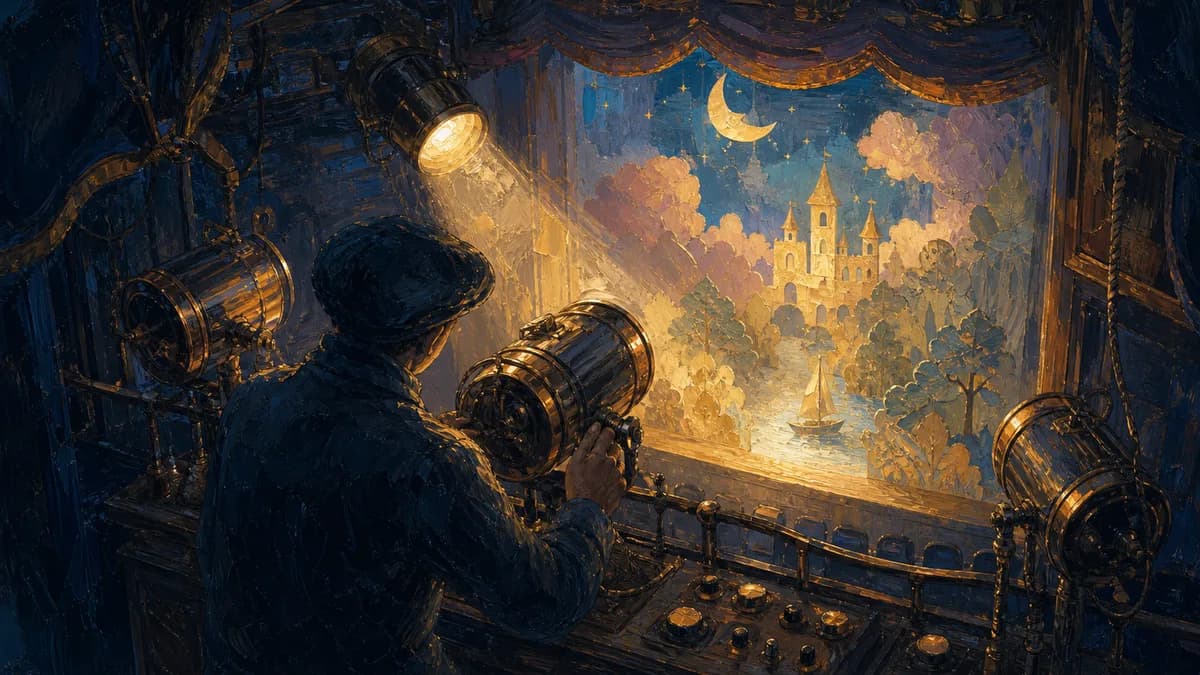
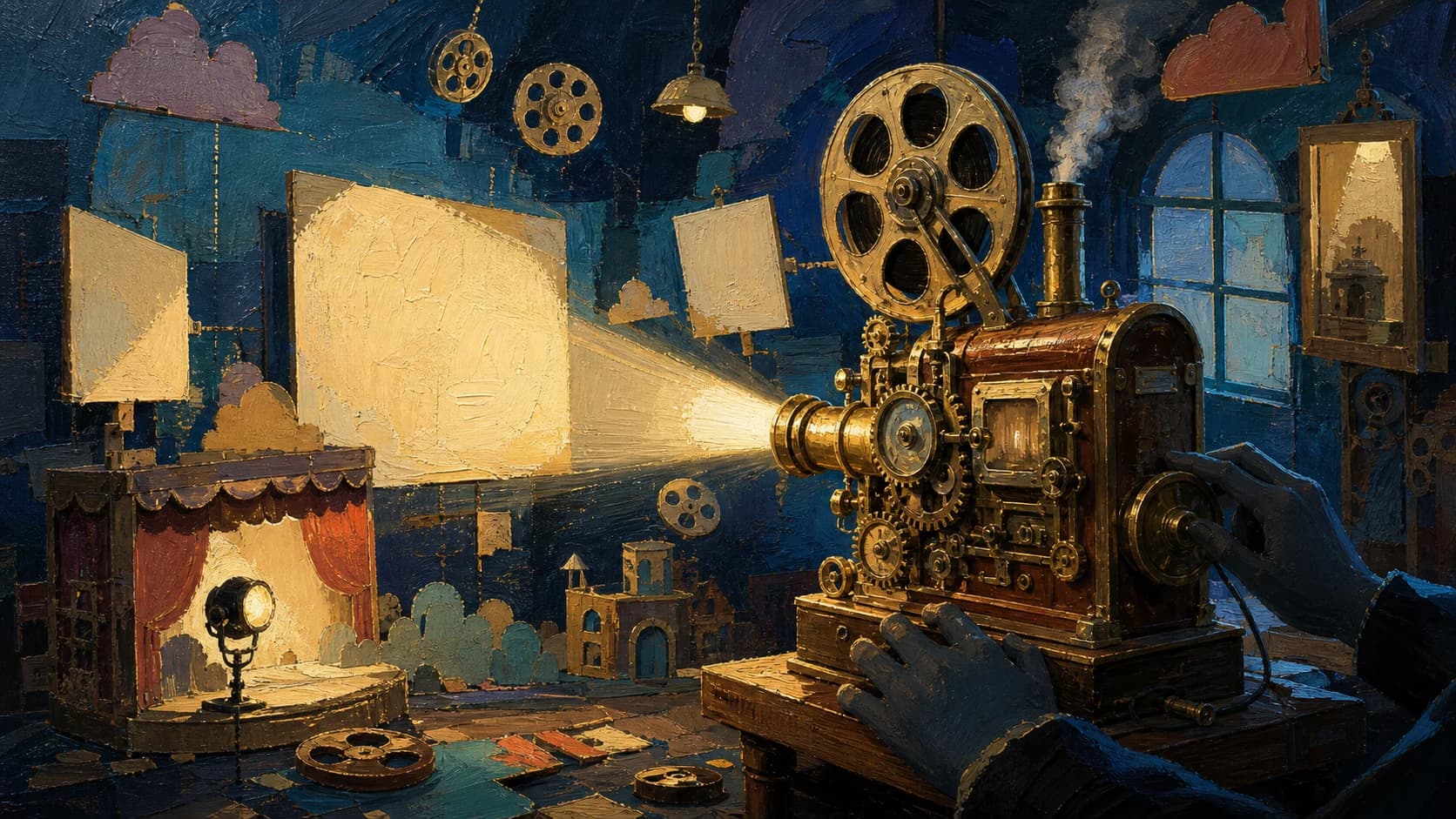
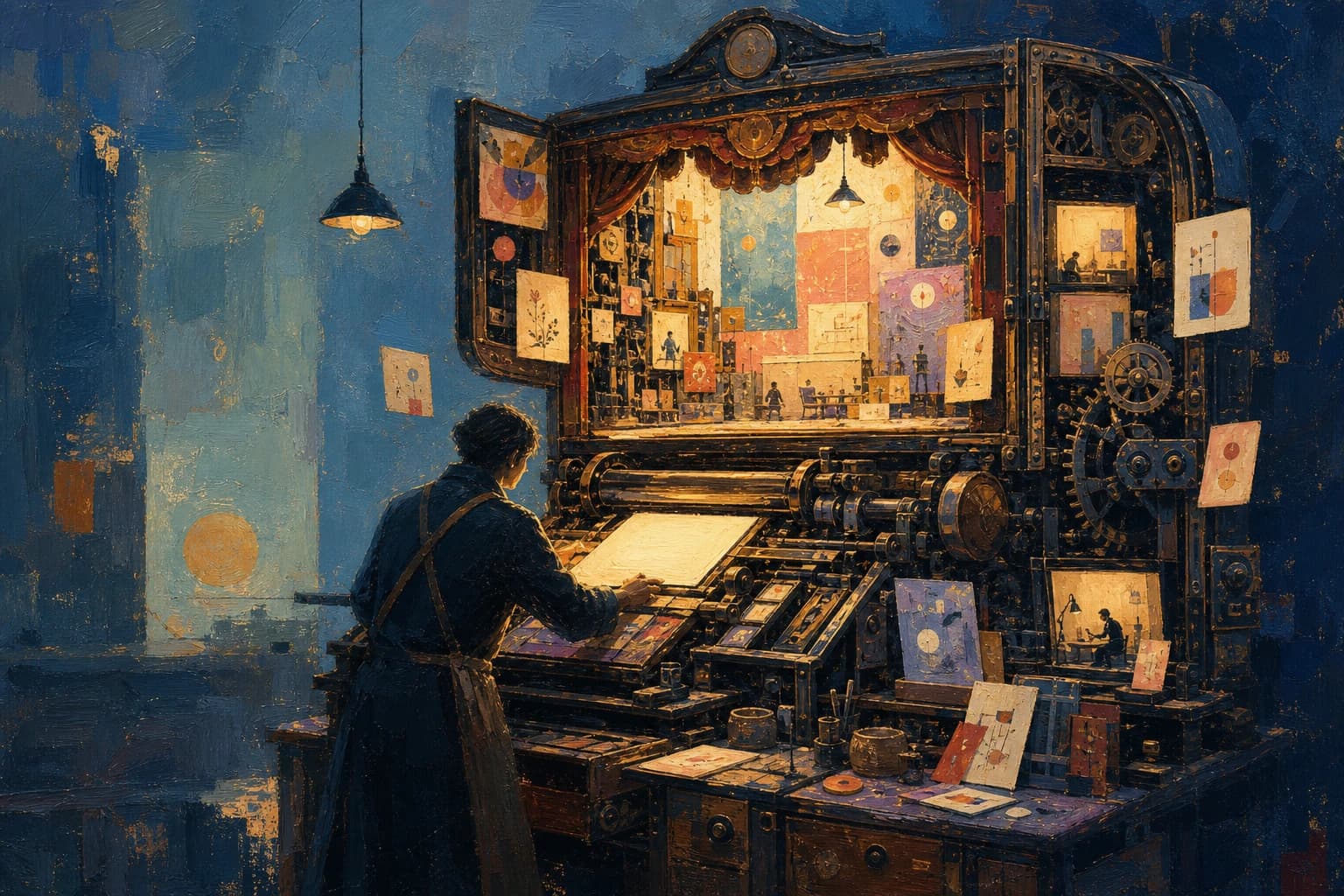
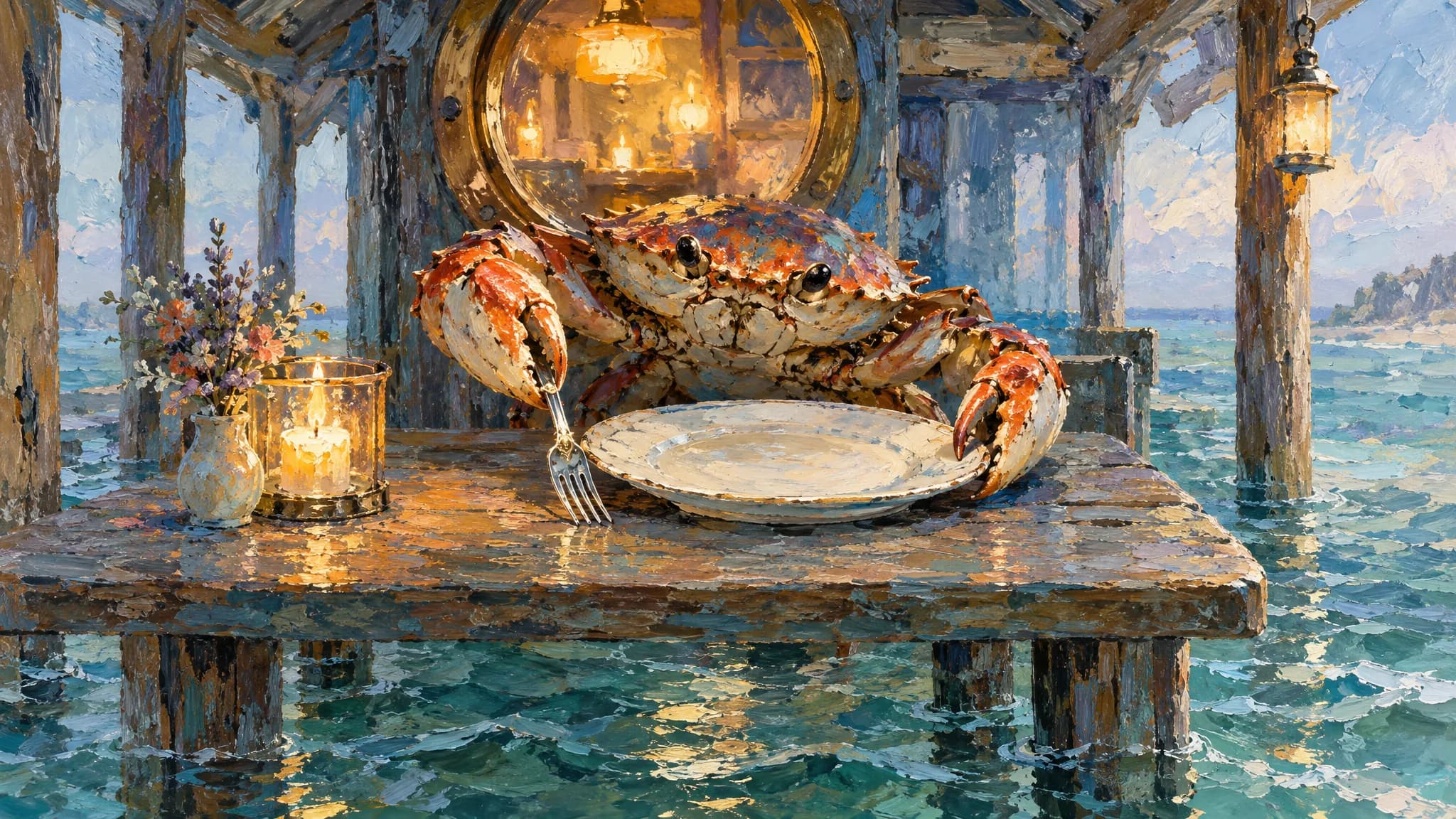
Upscaled images often look soft when you print them or crop in close. Ideogram 4.6 generates detail at full resolution, so posters, banners and product shots hold up at large sizes. In the Ideogram 4.6 API, set size to a custom value such as 2304x3072, up to 4096 pixels per side, and outputs above 4,194,304 pixels use the 4K price. The image above is one of Ideogram's own 4K samples.
- Custom sizes up to 4096 pixels per side
- Six presets plus auto for quick drafts
- Four quality levels from very_low to high

02
Readable Text in Posters and Graphics
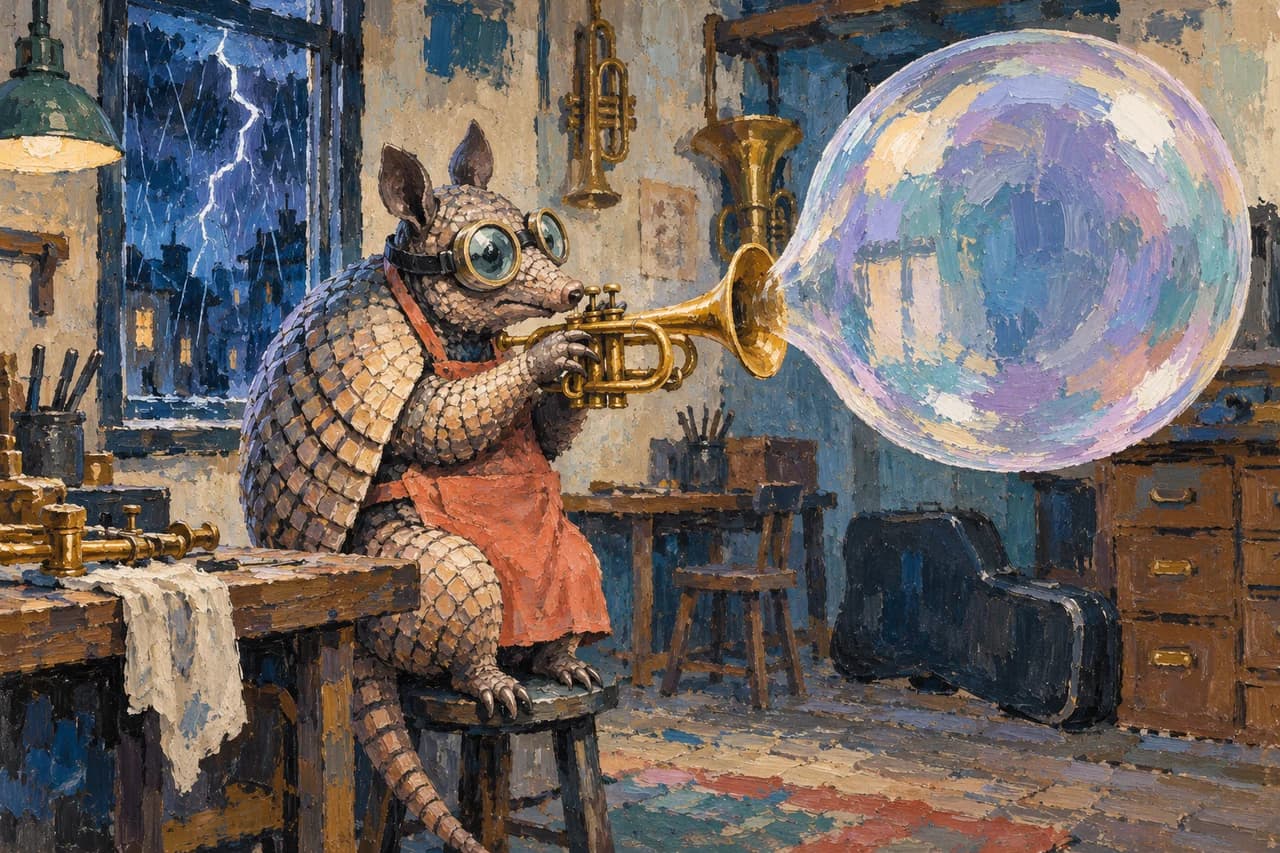
Many image models misspell or blur the words on a poster or label. Ideogram is known for typography, and 4.6 keeps that strength: put the exact words in quotes in your prompt and they appear as lettering in the image. In our PoYo test, the poster in the Playground rendered the headline, subtitle and footer exactly as written. Ideogram's sample above spells out a full sentence on paper clouds.
- Quote the exact words you need
- Headlines, labels, signs and stickers
- Transparent backgrounds for logos and stickers

03
Precise Edits That Keep the Rest of the Image
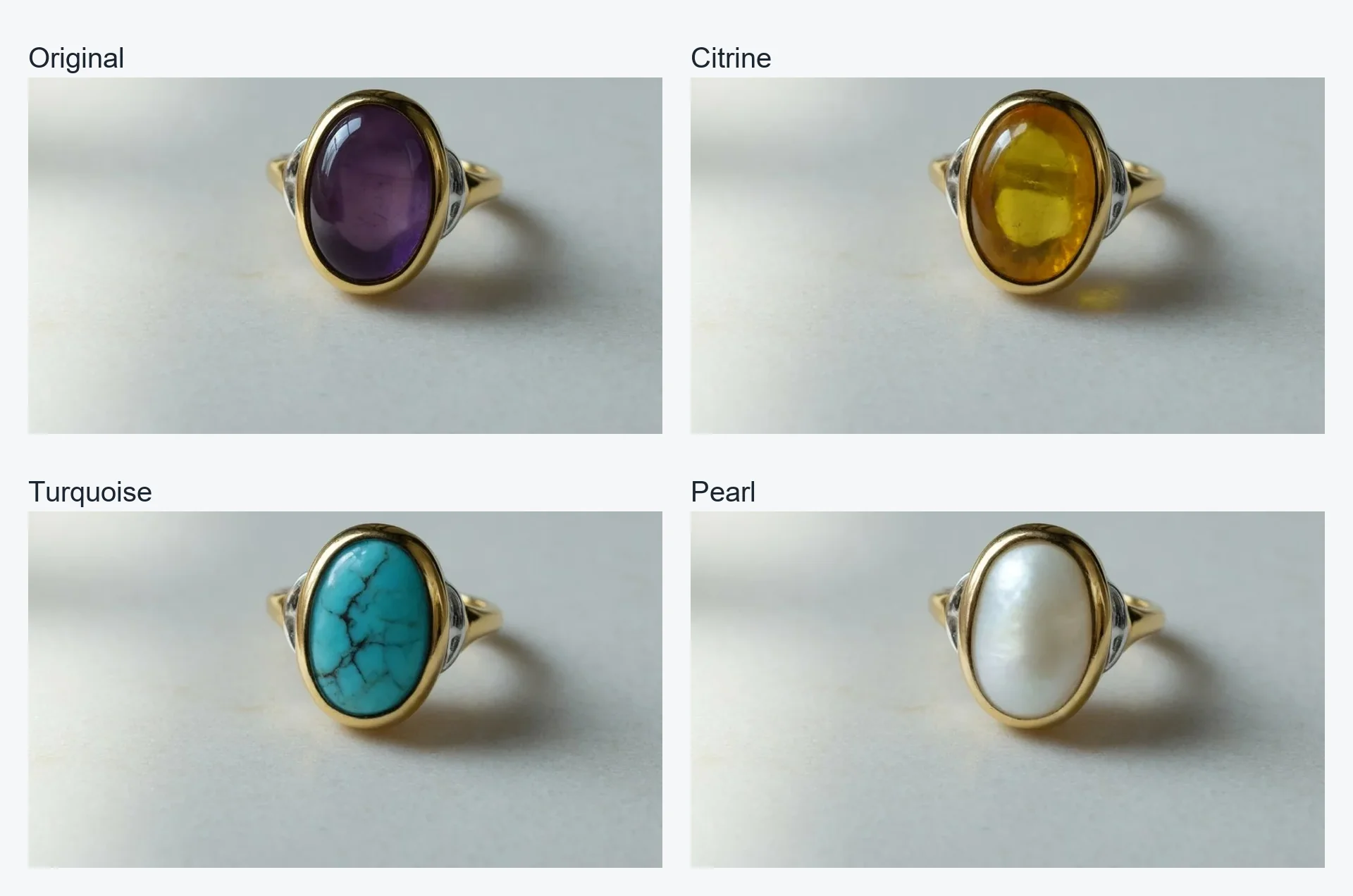
A small change should not shift the background, the lighting or the product. Ideogram describes 4.6 as its most precise editing model yet, with far less pixel drift outside your edit. Send the image to ideogram-v4.6-edit with edit_precision set to high to restore every pixel you did not ask to change. In Ideogram's example, only the stone in the ring changes, from purple to citrine, turquoise and pearl.
- High precision restores unchanged pixels
- Masks limit the edit to one area
- context_window auto keeps the source resolution

04
Multi-Turn Editing of People and Characters
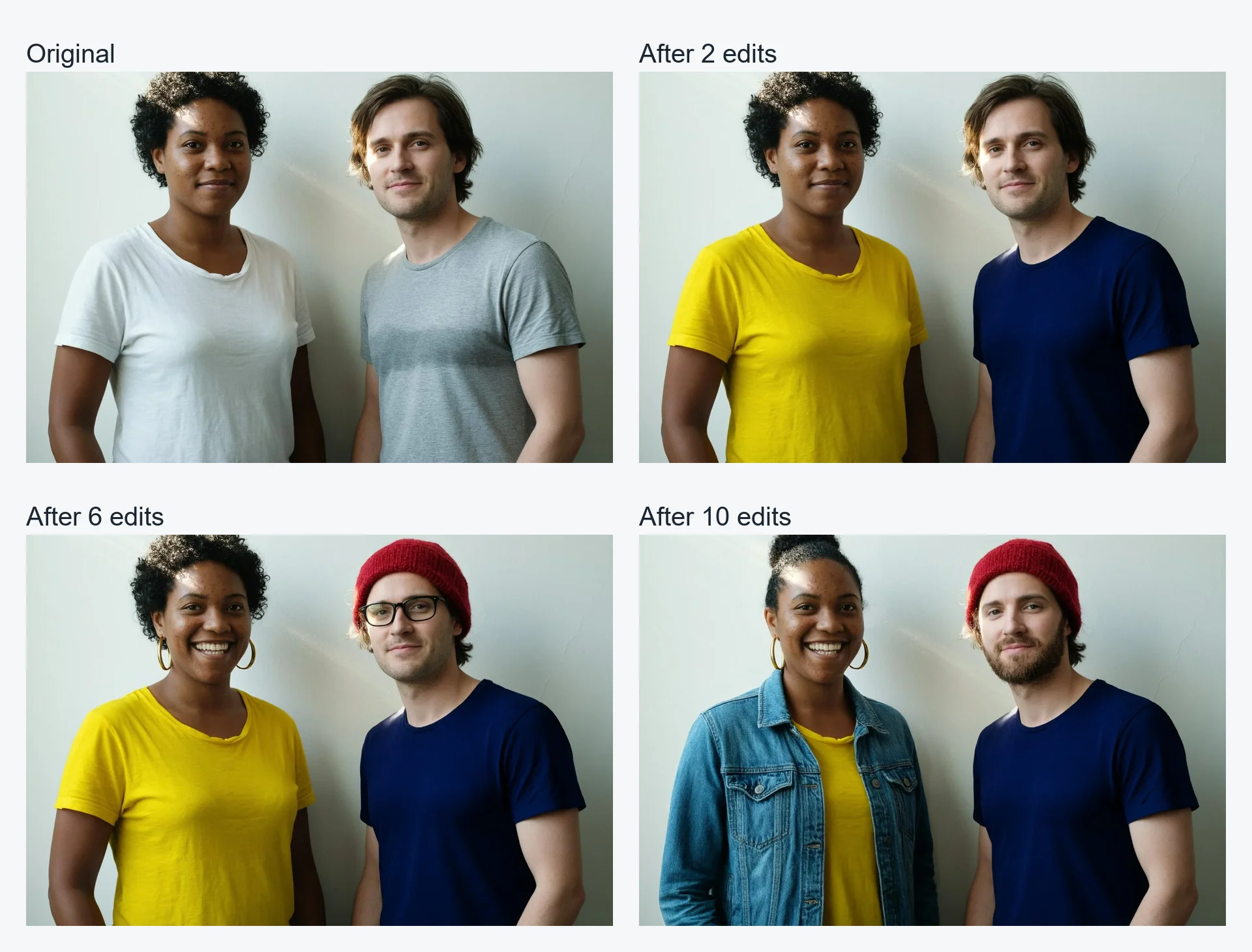
Real creative work takes several rounds of changes, and faces should not drift along the way. With the Ideogram 4.6 API, send each result back as the next source image and change one thing per request: clothes, accessories, expression or hair. Ideogram's sequence above makes ten edits in a row to the same portrait, and both people stay recognizable.
- One change per request, many rounds
- Faces, pose and framing stay consistent
- Target one person with a precise prompt

05
Change Materials and Finishes on Products
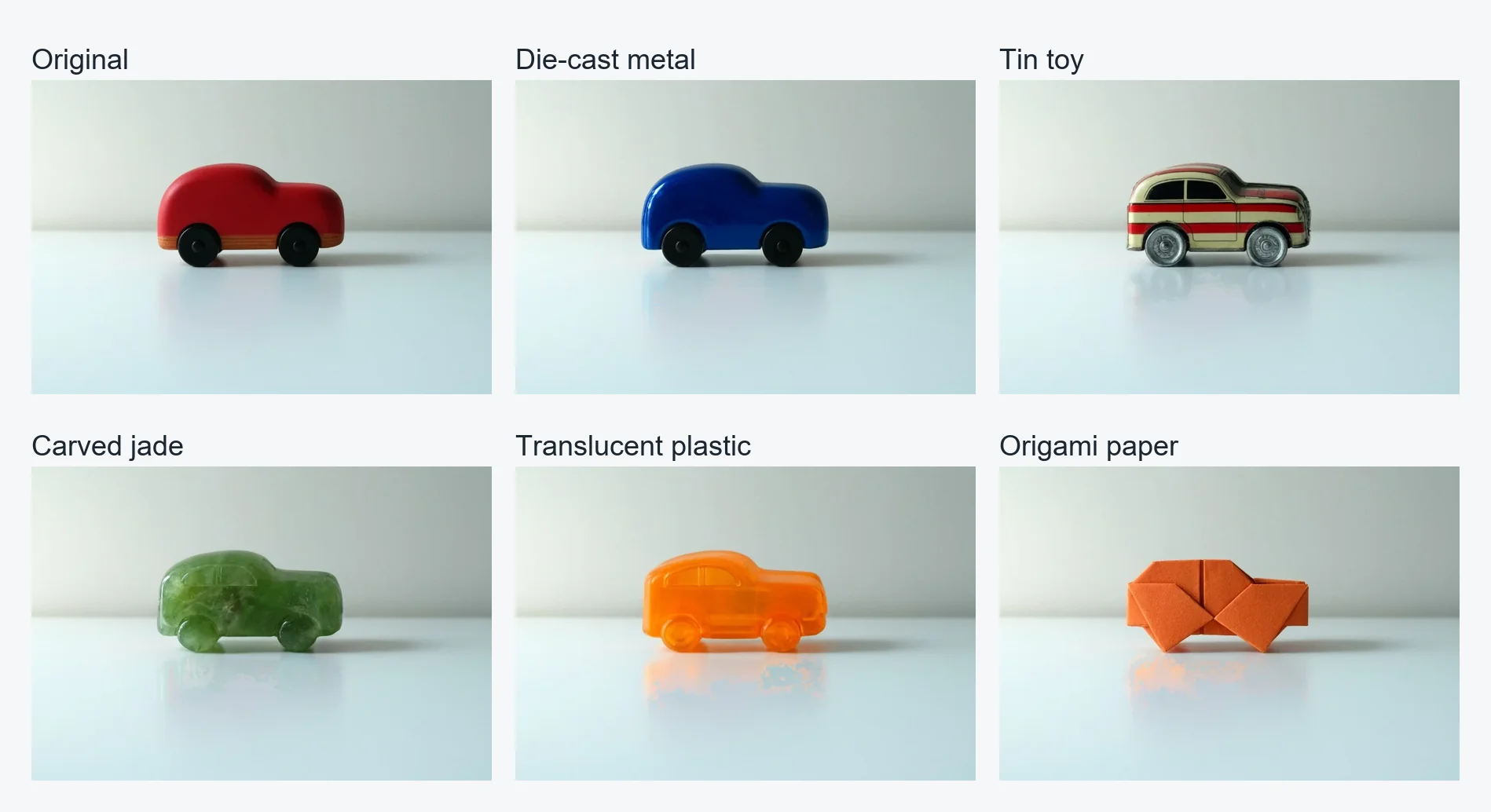
Product teams need the same item shown in different materials, colors and finishes without a new photo shoot. Describe the new material in the prompt and Ideogram 4.6 restyles the object while the scene, lighting and camera stay the same. Add reference images to match a specific color or texture. In Ideogram's example, one toy car becomes metal, tin, jade, plastic and origami.
- Swap materials, colors and finishes
- Up to 4 reference images per edit
- Keep the same scene for every variant

Who Can Benefit from Ideogram 4.6 API?
Graphic and Brand Designers
Generate posters, flyers and social graphics with exact headlines through the Ideogram 4.6 API, then change a date, a color or a slogan with a precise edit instead of starting over.
E-Commerce Product Photography
Show one product in new colors, materials and settings with the Ideogram 4.6 API, using masks and reference images so the product details stay the same in every listing image.
Marketing and Advertising Teams
Produce campaign visuals at up to 4096 pixels per side for print and large displays, and localize headlines on existing creatives with the Ideogram 4.6 API edit model.
Packaging and Merchandise Design
Mock up labels, packaging and stickers with readable text, and export transparent PNGs for merchandise through the Ideogram 4.6 API background parameter.
Social Media Content Creators
Create thumbnails, quote cards and story graphics in batches of up to 8 images per request with the Ideogram 4.6 API, and refine the best one with follow-up edits.
App Developers and SaaS Platforms
Add text-to-image and image editing to your product with the Ideogram 4.6 API: one API key, two model IDs, task polling or callbacks, and per-image pricing you can show users in advance.
Ideogram 4.6 API vs GPT Image 2.6, Seedream 5.5, MAI Image 2.7 — Model Comparison
Compare the inputs and controls each image model exposes on PoYo. Ideogram 4.6 separates the source image, mask and references, and offers the largest custom sizes of the four. Specs come from PoYo's API documentation for each model.
| Feature | Ideogram 4.6 | GPT Image 2.6 Flare | Seedream 5.5 | MAI Image 2.7 |
|---|---|---|---|---|
| Model IDs on PoYo | ideogram-v4.6 (text-to-image), ideogram-v4.6-edit (editing) | gpt-image-2.6-flare (text-to-image and editing) | seedream-5.5 (text-to-image and editing) | mai-image-2.7 (text-to-image and editing) |
| Image inputs | 1 source image + up to 4 references (3 with a mask) | Up to 16 reference images | Up to 10 reference images | Up to 5 reference images |
| Mask input | mask_url; context_window auto edits only the region around the mask, at source resolution | mask_url with image_urls | No mask parameter | No mask parameter |
| Largest output size | Custom sizes up to 4096 pixels per side | 4K tier; custom sizes up to 3840 pixels on the longest edge | 2K (for example 2048×2048) | 2K; custom sizes up to 4,194,304 pixels |
| Transparent background | background transparent (text-to-image and regular edits) | background transparent with PNG or WebP | background transparent with PNG | background transparent with PNG or WebP |
| Images per request | 1–8 (n) | 1 | 1 | 1 |
| Billing basis | Per image, by quality level and 2K or 4K size tier | Per token (text input, image input, image output) | Per image by resolution, plus a fee per reference image | Per token (text input, image input, image output) |
Capabilities reflect the parameters PoYo exposes for each model as of November 2026. Current prices are on each model's page.
How to Use Ideogram 4.6 API on PoYo
Step 1: Register & Create API Key
Sign in to PoYo and create an API key in the dashboard. The same key works for ideogram-v4.6, ideogram-v4.6-edit and every other model on PoYo.
Create API Key →
Step 2: Top Up Credits
Add credits to your account. Each Ideogram 4.6 API request is billed per output image by quality and size tier, from 1.6 credits for a very_low image at 2K. The Playground shows the estimate before you run.
Add Credits →
Step 3: Integrate the Ideogram 4.6 API
Send POST https://api.poyo.ai/api/generate/submit with "model": "ideogram-v4.6" and an input object with prompt, plus optional size, quality, n, background and seed. To edit, use "model": "ideogram-v4.6-edit" with one image in image_urls. Poll the returned task_id or pass a callback_url to receive the result.
View Documentation →
Frequently Asked Questions about Ideogram 4.6 API
What is Ideogram 4.6?
Ideogram 4.6 is an image generation and editing model from Ideogram, released on November 19, 2026, with output up to 4K. Ideogram calls it its most precise editing model yet. PoYo offers it as the Ideogram 4.6 API with two model IDs: ideogram-v4.6 for text-to-image and ideogram-v4.6-edit for editing, through one REST API, one API key and a Playground on this page.
What is new in Ideogram 4.6 compared with Ideogram 4.5?
Ideogram reports native 4K output, far less pixel drift outside an edit, more accurate color and more realistic texture. In Ideogram's own tests at high quality, usable results for exact color rose from 46% to 83%. On PoYo, the Ideogram 4.6 API also adds custom text-to-image sizes up to 4096 pixels per side, very_low quality for text-to-image, transparent backgrounds, seeds and localized edits with context_window.
How much does the Ideogram 4.6 API cost on PoYo?
The Ideogram 4.6 API is billed per output image with no subscription. Text-to-image costs 1.6, 6, 12 or 20 credits at 2K for very_low, low, medium and high, and 12, 24 or 40 credits at 4K. Editing costs 1.6, 6, 12 or 44 credits at 2K and 12, 40 or 120 credits at 4K. One credit is $0.005, so a default medium image at 2K is $0.06. You pay only for delivered images.
When does an image use the 4K price, and which quality levels support it?
An output larger than 4,194,304 pixels (2048×2048 in area) uses the 4K price; anything up to that size uses 2K. size auto and the six presets are always 2K for text-to-image. low, medium and high support 4K; very_low is limited to 2K. For edits with size auto, the Ideogram 4.6 API quotes the price from the source image size and settles it on the delivered image, never above the quote.
How do masks and reference images work with Ideogram 4.6 editing?
Send one source image in image_urls. An optional mask_url must have the same dimensions as the source: black areas are edited and white areas are kept, and the mask must contain both. You can add up to 4 reference images in reference_image_urls, or 3 when a mask is set. With edit_precision high and context_window auto, only the region around the mask is edited and the source resolution is kept.
Which output sizes does the Ideogram 4.6 API support?
Use auto, the presets 1:1 (512×512), 1:1 HD (1024×1024), 4:3, 3:4, 16:9 and 9:16, or a custom WIDTHxHEIGHT such as 2304x3072. Custom sides must be 256 to 4096 pixels and multiples of 32, with an aspect ratio within 1:6 and 6:1. For editing, auto keeps the source geometry, and presets or custom sizes are only allowed for regular edits without a mask.
How long does Ideogram 4.6 take to generate an image?
Requests are asynchronous: you get a task_id right away and poll for the result or receive a callback. In our tests on PoYo, single images took about 30 to 50 seconds, including a 2304×3072 poster at medium quality, and a high-precision edit of that poster took about 65 seconds. Time varies with quality, size, the number of images and load.
Can I make transparent images and repeat a result?
Yes. Set background to transparent and the Ideogram 4.6 API returns a PNG with an alpha channel, ready for stickers, icons and logos; opaque forces a solid background. Background works for text-to-image and regular edits, not high-precision edits. Set seed to an integer from 0 to 2,147,483,647 to repeat a result with the same request.
Can I use Ideogram 4.6 images commercially?
Ideogram permits commercial use of outputs under its Terms of Service. Before publishing, check the details that matter for your use, such as text, faces, colors and product features, because results depend on the prompt and the source image. Generated files on PoYo are available for 3 days, so download and store them promptly.
Can I try the Ideogram 4.6 API before integrating it?
Yes. The Playground at the top of this page runs real Ideogram 4.6 API requests with your account, so you can test prompts, sizes, quality levels, masks and references and see the estimated credits before each run. When the result looks right, switch to JSON mode and copy the request into your code.
Why Use PoYo for Ideogram 4.6 API Access
Unified API Access
Call ideogram-v4.6 and ideogram-v4.6-edit with the same request format and API key you use for every other image, video and audio model on PoYo.
Transparent Per-Image Pricing
See the price of every quality level and size tier of the Ideogram 4.6 API before you run, and pay only for the images that are delivered.
Playground Testing
Try prompts, sizes, masks, reference images and precision settings in the browser, then copy the JSON request into your application.
Developer-Friendly Integration
Use documented request fields, clear validation errors, task polling and callback URLs, with every output image listed in the task result.