

01
Flux Kontext Pro
`flux-kontext-pro` is the balanced option for everyday prompt-driven generation when you want fast iteration and clean outputs.

Example Output
This is sample data. Generate a new result to see real output.

Transparent pricing with no hidden fees. Pay as you go.
flux-kontext-proflux-kontext-pro-editflux-kontext-maxflux-kontext-max-edit| Model | Spec | PoYo price | Official price | You save |
|---|---|---|---|---|
| flux-kontext-pro | Pro | $0.040/gen 8 credits /gen | $0.040/gen Official | - |
| flux-kontext-pro-edit | Pro Edit | $0.040/gen 8 credits /gen | $0.040/gen Official | - |
| flux-kontext-max | Max | $0.080/gen 16 credits /gen | $0.080/gen Official | - |
| flux-kontext-max-edit | Max Edit | $0.080/gen 16 credits /gen | $0.080/gen Official | - |
* Actual fees are based on the final output.
Complete guide to using Flux Kontext API - In-Context Image Editing on PoYo
Official Kontext models from Black Forest Labs for prompt-driven generation and single-image editing.
01
Black Forest Labs presents FLUX.1 Kontext as an in-context image generation family that can extract and modify visual concepts from an input image while keeping the result coherent. That is the practical reason to use it for edits that must preserve perspective, lighting, and the original scene structure.
02
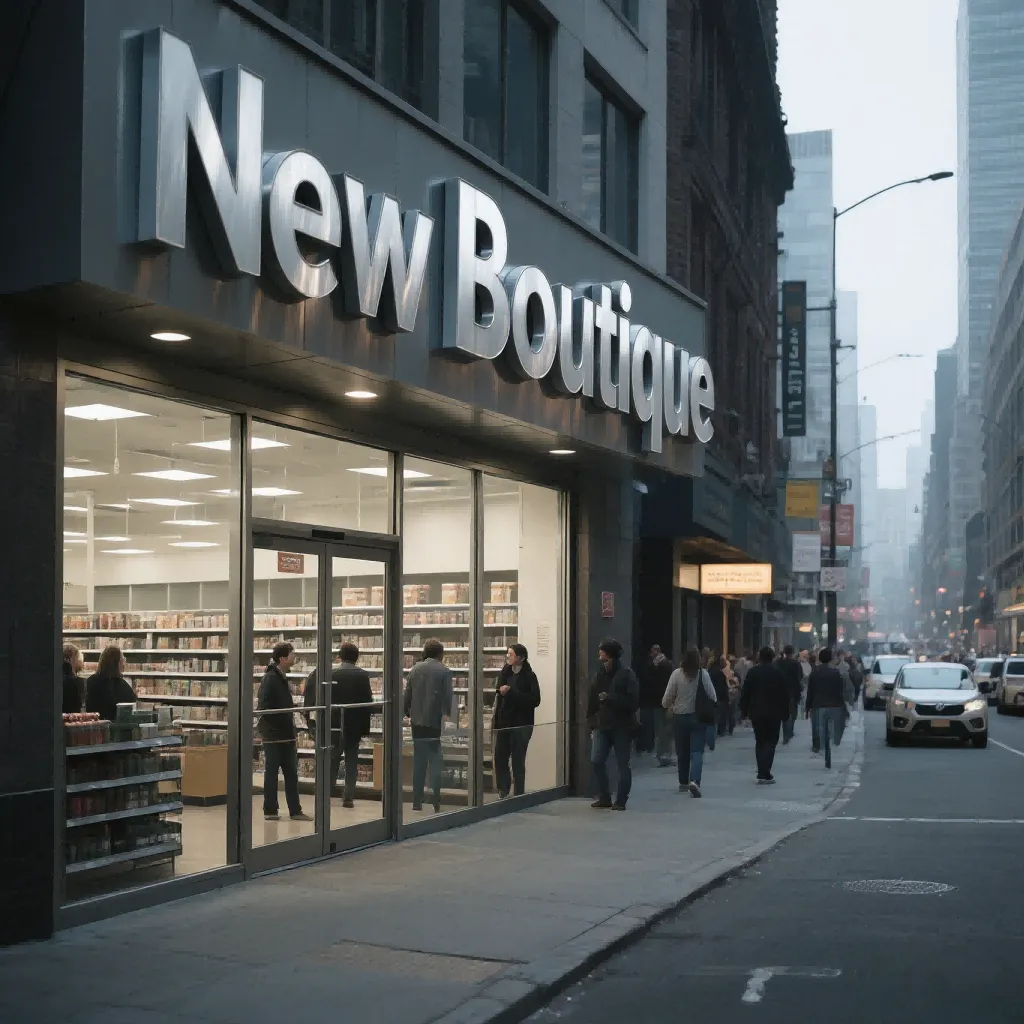
Flux Kontext is a good fit for signage, packaging, storefronts, and other design-heavy images because it can update text and local visual elements without redrawing the whole frame. This is the kind of search intent users often have when they look for Flux Kontext Pro or Max.
03
Black Forest Labs positions Pro as the stronger everyday balance for fast iteration, while Max is the premium path when prompt adherence and typography quality matter more. On PoYo you can keep the same request shape and switch only the model name.

Replace storefront signs, menu text, poster text, or packaging copy while keeping the source image composition recognizable.
Use Flux Kontext to update labels, colors, or scene styling around a hero product image without fully regenerating the shot.
Iterate on campaign visuals quickly by changing styling, text, props, or local design details from one approved source image.
Handle hairstyle, clothing, expression, or background changes when you want the edited image to keep more of the original identity cues.
Use this table when your main question is whether Flux Kontext Pro is enough or whether Flux Kontext Max is worth the extra cost for text-heavy and precision-sensitive work.
| Feature | Flux Kontext Pro | Flux Kontext Max |
|---|---|---|
| Best For | Fast everyday generation and editing | Higher-fidelity prompt and typography work |
| Editing Support | Yes | Yes |
| Input Image Handling | Edit models require image_urls[0] | Edit models require image_urls[0] |
| Output Format | png or jpg | png or jpg |
| Aspect Ratios | 1:1, 4:3, 3:4, 16:9, 9:16, 21:9, 16:21 | 1:1, 4:3, 3:4, 16:9, 9:16, 21:9, 16:21 |
| Price on PoYo | 8 credits ($0.04) | 16 credits ($0.08) |
PoYo API docs state that Flux Kontext edit models require `image_urls`, and only the first image is used.
Step 1: Create your API key
Sign up on PoYo and create an API key for the standard async image workflow.
Create API Key →
Step 2: Choose Pro or Max
Select a generation or edit model, then set `size` and `output_format`. If you use an edit model, upload one source image because the API currently uses only `image_urls[0]`.
Add Credits →
Step 3: Submit and poll the task
Send the request to the unified submit endpoint, store the `task_id`, and poll the standard status API until the task is `finished`.
View Documentation →
Flux Kontext Pro / Pro Edit: 8 credits per image ($0.04).
Flux Kontext Max / Max Edit: 16 credits per image ($0.08).
Both tiers support generation and editing through the same async workflow, with `png` or `jpg` output and the same supported aspect ratios.
Start with Flux Kontext Pro or Max immediately from one PoYo account instead of managing another provider-specific setup flow.
Flux Kontext uses the same PoYo submit-and-poll workflow as other image models, which keeps integration complexity low.
Keep costs predictable with direct Pro and Max pricing, then switch models only when a task really needs higher prompt or text fidelity.
Use the same PoYo account for Flux Kontext, Seedream, GPT Image, Nano Banana, and video models when your product needs more than one creative backend.