Model icon
gemini-3-1-flash-tts
Text to Speech
Model:
Google Gemini 3.1 Flash TTS generates expressive multilingual speech with granular audio tags, natural style control, and two-speaker dialogue.
Input
270/50000
Two speakers
Speaker 1
Speaker 2
1.0
Output

Example Output

This is sample data. Generate a new result to see real output.

Task ID:ZVT5QJYOGL1MQ2LWCreated:2026-06-25 15:14:42
Status:finishedProgress:100%
Examples
Pricing details

Transparent pricing with no hidden fees. Pay as you go.

Googlegemini-3-1-flash-tts
Text to speech
PoYo price
$0.120
24 credits
Official price
$0.150
Reference
You save
20%

* Actual fees are based on the final output.

Introduction

Complete guide to using Affordable Gemini 3.1 Flash TTS API for Precise Audio-Tag Voice Control

Affordable Gemini 3.1 Flash TTS API for Precise Audio-Tag Voice Control

Build natural text-to-speech workflows with Gemini 3.1 Flash TTS on PoYo. Use expressive audio tags, natural-language style instructions, Gemini voice presets, two-speaker dialogue, and standard async status polling through one API. Generate podcast lines, app voices, learning narration, and localized speech at clear per-character pricing.

Available Gemini 3.1 Flash TTS API Models on PoYo

01

gemini-3-1-flash-tts

Expressive Google TTS at 24 credits per 1000 characters, equal to $0.12 per 1000 characters on PoYo, with controls for text, style instructions, voice, language, speakers, temperature, and output format.
Try Playground

Why Gemini 3.1 Flash TTS Is Different

Gemini 3.1 Flash TTS is built for speech that follows direction, switches delivery, and supports multilingual product workflows without a complex voice pipeline.

01
Granular Audio Tags

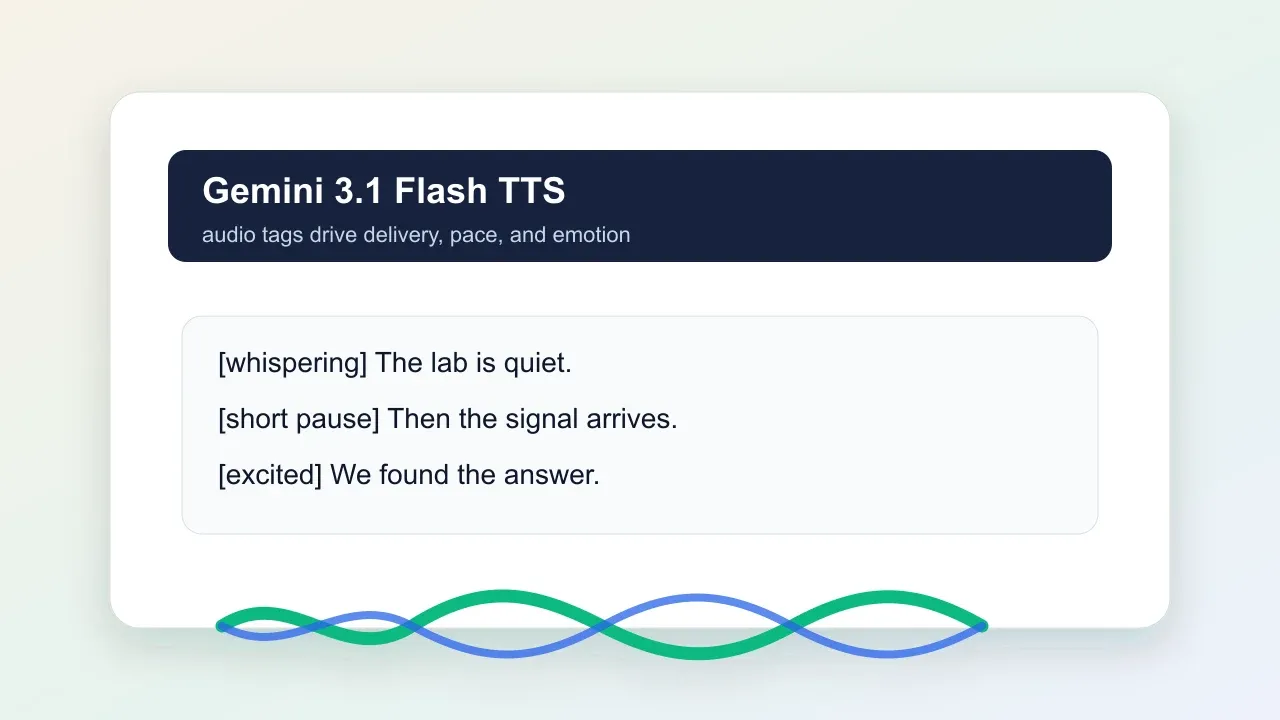
Guide delivery inside the script with expressive tags such as [sigh], [laughing], [whispering], and [short pause]. This makes a single text field useful for both words and performance direction.
  • Control emotion, pacing, and non-verbal delivery cues.
  • Use tags for stories, product videos, podcasts, and character lines.
  • Keep expressive speech direction close to the script.
Gemini 3.1 Flash TTS audio tag control

02

Two-Speaker Dialogue

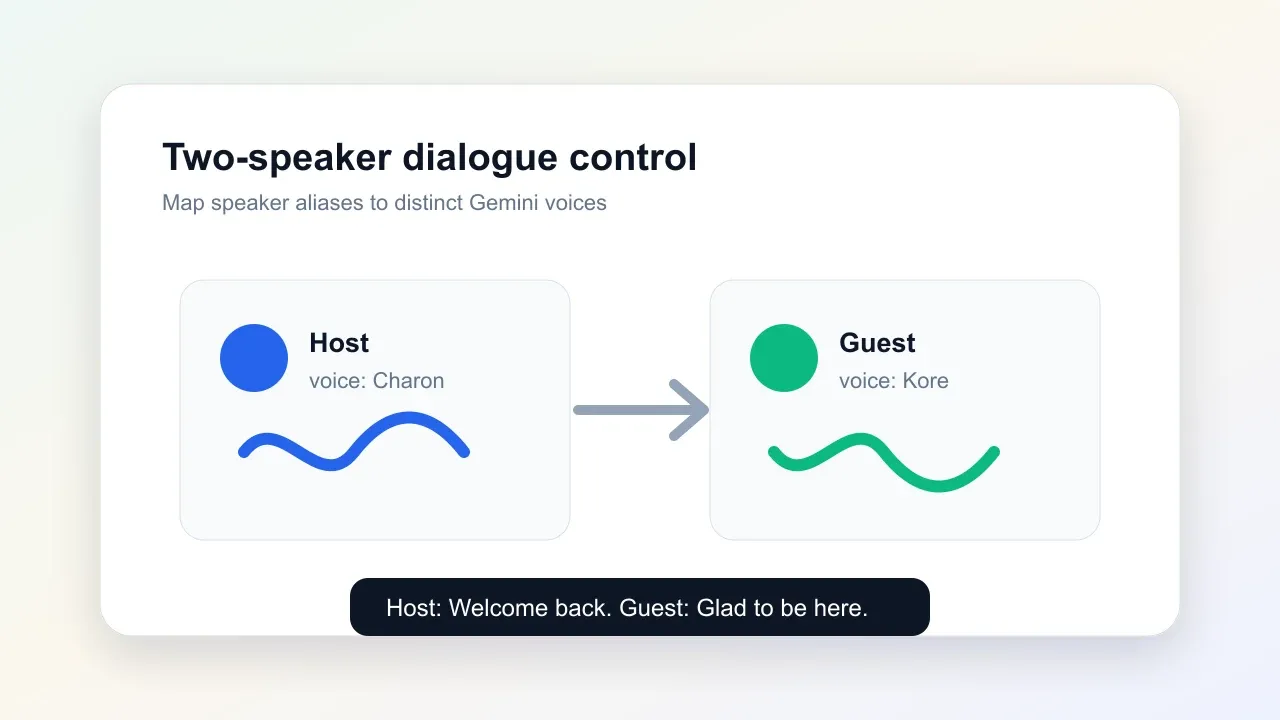
Assign exactly two speaker aliases to different Gemini voices for conversational audio. Prefix lines in text with speaker IDs, then map each speaker to a distinct voice in the API request.
  • Create host and guest podcast segments.
  • Prototype character dialogue and assistant conversations.
  • Configure speaker aliases and voices for each dialogue role.
Gemini 3.1 Flash TTS two speaker dialogue

What You Can Build

01

Podcasts And Narration

Generate expressive host reads, intro segments, audiobook narration, and editorial audio with guided delivery.

02

Learning Content

Turn course scripts, onboarding lessons, and training material into clear multilingual spoken audio.

03

Character Dialogue

Prototype game lines, roleplay flows, story scenes, and two-speaker conversations with distinct voices.

04

Localized Product Voice

Create app text inputs, support messages, product demos, and accessibility speech in multiple languages.

Gemini 3.1 Flash TTS Pricing: PoYo vs fal.ai

PoYo exposes Gemini 3.1 Flash TTS through the same async generation workflow used across PoYo audio models, with clear pricing against a public reference price.
FeaturePoYoFal.ai
Public model IDgemini-3-1-flash-ttsNot exposed
Fal.ai$0.12 per 1000 characters$0.15 per 1000 characters
PoYo credits24 credits per 1000 charactersN/A
Core controlstext, style_instructions, voice, language_code, speakers, temperature, output_formatText input with style, voice, language, speaker, temperature, and format controls
WorkflowSubmit task, poll standard status, download audio filesReference queue workflow

PoYo pricing uses 24 credits per 1000 characters. One credit is priced at $0.005.

How to Use Gemini 3.1 Flash TTS on PoYo

  1. Get your API key: Create a PoYo account and generate an API key from the dashboard. Get API Key ->
  2. Write the text: Enter the speech text and add audio tags such as [laughing], [sigh], [whispering], or [short pause] when you need expressive delivery.
  3. Choose voice settings: Select a Gemini voice, optional language_code, style_instructions, temperature, output_format, or configure exactly two speakers with speaker_id and voice.
  4. Submit and retrieve: Submit through PoYo's generate API, then poll the standard task status endpoint for audio output. View API Docs ->

Gemini 3.1 Flash TTS FAQ

What is Gemini 3.1 Flash TTS?

Gemini 3.1 Flash TTS is Google's expressive text-to-speech model for generating natural multilingual audio from text inputs. It supports audio tags, natural-language style direction, Gemini voice presets, and two-speaker dialogue.

What should I put in the text field?

Put the words you want spoken in the text. You can also include inline audio tags such as [laughing], [sigh], [whispering], and [short pause]. For multi-speaker synthesis, prefix lines with aliases like Host: and Guest:.

How do style_instructions work?

Use style_instructions for delivery direction that should apply to the whole request, such as warm and slow, dramatic newscast, British accent, cheerful tone, or whisper mysteriously.

Does Gemini 3.1 Flash TTS support audio tags?

Yes. Audio tags are a core strength of the model and help control emotion, pauses, laughter, whispering, pacing, and other delivery details directly inside the script.

Which voices and languages are supported?

The API exposes 30 Gemini voice presets such as Kore, Puck, Charon, Zephyr, and Aoede. The model supports multilingual synthesis across 70+ languages, with optional language_code steering.

Can I create multi-speaker dialogue?

Yes. Send exactly two speakers, each with a speaker_id and voice. Use the same speaker_id prefixes in text so the model can route each line to the intended voice. When speakers is set, top-level voice is ignored.

What output formats can I request?

PoYo supports mp3, wav, and ogg_opus for Gemini 3.1 Flash TTS. MP3 is the default and is recommended when you want compact files for web and app playback.

How is billing calculated and how do I get results?

PoYo bills 24 credits per 1000 characters, equal to $0.12 per 1000 characters. Submit the generation request, then use the returned task_id with PoYo's standard task status endpoint to retrieve audio files.

Why Use PoYo

01

Clear Per-Character Pricing

Use Gemini 3.1 Flash TTS at $0.12 per 1000 characters with predictable credit billing.

02

Unified Model Access

Use the same PoYo account, billing, status polling, and callback workflow across text, image, video, and audio models.

03

Production Workflow

Submit async jobs, poll stable task status, and retrieve finished speech files from one API surface.

04

Expressive Controls

Expose practical production controls for text, style, voice, language, speakers, temperature, and output format.