

01
grok-imagine-image-quality
High-fidelity xAI image generation and editing with 1K or 2K output, optional reference images, and flexible aspect ratios.

Drop files here, paste files, or add a URL. image/jpeg,image/png,image/webp · 10 MiB
Example Output
This is sample data. Generate a new result to see real output.

Transparent pricing with no hidden fees. Pay as you go.
grok-imagine-image-qualitygrok-imagine-image-qualitygrok-imagine-image-quality| Model | Spec | PoYo price | Official price | You save |
|---|---|---|---|---|
| grok-imagine-image-quality | 1K output | $0.040/image 8 credits /image | $0.050/image Official | 20% |
2K output | $0.055/image 11 credits /image | $0.070/image Official | 21% | |
Reference image | $0.010/image 2 credits /image | $0.010/image Official | - |
* Actual fees are based on the final output.
Complete guide to using Grok Imagine Image Quality API on PoYo
Grok Imagine Image Quality API gives developers access to xAI's higher-fidelity image generation path for polished visual assets. Use one endpoint on PoYo for text-to-image generation or upload reference images for editing, with controls for resolution, aspect ratio, output count, and output format.
Grok Imagine Image Quality is designed for sharper final visuals, stronger prompt following, and practical image editing workflows.
01
Quality mode is suited to polished outputs where detail, lighting, texture, and prompt adherence matter more than rapid drafts. Use it for architectural scenes, cinematic concepts, thumbnails, posters, and finished creative assets.
02
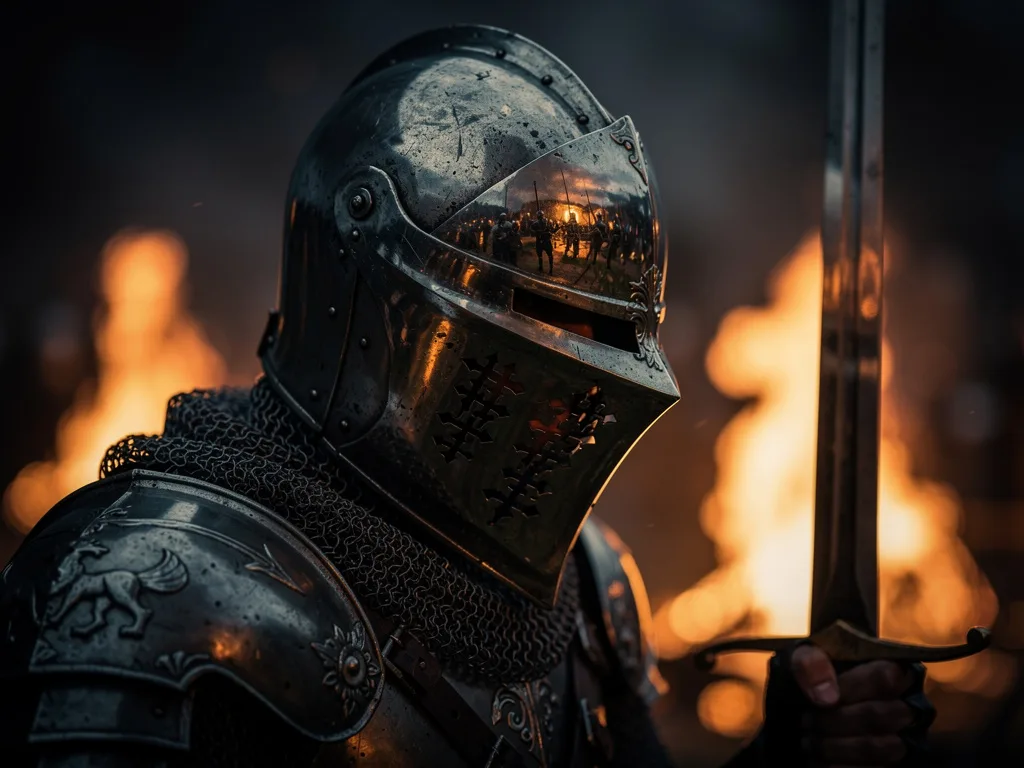
Create image prompts with rich materials, reflections, lighting, and scene context. This is useful for cinematic close-ups, production art, concept frames, and visual directions that need strong texture detail.
03
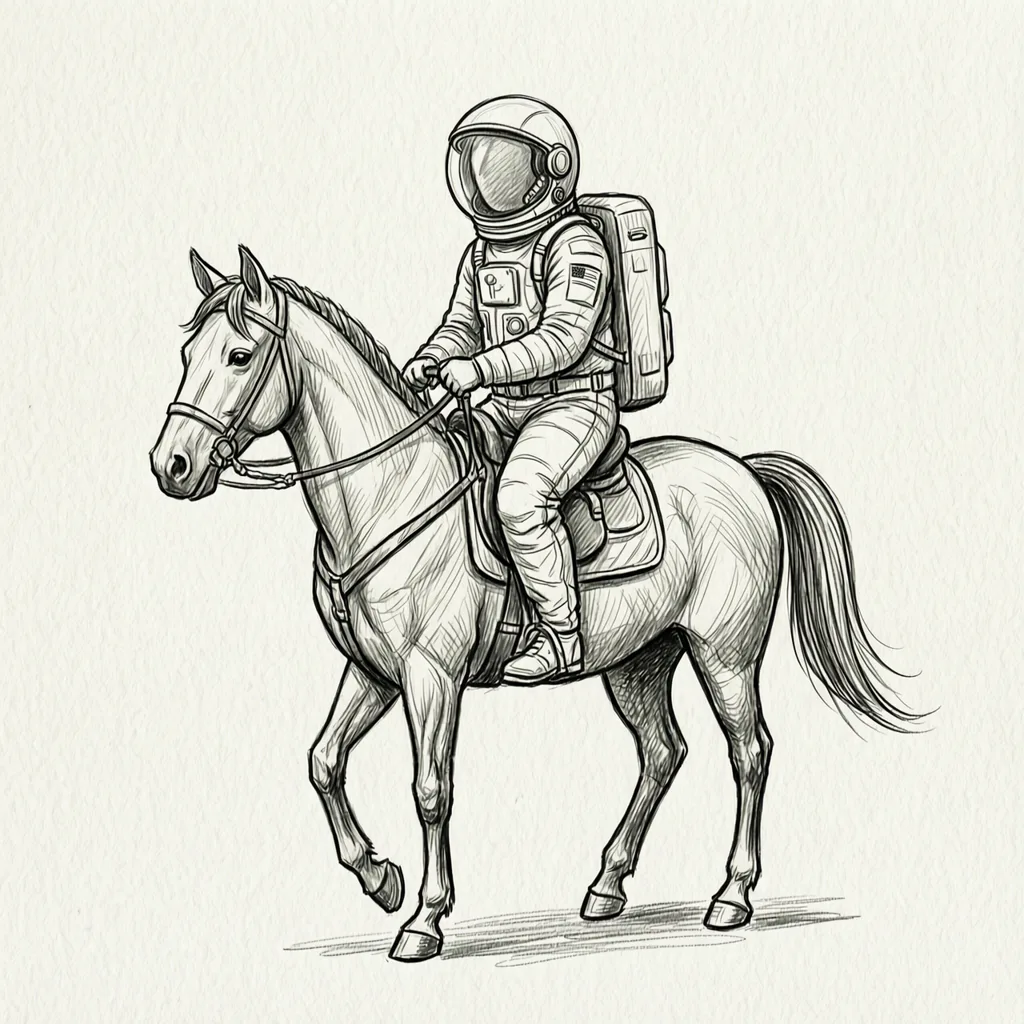
Provide input images when you want to guide an edit, variation, or style direction. PoYo exposes prompt, output count, aspect ratio, resolution, format, and optional image inputs for a compact production workflow.
Create polished product scenes, packaging visuals, and catalog concepts with sharper detail and consistent art direction.
Generate campaign-ready concepts, social images, thumbnails, and display creative with image-based costs.
Use prompt-first generation or reference-guided editing to explore final visual directions quickly.
Integrate asynchronous image generation and editing through PoYo's unified submit and status endpoints.
Use Grok Imagine Image Quality when output polish is more important than the fastest draft. Standard Grok Imagine remains useful for lower-cost image and video experiments.
| Feature | Grok Imagine Image Quality | Grok Imagine Image |
|---|---|---|
| Best For | Polished image generation and editing | Fast image ideation |
| Output Resolution | 1K or 2K | Aspect-ratio based image output |
| Reference Images | Optional image editing references | Optional single image input |
| PoYo Price | 8 credits for 1K, 11 credits for 2K, plus input image add-on | 6 credits per image |
Pricing and controls reflect the PoYo API integration.
Step 1: Create an API key
Sign in to PoYo and create an API key for authenticated requests.
Create API Key
Step 2: Prepare your input
Send a prompt for text-to-image generation, or include image URLs when you want to edit an existing image.
Step 3: Submit and poll
Call the submit endpoint, store the returned task ID, then poll the status endpoint or use a callback URL for completion updates.
View Documentation
Grok Imagine Image Quality uses image-based pricing on PoYo. 1K output costs 8 credits per image, while 2K output costs 11 credits per image. Each uploaded input image adds 2 credits.
No subscription is required. Pay only for the image generation and editing tasks you submit.
Start from a single PoYo API key and use the same async submit and status flow as other image models.
Estimate cost from resolution, output count, and input image count before submitting a job.
Use the same public model name for prompt-only generation and reference-guided editing workflows.
Poll task status or receive callback updates when generated images are finished and ready to download.