
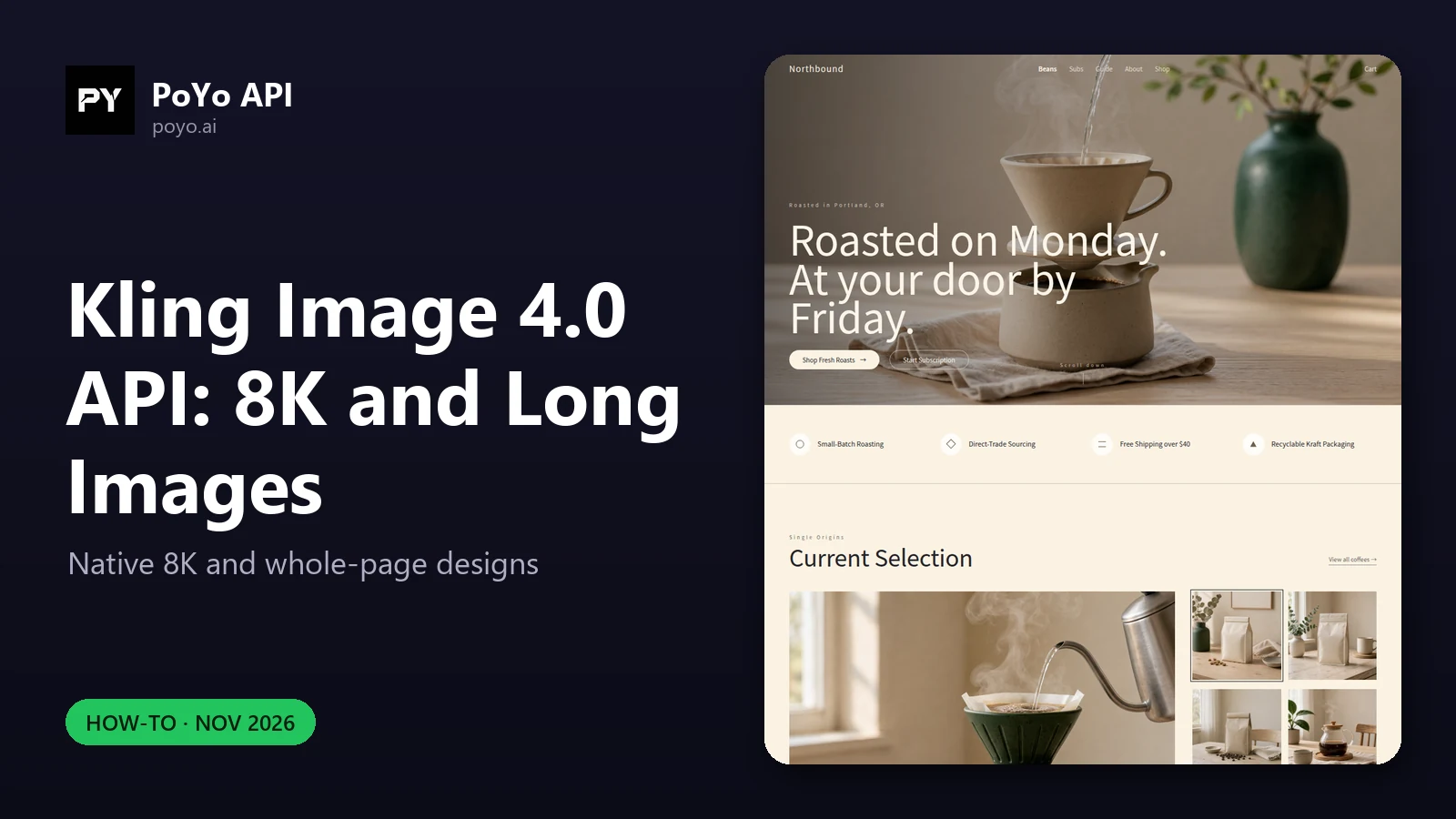
Two features set the Kling Image 4.0 API apart: an 8K resolution tier on kling-4.0-image, the only image model on PoYo with one, and a separate model, kling-4.0-long-image, that designs a whole webpage or ecommerce detail page as one tall image. This post shows the request bodies, what came back when we ran them on launch day, and how to handle the files. Start from the Kling Image 4.0 model page if you want to try them in the playground first.
Native 8K with the Kling Image 4.0 API
Kling says in its launch post that Kling Image 4.0 introduces native 8K image generation, meaning the image is generated at that size rather than upscaled afterwards. On PoYo it is one field:
{
  "model": "kling-4.0-image",
  "input": {
    "prompt": "A rider on a vintage motorbike crossing a desert highway at sunrise, long shadows, dust in the air, cinematic photography",
    "size": "16:9",
    "resolution": "8K",
    "n": 1
  }
}
What an 8K request returns
The PoYo team ran this request shape (text-to-image, size: "16:9", resolution: "8K", n: 1) on the production API on November 19, 2026:
| Result | Value |
|---|---|
| Output | 10880×6144 PNG |
| File size | about 128 MB |
| Cost | 32 credits ($0.16) |
| Submit to result | about 3.8 minutes |
| Pixel format | RGBA (PNG with an alpha channel), even though the image is opaque |
For reference, PoYo's docs list the 1:1 sizes as 2048×2048 at 2K and 8192×8192 at 8K, and 5440×3072 at 16:9 for 4K, with typical PNG sizes of about 7.5 MB, 27 MB and 100 MB for 2K, 4K and 8K. Our 2K 16:9 images in the same session were 2720×1536.
Resolution tiers side by side
resolution | Example dimensions | Price per image | When to use it |
|---|---|---|---|
2K | 2048×2048 (1:1), 2720×1536 (16:9, measured) | 13 credits ($0.065) | Web, social, drafts |
4K | 5440×3072 (16:9) | 19 credits ($0.095) | Large screens, moderate crops |
8K | 8192×8192 (1:1), 10880×6144 (16:9, measured) | 32 credits ($0.16) | Print, billboards, tight crops from one frame |
References add 1 credit each, once per request.
Handling 8K files in your pipeline
An 8K PNG is too large to treat like a thumbnail. Practical changes:
- Use
callback_url. A request that takes minutes should not hold a web request open. PoYo POSTs the task result to your URL when it finishes or fails. - Stream the download to disk or object storage. Do not read a 128 MB body into memory in a serverless function with a small memory limit, and raise the HTTP client's read timeout.
- Drop the alpha channel if you don't need it. Our downloads were RGBA even for opaque images. Converting to RGB, or to JPEG or WebP for delivery, is a step you add yourself; the API has no output format field.
- Keep the 8K master, serve derivatives. Generate once at 8K, then resize for web. A second 8K generation of the same prompt is a new image and a new charge.
- Budget sets carefully.
nmultiplies the per-image price: a 10-image 8K set is 320 credits ($1.60). PoYo's docs put a 10-image 8K series at about 30 minutes, so this is webhook territory.
Upscaling an existing image to 8K
Pass the image in image_urls, set resolution to 8K, and say what must not change:
{
  "model": "kling-4.0-image",
  "input": {
    "prompt": "Recreate @Image1 at full detail. Keep the composition, subject, colors and lighting of @Image1 unchanged.",
    "image_urls": ["https://example.com/product-hero.png"],
    "resolution": "8K"
  }
}
This is a new generation guided by the reference, not a pixel upscaler, so describe anything that has to stay exactly the same. Cost: 32 + 1 = 33 credits ($0.165).
Long pages with kling-4.0-long-image
Kling describes long-form generation for ecommerce product detail pages and web design, delivering a complete layout in one image. On PoYo this is a separate model ID with a skill field. Output is one PNG, 1024 px wide at 1K or 2048 px at 2K, with the height set by the content.
Webpage designs
{
  "model": "kling-4.0-long-image",
  "input": {
    "prompt": "A landing page for a specialty coffee roastery: hero with coffee beans, story section, three featured blends with prices, brewing guide, customer reviews and footer. Warm earthy palette. All text on the page is in English.",
    "skill": "webpage",
    "resolution": "1K"
  }
}
Optional inputs for webpage:
| Field | Prompt tag | Effect |
|---|---|---|
style_image_url | @StyleImage | The design follows its visual and layout style |
subject_image_url | @SubjectImage | The design is built around the subject it shows |
What we measured: a webpage request at 1K returned one 1024×4257 page, at 110 credits ($0.55), in about 1.7 to 2.2 minutes (PoYo production API, November 19, 2026).
Name the language of the page copy
This is the one thing to add to every long-image prompt. In our test, the first webpage request used an English prompt that did not say what language the page text should be in, and the page came back with Chinese copy. Adding the sentence "All text on the page is in English." to the prompt fixed it on the next run. Because each rerun is a full charge (110 credits for a 1K webpage), put the language line in your prompt template from the start, for whatever language your page needs. Kling lists English, Simplified and Traditional Chinese, Japanese, Korean, Spanish and Portuguese for text rendering.
Ecommerce detail pages
skill: "ecommerce" builds a product detail page from 1 to 3 product photos, referenced as @Image1 to @Image3:
{
  "model": "kling-4.0-long-image",
  "input": {
    "prompt": "Design a product detail page for the insulated water bottle in @Image1: hero shot, key features, capacity and size, materials, and lifestyle scenes. All text on the page is in English.",
    "skill": "ecommerce",
    "image_urls": ["https://example.com/water-bottle.png"],
    "length": "medium",
    "resolution": "1K"
  }
}
length sets how many sections the page has, and the price:
length | Sections (approx.) | 1K | 2K |
|---|---|---|---|
short | 2–5 | 47 credits ($0.235) | 57 credits ($0.285) |
medium (default) | 6–10 | 94 credits ($0.47) | 110 credits ($0.55) |
long | 11–18 | 157 credits ($0.785) | 173 credits ($0.865) |
Each product photo adds 1 credit. PoYo's docs give a long page at 2K as an example of how tall these get: up to 2048×54,941 px, about 87 MB.
Displaying and slicing long images
A page that is 1024 px wide and several thousand pixels tall will not fit a normal image preview. Slice it into sections or screen-height tiles for review, and keep the original for download. Treat the result as a design comp: the text, prices and buttons are pixels, not HTML.
Prompt checklist for 8K and long pages
- State the language of any on-image text.
- For pages, list the sections in order: hero, features, specs, reviews, footer.
- Put exact copy in quotes and say where it goes; Kling says the model renders up to 2,000 characters per image.
- For 8K, describe textures and fine detail you want to survive a crop.
- For references, give each tag a job: "
@Image1is the product, keep its shape and label".
Full request reference and polling code: Kling Image 4.0 API guide. Costs: Kling Image 4.0 API pricing. Background on both model IDs: What is Kling Image 4.0.
Frequently asked questions
Does the Kling Image 4.0 API really output 8K?
Yes. With resolution: "8K", our 16:9 test returned a 10880×6144 PNG, and PoYo's docs list 8192×8192 at 1:1. Kling describes this as native 8K generation.
How long does an 8K Kling Image 4.0 API request take?
About 3.8 minutes for one 16:9 8K image in our launch-day test. Larger sets take much longer, so use callback_url.
How much does an 8K image cost with the Kling Image 4.0 API? 32 credits ($0.16) per image on PoYo, plus 1 credit per reference.
What sizes does the Kling Image 4.0 long image API return?
1024 px wide at 1K or 2048 px at 2K; the height follows the content. Our 1K webpage was 1024×4257.
Why is the text on my Kling Image 4.0 long page in the wrong language? The prompt did not name one. Add a line such as "All text on the page is in English."