
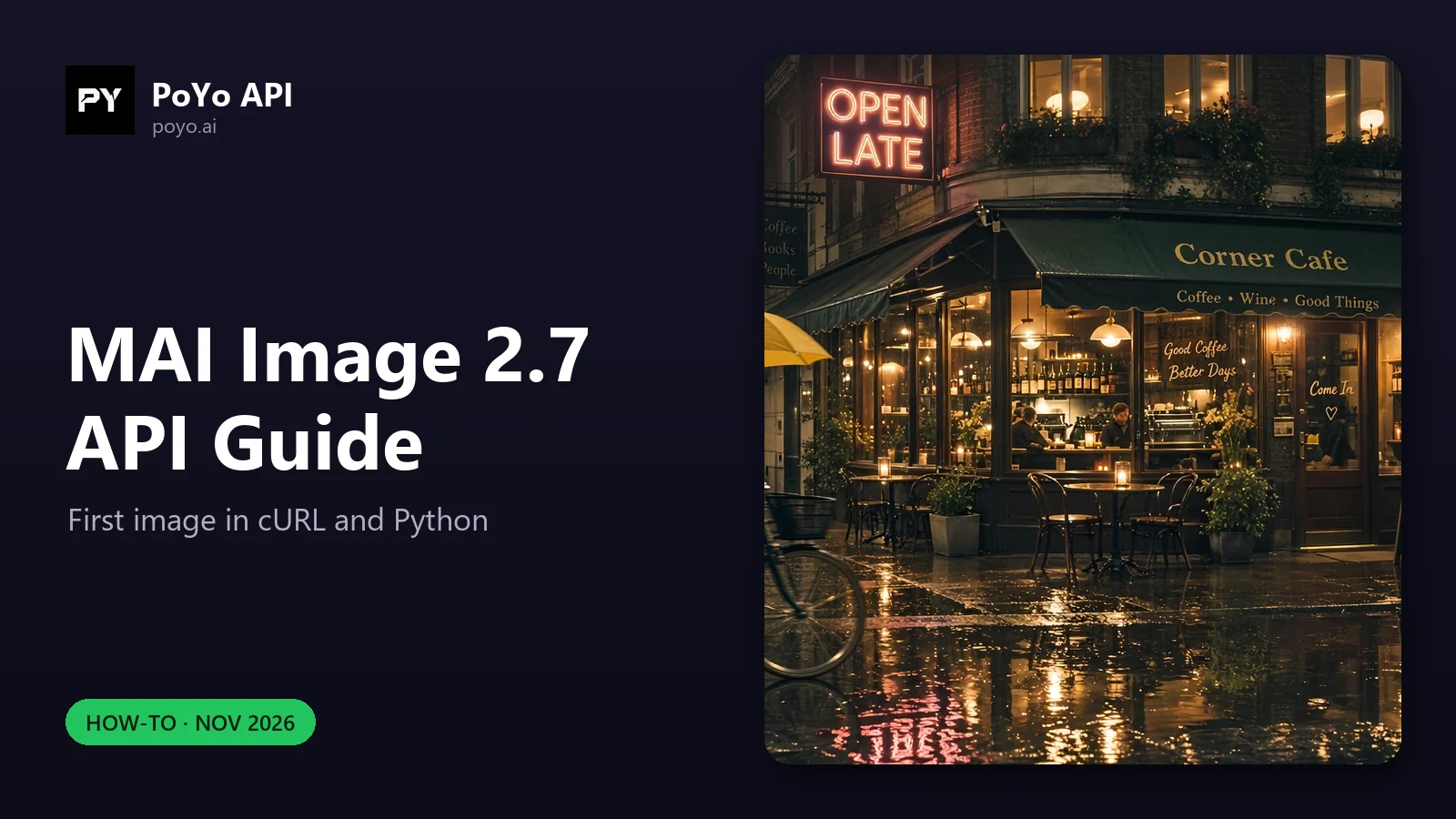
This MAI Image 2.7 API guide takes you from an API key to a finished image in cURL and Python, then covers every input mode the PoYo schema accepts: text-to-image, single-image edits, multi-image composition, custom sizes, 2K output and transparent PNG or WebP. Every body below uses the model ID mai-image-2.7; swap in mai-image-2.7-flash for the cheaper tier, since both MAI Image 2.7 schemas are identical apart from the ID.
Field rules come from the PoYo API reference. For what the model is and how it compares, start with the MAI Image 2.7 API overview.
Step 1: submit a MAI Image 2.7 API request with cURL
Create a key in the PoYo dashboard and export it as POYO_API_KEY. Keep it on your server, not in browser code.
curl https://api.poyo.ai/api/generate/submit \
  -H "Authorization: Bearer $POYO_API_KEY" \
  -H "Content-Type: application/json" \
  -d '{
    "model": "mai-image-2.7",
    "input": {
      "prompt": "A university campus poster at dusk with the title \"Open Day 2026\", photorealistic, cinematic light",
      "size": "16:9",
      "resolution": "2K"
    }
  }'
A successful submission returns code: 200 and a data object with task_id, status: "not_started" and created_time. That is a queued task, not an image. Check code in the body every time: some validation errors come back with HTTP 200 and code: 400.
Step 2: poll the task status
curl https://api.poyo.ai/api/generate/status/YOUR_TASK_ID \
  -H "Authorization: Bearer $POYO_API_KEY"
Status moves through not_started, running, and then finished or failed. A finished task lists the image in data.files as an object with file_url and file_type: "image", and reports the charge in credits_amount. A failed task explains itself in error_message.
Step 3: a bounded Python polling loop
This loop checks both HTTP status and the body code, stops on failed, and gives up after 10 minutes without resubmitting. In our November 19, 2026 launch test, a 2K 16:9 image took about 66 seconds on MAI Image 2.7 and about 42 seconds on Flash, so a 5-second poll interval is plenty.
import os
import time
import requests

BASE = "https://api.poyo.ai"
session = requests.Session()
session.headers["Authorization"] = "Bearer " + os.environ["POYO_API_KEY"]

def checked(response):
    body = response.json()
    if response.status_code >= 400 or body.get("code") != 200:
        error = body.get("error") or {}
        raise RuntimeError(f"PoYo error {body.get('code')}: {error.get('message', body)}")
    return body["data"]

def generate(input_body, model="mai-image-2.7", max_wait=600):
    task = checked(session.post(BASE + "/api/generate/submit",
                                json={"model": model, "input": input_body},
                                timeout=60))
    task_id = task["task_id"]
    deadline = time.monotonic() + max_wait
    while time.monotonic() < deadline:
        time.sleep(5)
        task = checked(session.get(BASE + "/api/generate/status/" + task_id, timeout=60))
        if task["status"] == "failed":
            raise RuntimeError(task.get("error_message") or "generation failed")
        if task["status"] == "finished":
            images = [f["file_url"] for f in task.get("files", []) if f.get("file_type") == "image"]
            return images[0], task.get("credits_amount")
    raise TimeoutError("Still running, check this task later: " + task_id)

url, credits = generate({
    "prompt": "A rainy-night cafe with a neon sign reading \"OPEN LATE\"",
    "size": "16:9",
    "resolution": "2K",
})
print(url, credits)
A timeout means "check the same task ID again later". Resubmitting would start a second billable task.
Every MAI Image 2.7 API input mode
All fields go inside input. The model ID and an optional callback_url sit at the top level.
Text-to-image
Only prompt is required. Without size, the output is 1:1; without resolution, it is 1K (1024x1024 for a square).
{
  "model": "mai-image-2.7",
  "input": {
    "prompt": "A university campus poster at dusk with the title \"Open Day 2026\", photorealistic, cinematic light",
    "size": "16:9",
    "resolution": "2K"
  }
}
Edit one image
Pass one URL in image_urls. It must be an array even for a single image.
{
  "model": "mai-image-2.7",
  "input": {
    "prompt": "Change the bicycle to blue and add a small dog next to it",
    "image_urls": ["https://example.com/bicycle.png"]
  }
}
Without size, the edit keeps the aspect ratio of the first reference image at about 1 megapixel. Add size when you want a different ratio or a custom size.
Combine 2 to 5 images
Several URLs are combined into one new image. Refer to them in the prompt by role so the model knows which image supplies what.
{
  "model": "mai-image-2.7",
  "input": {
    "prompt": "Place the sneaker from image 1 on the wooden boards from image 2, at the pier from image 3, golden hour",
    "image_urls": [
      "https://example.com/sneaker.png",
      "https://example.com/boards.png",
      "https://example.com/pier.png"
    ],
    "size": "16:9"
  }
}
Reference images are used at up to about 1 megapixel, so there is no need to send files much larger than that.
Custom size
A WIDTHxHEIGHT string is used exactly as given.
{
  "model": "mai-image-2.7",
  "input": {
    "prompt": "A wide panoramic banner of a mountain range at sunrise",
    "size": "3072x1344"
  }
}
Transparent background and output format
{
  "model": "mai-image-2.7",
  "input": {
    "prompt": "A flat vector logo of a red fox head, clean edges, no background",
    "background": "transparent",
    "output_format": "webp"
  }
}
output_format also works on opaque images: send "jpeg" for smaller photographic files. The transparent background guide covers alpha checks and our measured sticker run.
Field validation rules
Validate on your side before submitting so bad requests fail fast:
| Field | Rule |
|---|---|
model | mai-image-2.7 or mai-image-2.7-flash |
prompt | Required, 1 to 32,000 characters, not only whitespace |
image_urls | Array of 1 to 5 public HTTP or HTTPS URLs, JPEG, PNG or WebP |
size | 1:1, 4:3, 3:4, 3:2, 2:3, 16:9, 9:16 or WIDTHxHEIGHT |
| Custom size | Both sides divisible by 16, each side at least 768, width x height at most 4,194,304 |
resolution | 1K (about 1 MP) or 2K (about 4 MP, 16:9 is 2720x1536); applies to aspect-ratio sizes |
background | opaque or transparent; transparent requires output_format png or webp |
output_format | png, jpeg or webp |
| Unknown fields | Rejected; the schema does not allow extra properties, so drop fields such as enable_web_search from MAI Image 2.6 requests |
Examples: 2048x2048 and 3072x1344 pass; 3000x1400 fails (not multiples of 16); 640x1600 fails (a side below 768); 2400x2400 fails (5,760,000 pixels). "background": "transparent" with "output_format": "jpeg" fails because JPEG has no alpha channel.
Errors worth handling
code | Meaning | What to do |
|---|---|---|
| 400 | Invalid parameters | Fix the body; do not retry unchanged |
| 401 | Missing or invalid API key | Check the Authorization: Bearer header |
| 402 | Insufficient credits | Top up, then resubmit |
| 429 | Rate limit exceeded | Back off and retry later |
| 500, 502, 503 | Server, upstream or availability error | Retry with backoff; check whether a task ID was already returned first |
A task that reaches failed after submission carries the reason in error_message, for example a content policy rejection. See Error Codes for the full list. If your app accepts user uploads as image_urls, screening them first saves failed tasks; the image moderation guide shows one way.
Use a callback instead of polling
Add "callback_url": "https://your-app.example.com/poyo-webhook" at the top level of the body. When the task finishes or fails, PoYo POSTs the task data (the same shape as the status response's data) to that URL, signed with HMAC-SHA256 in the X-Webhook-Signature header. The webhook docs give the signature rule. Keep a slow polling fallback for callbacks that never arrive.
How your first bill is calculated
The MAI Image 2.7 API bills tokens: text input, image input (for image_urls), and image output. On PoYo, output is about one token per 1,024 pixels.
| Model | Text input | Image input | Image output (per 1M tokens) |
|---|---|---|---|
mai-image-2.7 | 1,000 credits ($5.00) | 1,600 credits ($8.00) | 6,800 credits ($34.00) |
mai-image-2.7-flash | 350 credits ($1.75) | 500 credits ($2.50) | 2,000 credits ($10.00) |
Our launch-day test (PoYo production API, November 19, 2026) shows what that means in practice. The same 2K 16:9 cafe request returned 2720x1536 on both tiers and, at current rates, comes to 27.802 credits (about $0.139) on mai-image-2.7 and 8.1803 credits (about $0.041) on mai-image-2.7-flash. Derived estimate: 2720x1536 is 4,177,920 pixels, about 4,080 output tokens, which accounts for 27.744 and 8.16 credits; the small remainder on each matches roughly 58 prompt tokens. The pricing post has cost tables for every size.
Frequently asked questions
Is the MAI Image 2.7 API compatible with the OpenAI SDK?
No. It is an async task API: submit to /api/generate/submit, then poll /api/generate/status/{task_id} or receive a callback. Plain requests, fetch or cURL work.
How do I edit an image with the MAI Image 2.7 API?
Add image_urls with one public image URL and describe the change in prompt. With 2 to 5 URLs, the images are combined.
Can I set an exact pixel size in the MAI Image 2.7 API?
Yes, send size as WIDTHxHEIGHT with both sides divisible by 16, each at least 768, and at most 4,194,304 pixels in total.
How many images does one MAI Image 2.7 API request return? One. Submit several tasks in parallel for variations.
Does the MAI Image 2.7 API return JPEG?
Yes, with "output_format": "jpeg", as long as background is opaque. PNG is the default and WebP is also available.