
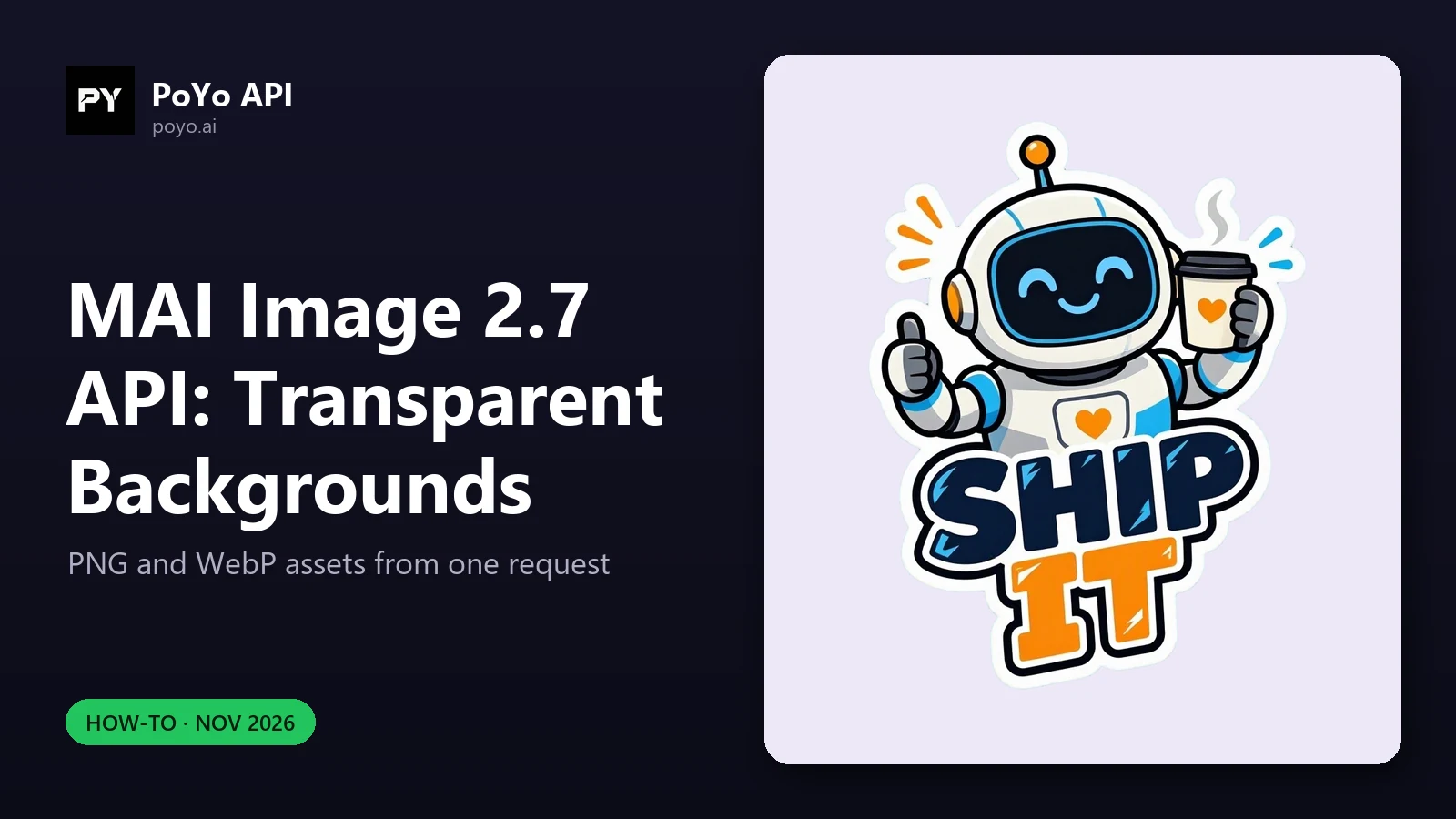
The MAI Image 2.7 API can return images with a real alpha channel, so product cutouts, logos, icons and stickers come out ready to place on any background with no masking step. On PoYo it takes two fields, background and output_format, on either mai-image-2.7 or mai-image-2.7-flash. In our launch-day test, a 1024x1024 transparent PNG on Flash comes to 2.062 credits at current rates, about $0.0103. Try it on the MAI Image 2.7 model page before wiring it into code.
What Microsoft says about transparency
Microsoft's launch post says "both models support transparent backgrounds for ready-to-use product images", and names logos, icons and illustrations as further uses. Microsoft's Foundry documentation lists transparent background as a capability MAI-Image-2.7 adds over earlier MAI image models, "for assets such as product imagery, logos, icons, and design elements that need to be placed over other content". MAI Image 2.6 has no such option.
The two fields
| Field | Values | Default | Rule |
|---|---|---|---|
background | opaque, transparent | opaque | transparent returns an image with an alpha channel |
output_format | png, jpeg, webp | png | transparent requires png or webp |
Because the defaults are opaque and png, you must send background explicitly to get transparency. output_format can be left out for PNG, but sending it makes the intent obvious in logs. "background": "transparent" with "output_format": "jpeg" is invalid, because JPEG has no alpha channel; validate that combination on your side so it fails before submission.
All other fields behave as usual: size (1:1 by default, any preset ratio or a custom WIDTHxHEIGHT up to 4,194,304 pixels), resolution (1K or 2K), and an optional callback_url. Full field rules are in the API reference.
Request bodies
Transparent PNG with the MAI Image 2.7 API
A square sticker at 1K on Flash, with the same field settings as our measured run (the prompt is an example):
curl https://api.poyo.ai/api/generate/submit \
  -H "Authorization: Bearer $POYO_API_KEY" \
  -H "Content-Type: application/json" \
  -d '{
    "model": "mai-image-2.7-flash",
    "input": {
      "prompt": "A cute cartoon sticker of a smiling coffee cup with a thick white outline, centered, no background",
      "size": "1:1",
      "resolution": "1K",
      "background": "transparent",
      "output_format": "png"
    }
  }'
Transparent WebP logo
The example from PoYo's docs, on the flagship:
{
  "model": "mai-image-2.7",
  "input": {
    "prompt": "A flat vector logo of a red fox head, clean edges, no background",
    "background": "transparent",
    "output_format": "webp"
  }
}
WebP also carries alpha and usually gives smaller files than PNG, which suits web pages. PNG is the safer choice for print workflows and design tools that expect it.
Both requests return a task_id. Poll GET https://api.poyo.ai/api/generate/status/{task_id} until status is finished, then download data.files[0].file_url. The MAI Image 2.7 API guide has a complete polling loop.
Measured: a transparent sticker on launch day
The PoYo team ran this on the PoYo production API on November 19, 2026:
| Setting | Value |
|---|---|
| Model | mai-image-2.7-flash |
| Fields | size: "1:1", resolution: "1K", background: "transparent", output_format: "png" |
| Output | 1024x1024 PNG, RGBA |
| Background | Real alpha: fully transparent around the subject |
| Cost at current rates | 2.062 credits (about $0.0103) |
| Time | About 42 s, submit to result with polling every few seconds |
Derived estimate: 1024x1024 is about 1,024 output tokens at 2,000 credits per 1M, which is 2.048 credits; the remaining 0.014 credits match about 40 prompt tokens at 350 credits per 1M. In other words, the transparent image was billed like any other image of that size. The price list has no transparency surcharge.
Check the alpha channel in code
Do not trust a file extension: confirm that the downloaded image actually has transparent pixels before it enters your asset library. With Pillow:
import io
import requests
from PIL import Image

def check_transparency(file_url):
    data = requests.get(file_url, timeout=60).content
    img = Image.open(io.BytesIO(data))
    if img.mode != "RGBA":
        img = img.convert("RGBA")
    alpha = img.getchannel("A")
    lo, hi = alpha.getextrema()
    clear = sum(1 for a in alpha.getdata() if a == 0)
    share = clear / (img.width * img.height)
    print(img.size, img.mode, "alpha range", (lo, hi), f"{share:.0%} fully transparent")
    return lo == 0 and share > 0.05
A result with lo == 0 and a meaningful share of fully transparent pixels means a usable cutout. A picture of a checkerboard would show lo == 255, every pixel opaque. Pick the threshold for your own assets: a full-frame illustration will have less empty space than a centered icon.
Prompting for clean cutouts
The model handles the alpha channel; the prompt still decides how easy the subject is to isolate.
- Say the subject is alone. PoYo's docs example ends with "clean edges, no background". Microsoft's Foundry example for a transparent image uses "full body, centered, no shadow".
- Avoid scene words. "On a table", "in a studio" or "with a shadow" ask for things that sit outside the subject.
- Ask for an outline on stickers. A thick white border reads well on both light and dark backgrounds.
- Quote any text. If the asset includes a word or logo text, put it in quotes, as the docs recommend for on-image text.
Cost of transparent assets at volume
Output tokens depend only on pixel count, so transparency costs the same as opaque output. Output-token cost per image:
| Size | MAI Image 2.7 | MAI Image 2.7 Flash |
|---|---|---|
1024x1024 (1:1, 1K) | 6.96 credits ($0.0348) | 2.05 credits ($0.0102) |
2048x2048 (1:1, 2K) | 27.85 credits ($0.1393) | 8.19 credits ($0.0410) |
At the measured 2.062 credits per Flash sticker, 1,000 stickers come to about 2,062 credits, roughly $10.31. Use Flash for icon sets and catalog cutouts, and MAI Image 2.7 when a single asset, like a brand logo or a hero product shot, has to be as good as it gets. The pricing post and the Flash vs 2.7 comparison go deeper.
Settings for common transparent-asset jobs
| Job | Model | size / resolution | output_format |
|---|---|---|---|
| Chat or app stickers in bulk | mai-image-2.7-flash | 1:1, 1K | png or webp |
| Website icons and illustrations | mai-image-2.7-flash | 1:1, 1K | webp |
| E-commerce product cutouts | mai-image-2.7 | 1:1 or 3:4, 2K | png |
| Brand logo for print and slides | mai-image-2.7 | 1:1, 2K | png |
| Wide banner element to overlay on a hero | mai-image-2.7 | Custom, e.g. 3072x1344 | webp |
These are starting points, not rules: every row uses only the documented fields, so you can move a job between tiers or sizes without changing anything else in the request. Run the alpha check on the first batch of each new job type.
Editing with a transparent result
The schema also allows background: "transparent" together with image_urls, for example to turn a product photo into a cutout or to restyle an existing sticker while keeping the alpha channel. We have not measured that combination yet, so test it on a few of your own images and run the alpha check above before you rely on it in production.
Frequently asked questions
How do I get a transparent background from the MAI Image 2.7 API?
Send "background": "transparent" and "output_format": "png" (or "webp") inside input. The default is an opaque PNG.
Can the MAI Image 2.7 API return a transparent JPEG?
No. JPEG has no alpha channel, so transparent requires PNG or WebP.
Does MAI Image 2.7 Flash support transparent backgrounds?
Yes. Our launch-day test on mai-image-2.7-flash returned a 1024x1024 RGBA PNG with a fully transparent background for 2.062 credits at current rates.
Does a transparent background cost more in the MAI Image 2.7 API? No. It is billed by the same text, image input and output token rates as any other image of the same size.
Can MAI Image 2.6 make transparent PNGs? No. Transparency is new in MAI Image 2.7. See MAI Image 2.7 API vs MAI Image 2.6 API for the other field changes.