
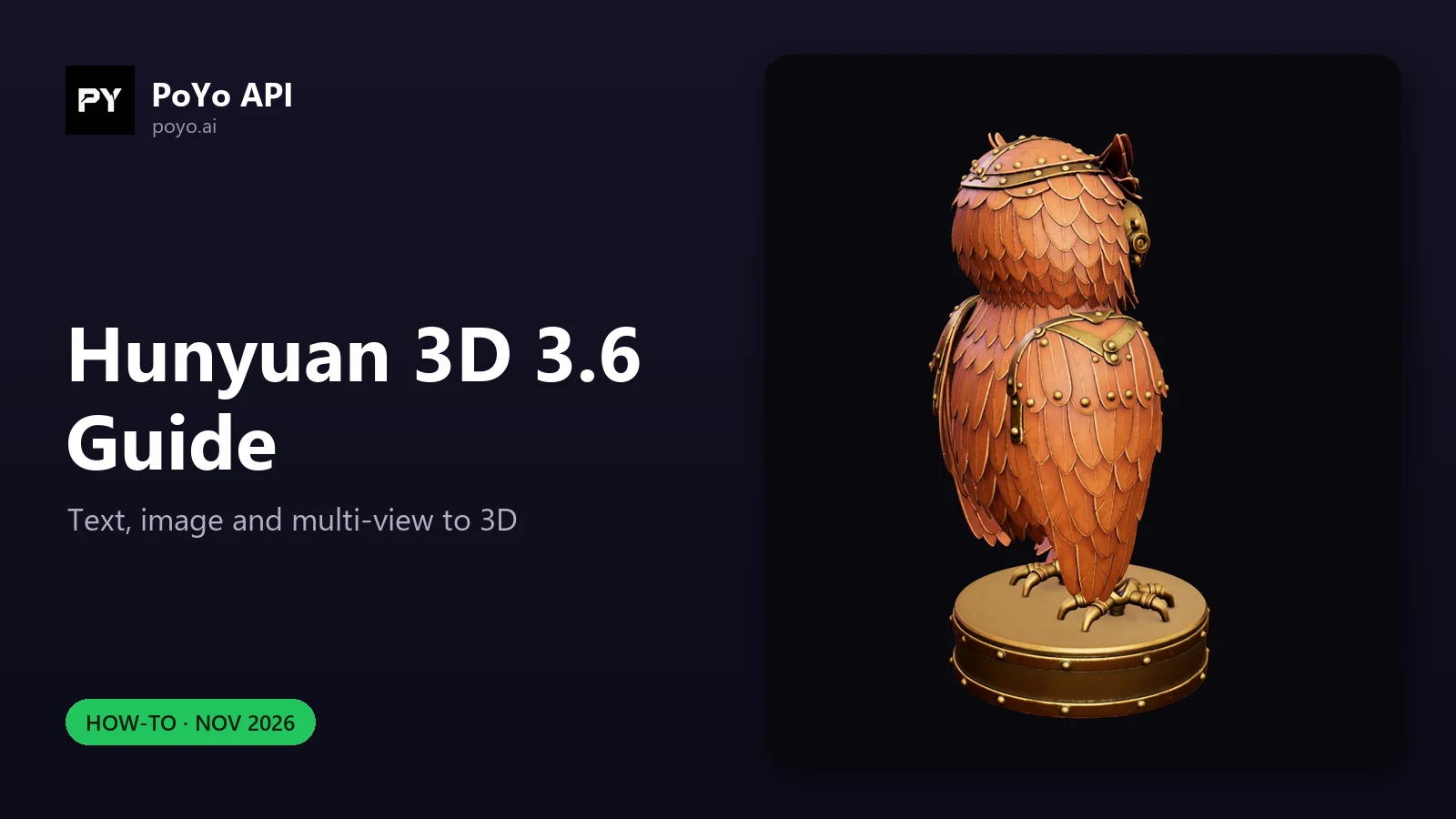
This Hunyuan 3D 3.6 API guide takes you from an API key to a downloaded GLB. Every request goes to one endpoint with one of two model IDs, hunyuan-3d/v3.6/text-to-3d or hunyuan-3d/v3.6/image-to-3d, and runs as an async task. Below are working JSON bodies for text to 3D, image to 3D, multi-view input with up to 8 views, PBR, face count, texture size and geometry-only mode, plus polling code in Python and Node. Try any of these first in the Playground on the Hunyuan 3D 3.6 model page.
How a Hunyuan 3D 3.6 API call works
POST https://api.poyo.ai/api/generate/submitwithAuthorization: Bearer $POYO_API_KEYand a JSON body ofmodel,inputand an optional top-levelcallback_url.- The response returns
data.task_idwith statusnot_started. A successful submit is not a finished model. - Poll
GET https://api.poyo.ai/api/generate/status/{task_id}untilstatusisfinishedorfailed, or wait for the webhook. - Read
data.files. The GLB comes first (file_type: "3d"), then the OBJ ZIP for textured tasks (file_type: "3d",.zip), then the PNG preview (file_type: "image").
Every response has a business code. Check it as well as the HTTP status: some validation errors return HTTP 200 with code: 400 in the body.
Text to 3D with cURL
curl https://api.poyo.ai/api/generate/submit \
  -H "Authorization: Bearer $POYO_API_KEY" \
  -H "Content-Type: application/json" \
  -d '{
    "model": "hunyuan-3d/v3.6/text-to-3d",
    "callback_url": "https://your-domain.com/callback",
    "input": {
      "prompt": "A battle-worn dwarf blacksmith in a layered leather apron over chainmail, riveted steel pauldrons, a braided beard with iron rings, holding a forging hammer in one hand",
      "enable_pbr": true
    }
  }'
With only prompt and enable_pbr, you get a textured model at the defaults: 2,000,000-face target, 4K JPEG textures, plus metallic, roughness and normal maps. Describe the subject, its parts, materials and colors; the prompt allows 1 to 1,024 characters.
Then check the task:
curl https://api.poyo.ai/api/generate/status/YOUR_TASK_ID \
  -H "Authorization: Bearer $POYO_API_KEY"
A JSON body for every input mode
Styled text to 3D. style is text-to-3D only: qinghuaci (blue-and-white porcelain), china_style, sculpture, cartoon or cyberpunk. Leave it out to follow the prompt.
{
  "model": "hunyuan-3d/v3.6/text-to-3d",
  "input": {
    "prompt": "A round teapot with a dragon-shaped spout, a curled handle and a lid knob shaped like a lotus bud",
    "style": "qinghuaci",
    "enable_pbr": true,
    "texture_format": "png"
  }
}
Image to 3D from one front view. image_urls holds exactly one image: JPG, PNG or WEBP, 128 to 5000 px per side, under 10 MB, at a public URL. Use a clean front view with the whole object in frame and a plain background.
{
  "model": "hunyuan-3d/v3.6/image-to-3d",
  "input": {
    "image_urls": ["https://storage.poyo.ai/models/hunyuan-3d-3-6/examples/input-steampunk-owl-front-8ab04096913b.png"],
    "enable_pbr": true
  }
}
Add "bake_lighting": true to keep the photo's lighting and shadows in the texture. The default is an unlit albedo texture that you can relight in an engine.
Multi-view image to 3D, up to 8 views. Keep the front view in image_urls and add any of the seven named view fields, one JPG or PNG per field. All views must show the same object.
{
  "model": "hunyuan-3d/v3.6/image-to-3d",
  "input": {
    "image_urls": ["https://example.com/owl-front.png"],
    "back_image_url": "https://example.com/owl-back.png",
    "left_image_url": "https://example.com/owl-left.png",
    "right_image_url": "https://example.com/owl-right.png",
    "top_image_url": "https://example.com/owl-top.png",
    "bottom_image_url": "https://example.com/owl-bottom.png",
    "left_front_image_url": "https://example.com/owl-left-front.png",
    "right_front_image_url": "https://example.com/owl-right-front.png",
    "enable_pbr": true,
    "ao_strength": 0.5
  }
}
One extra view is enough to switch the task to multi-view generation and its price. ao_strength (0 to 1, default 0) sets ambient occlusion and applies only to textured multi-view tasks.
Face count and texture size. face_count takes 1,000 to 2,000,000. By default the model treats it as a target and adjusts to the object; face_strict_mode: true forces the exact number. texture_resolution is 2k, 4k or 8k, and seamless_texture: true trades fine texture detail for fewer seams.
{
  "model": "hunyuan-3d/v3.6/image-to-3d",
  "input": {
    "image_urls": ["https://example.com/sneaker-front.png"],
    "face_count": 200000,
    "face_strict_mode": true,
    "texture_resolution": "2k",
    "texture_format": "webp",
    "enable_pbr": true
  }
}
This is the shape for web viewers and AR, where file size matters more than the last bit of detail.
Geometry only. generate_type: "Geometry" returns an untextured white model: a GLB plus a PNG preview, with no OBJ ZIP. The texture options are ignored for these tasks, so leave them out.
{
  "model": "hunyuan-3d/v3.6/text-to-3d",
  "input": {
    "prompt": "A carved wooden chess knight with a flowing mane, flared nostrils and a ringed round base",
    "generate_type": "Geometry",
    "face_count": 300000,
    "face_strict_mode": true
  }
}
A bounded polling loop in Python
Run this on your backend with requests installed. It checks HTTP and business errors, stops on a failed task, and gives up after 30 minutes. A timeout means "check the same task ID later", not "submit again": a second submit is a second billed generation.
import os
import time
import requests

BASE = "https://api.poyo.ai"
s = requests.Session()
s.headers["Authorization"] = "Bearer " + os.environ["POYO_API_KEY"]

def checked(resp):
    resp.raise_for_status()
    body = resp.json()
    if body.get("code") != 200:
        raise RuntimeError(f"PoYo error {body.get('code')}: {body.get('error')}")
    return body["data"]

task = checked(s.post(BASE + "/api/generate/submit", json={
    "model": "hunyuan-3d/v3.6/image-to-3d",
    "input": {
        "image_urls": ["https://example.com/owl-front.png"],
        "enable_pbr": True,
    },
}, timeout=60))
task_id = task["task_id"]
print("task", task_id, flush=True)

deadline = time.monotonic() + 30 * 60
while time.monotonic() < deadline:
    task = checked(s.get(f"{BASE}/api/generate/status/{task_id}", timeout=60))
    if task["status"] == "failed":
        raise RuntimeError(task.get("error_message") or "generation failed")
    if task["status"] == "finished":
        break
    time.sleep(15)
else:
    raise TimeoutError("still running, poll again later: " + task_id)

print("charged", task.get("credits_amount"), "credits")
for f in task["files"]:
    name = f["file_url"].rsplit("/", 1)[-1]
    with s.get(f["file_url"], stream=True, timeout=300) as r:
        r.raise_for_status()
        with open(name, "wb") as out:
            for chunk in r.iter_content(1 << 20):
                out.write(chunk)
    print("saved", f["file_type"], name)
Stream the downloads. In our launch-day test the textured GLBs were 72 MB and 82 MB, and the OBJ ZIPs 49 MB and 55 MB.
The same flow in Node
Node 18 or later, no dependencies:
const BASE = "https://api.poyo.ai";
const headers = {
  Authorization: `Bearer ${process.env.POYO_API_KEY}`,
  "Content-Type": "application/json",
};

async function call(path, init = {}) {
  const res = await fetch(BASE + path, { ...init, headers });
  const body = await res.json();
  if (!res.ok || body.code !== 200) {
    throw new Error(`PoYo error ${body.code}: ${JSON.stringify(body.error)}`);
  }
  return body.data;
}

const { task_id } = await call("/api/generate/submit", {
  method: "POST",
  body: JSON.stringify({
    model: "hunyuan-3d/v3.6/text-to-3d",
    input: {
      prompt: "An armored knight with a long cape, a kite shield and a sword",
      enable_pbr: true,
    },
  }),
});

const deadline = Date.now() + 30 * 60 * 1000;
let task;
while (Date.now() < deadline) {
  task = await call(`/api/generate/status/${task_id}`);
  if (task.status === "failed") throw new Error(task.error_message);
  if (task.status === "finished") break;
  await new Promise((r) => setTimeout(r, 15000));
}
if (task?.status !== "finished") throw new Error(`poll again later: ${task_id}`);

const glb = task.files.find((f) => f.file_url.endsWith(".glb"));
console.log(glb.file_url);
For production, prefer callback_url. PoYo POSTs the task data to it when the task is finished or failed, signed with HMAC-SHA256 in X-Webhook-Signature; the 3D webhook docs give the signature rule and the key endpoint.
Validation rules and errors worth handling
| Check before submit | Why |
|---|---|
prompt 1 to 1,024 characters, not whitespace only | Required for text to 3D |
Exactly one URL in image_urls | Extra images go in the named view fields, not the array |
| View images JPG or PNG, 128 to 5000 px | WEBP is accepted only for the front view |
face_count integer from 1,000 to 2,000,000 | Out-of-range values are rejected |
No style on image to 3D, no view fields on text to 3D | Fields are model-specific; unknown fields are rejected |
code | What to do |
|---|---|
| 400 | Fix the body; do not retry unchanged |
| 401 | Check the API key |
| 402 | Top up credits; nothing was generated |
| 429 | Back off and retry the submit |
| 500, 502, 503 | Retry with backoff; if a task_id was returned, poll it instead of resubmitting |
Loading the result
GLB loads directly in three.js, Blender, Unity (with a glTF importer) and most web viewers; the OBJ ZIP carries the OBJ, MTL and texture maps for tools that prefer OBJ. In our test, the geometry-only GLB had 1,999,996 triangles and no vertex normals, so call geometry.computeVertexNormals() in three.js, or recalculate normals in your DCC tool, before shading it.
How the first bill is calculated
The price is fixed per generation, set by the model ID, generate_type and whether any view field is present. 1 credit = $0.005.
| Your request | Credits | USD |
|---|---|---|
| Text to 3D, textured | 400 | $2.00 |
Text to 3D, Geometry | 160 | $0.80 |
| Image to 3D, one view, textured | 280 | $1.40 |
Image to 3D, one view, Geometry | 120 | $0.60 |
| Image to 3D, any extra view, textured | 400 | $2.00 |
Image to 3D, any extra view, Geometry | 160 | $0.80 |
enable_pbr, texture_resolution: "8k" and a custom face_count do not add to these prices. The status response reports the charge in credits_amount. In our launch-day run, the three tasks were charged 400, 280 and 160 credits, matching the table. For batch budgets and a comparison with other 3D models, read the Hunyuan 3D 3.6 API pricing guide. For an overview of the model and the launch-day results, start with the Hunyuan 3D 3.6 API overview. If you need a clean front view to start from, an image model such as GPT Image 2.6 can make one with the same API key.
Frequently asked questions
How do I call the Hunyuan 3D 3.6 API from Python?
POST the JSON body to https://api.poyo.ai/api/generate/submit with a Bearer key, save data.task_id, then poll /api/generate/status/{task_id} until finished, as in the loop above.
How do I send multiple views to the Hunyuan 3D 3.6 API?
Put the front view in image_urls and each other angle in its own field: back_image_url, left_image_url, right_image_url, top_image_url, bottom_image_url, left_front_image_url, right_front_image_url. That makes up to 8 images.
How do I get PBR materials from the Hunyuan 3D 3.6 API?
Set enable_pbr: true on a Normal (textured) task. You get metallic, roughness and normal maps at no extra charge.
How do I reduce the file size of a Hunyuan 3D 3.6 API model?
Lower face_count (with face_strict_mode: true for an exact count) and use texture_resolution: "2k". The default is 2,000,000 faces.
Does the Hunyuan 3D 3.6 API return FBX or STL? Not on PoYo. Tasks return a GLB, an OBJ ZIP for textured models and a PNG preview; convert to other formats in your own pipeline.
Why did my Hunyuan 3D 3.6 API request fail with code 400?
Usually a field on the wrong model ID (such as style on image to 3D), more than one URL in image_urls, or a value out of range. Read error.message and fix the body before you resubmit.