
01
poyo-ai/video-translator
Translate short source videos through the unified generate API with per-minute billing and standard task status tracking.

Transparent pricing with no hidden fees. Pay as you go.
poyo-ai/video-translator| Model | Spec | PoYo price | Official price | You save |
|---|---|---|---|---|
| poyo-ai/video-translator | Video translation | $0.075 15 credits per started minute | - | - |
* Actual fees are based on the final output.
Complete guide to using Affordable AI Video Translator API on PoYo
Translate source videos through the standard PoYo generation workflow. Upload a video, choose the source and target languages, submit the task, and retrieve translated output from the unified status endpoint.
PoYo exposes the first video translator page as a focused short-video localization workflow: upload a source video, choose languages, submit the task, and retrieve translated output through the generate lifecycle.
01
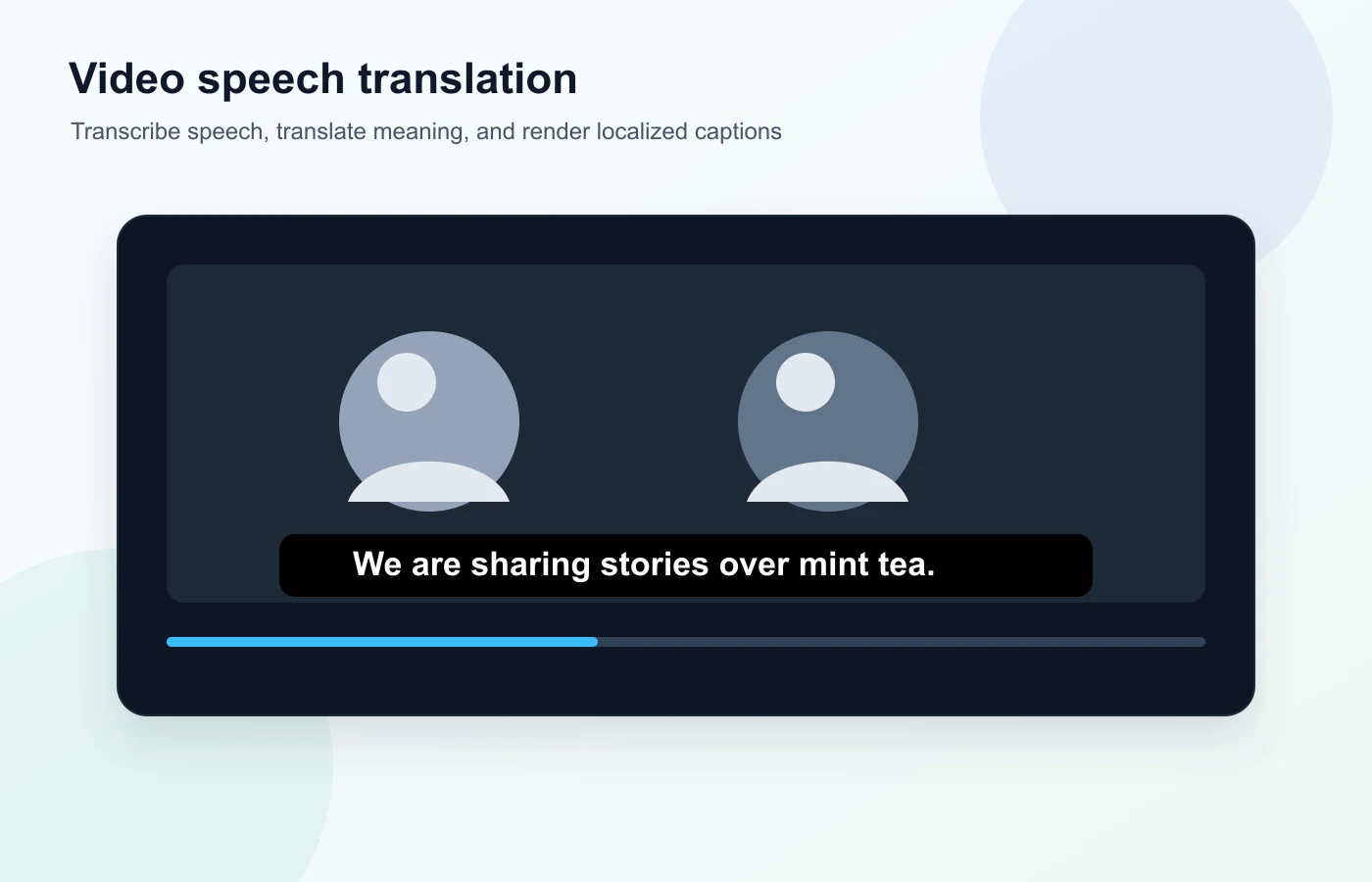
Submit source media through video_urls with a public file_url and optional file_name. The public page intentionally focuses on short-form translation rather than advanced video editing controls.
02
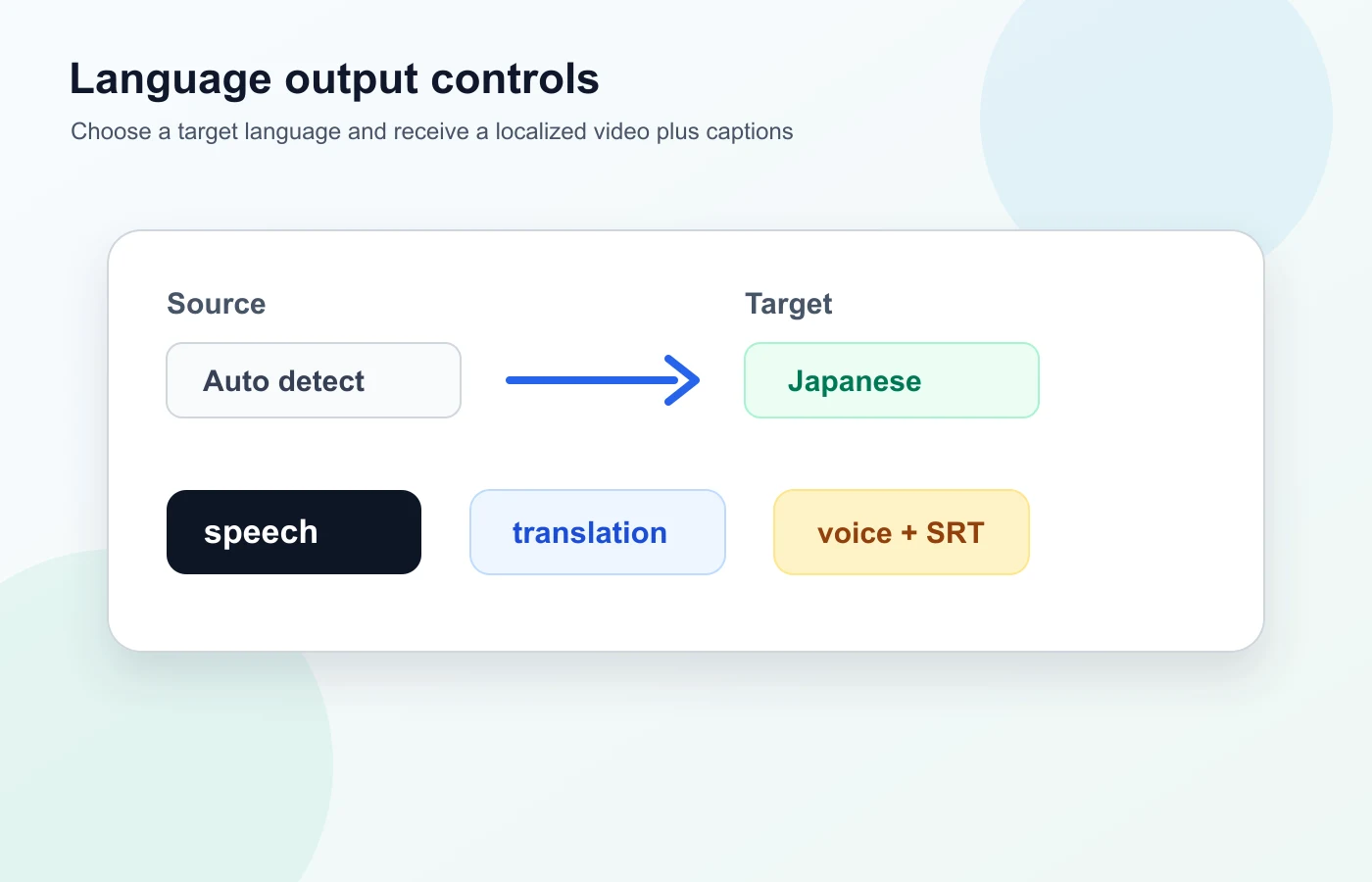
Set source_language to the video's spoken language, then choose target_language for the translated output. Voice selection, subtitle styling, and other advanced controls stay hidden in the first public release.
03
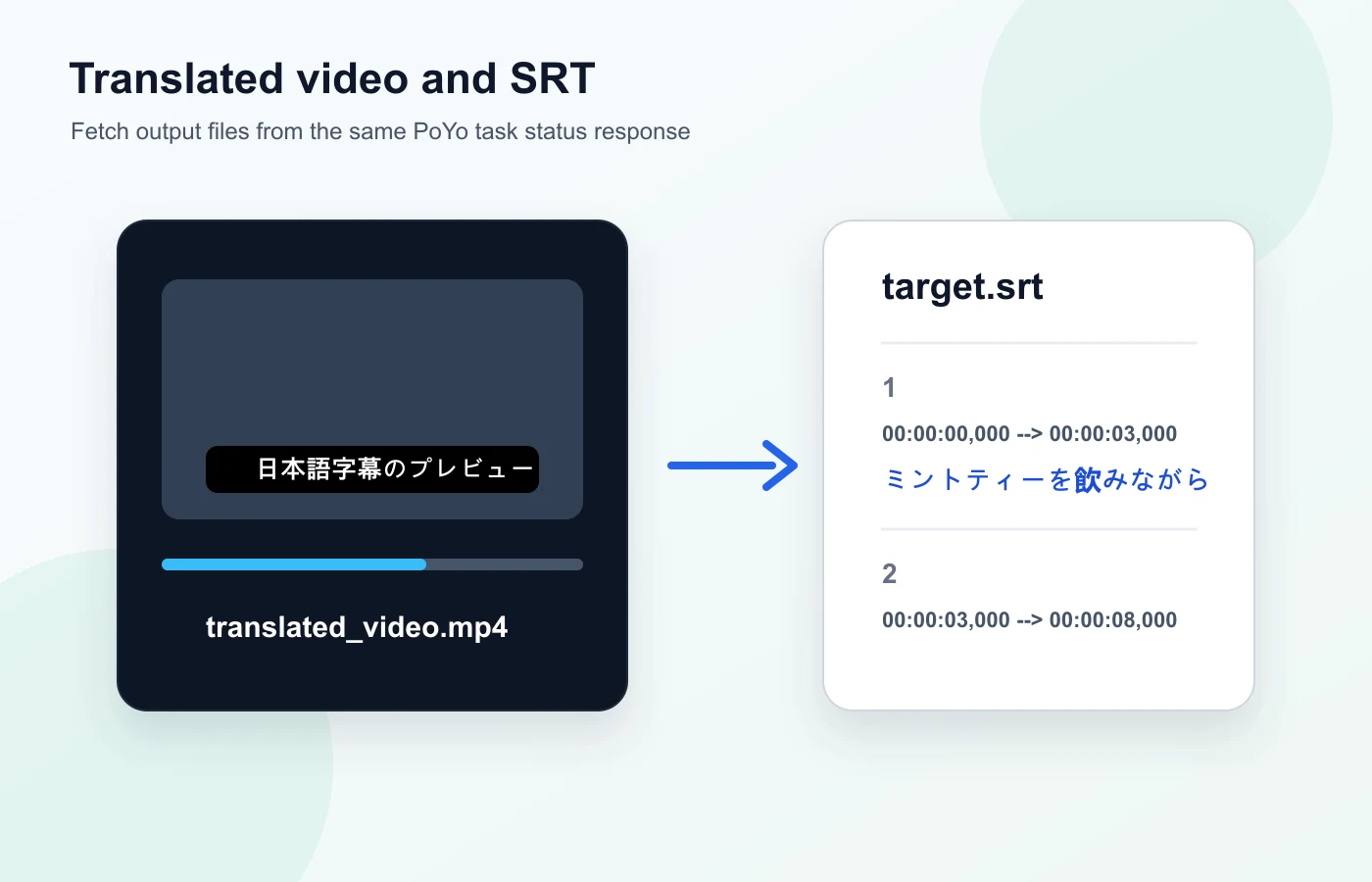
Video translation costs 15 credits per started minute. Submit through /api/generate/submit, poll /api/generate/status/{task_id}, and receive the translated video, cover, captions, and related output through the normal PoYo result format.
Translate short lessons, onboarding clips, and internal learning videos for multilingual teams.
Localize short product explainers, campaign videos, and social content for additional markets.
Translate creator clips and short-form videos while keeping the submission flow simple.
Prepare multilingual support clips, tutorials, and walkthroughs without creating a separate localization workflow.
Translate announcement and demo videos when teams need fast first-pass localization.
Run video translation tasks through the same dashboard and status flow used by other PoYo generation models.
The first public version keeps video translation intentionally focused on core localization. Advanced voice and subtitle controls are not part of the exposed page yet.
| Area | PoYo Video Translator | Manual Localization | General Video Generation |
|---|---|---|---|
| Primary input | video_urls with source media | Video plus transcript and editor files | Prompt, image, or video depending on model |
| Language controls | source_language and target_language | Managed across transcription and translation tools | Usually not translation-specific |
| Task lifecycle | Unified PoYo submit, status, callback, and history | Manual project handoff | Depends on the generation model |
| Pricing | 15 credits per started minute | Labor and vendor dependent | Usually per second or per generation |
Each source file can be up to 6 minutes in the current public workflow.
Step 1: Upload or host the source video
Use the playground upload control or provide a public media URL in input.video_urls.
Step 2: Choose languages
Set source_language to the video's spoken language, then set target_language to the translated output language.
Step 3: Submit and monitor
Submit through /api/generate/submit. Use the returned task_id with /api/generate/status/{task_id} or provide callback_url.
poyo-ai/video-translator: 15 credits per started minute.
Each file duration is rounded up to the next full minute. A 30-second video costs 15 credits; a 61-second video costs 30 credits. Each source file can be up to 6 minutes.
Use the same PoYo authentication, submission, status, callback, and history behavior as other generation models.
Only core translation inputs are visible, making the workflow easier to test and document for early users.
Costs are based on source duration rounded up to full minutes, with a clear rate of 15 credits per started minute.
Finished tasks return the localized video together with target subtitle files through the standard output list.